

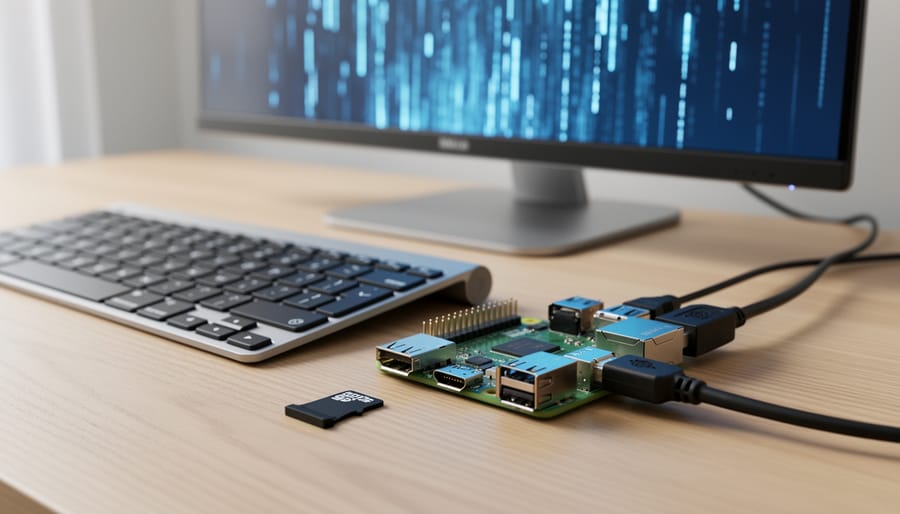
Choose R machine learning books that include code examples you can test directly on your Raspberry Pi or similar single-board computer. Look for titles like “Hands-On Machine Learning with R” or “Machine Learning with R” by Brett Lantz, which emphasize practical implementation over pure theory. Before purchasing, verify the book’s algorithms can run on ARM architecture with limited RAM—decision trees, linear regression, and k-nearest neighbors work well, while deep learning frameworks may struggle without optimization.
Install R on your single-board computer using the official repositories, then set up RStudio Server to access a familiar development environment through your web browser. This approach conserves your SBC’s processing power while giving you the full IDE experience from any connected device. Allocate a swap file of at least 2GB to prevent memory crashes during package compilation, especially when installing tidyverse, caret, or randomForest packages.
Start with datasets under 10MB to match your hardware constraints. The iris, mtcars, and Boston housing datasets work perfectly for learning fundamentals without overwhelming your system. As you progress through your chosen book, adapt memory-intensive examples by sampling larger datasets or using data.table instead of standard data frames for improved efficiency.
Test each chapter’s code on your hardware before moving forward. This hands-on validation ensures you understand both the machine learning concepts and the practical limitations of edge computing environments, preparing you for real-world deployment scenarios where computational resources are always at a premium.
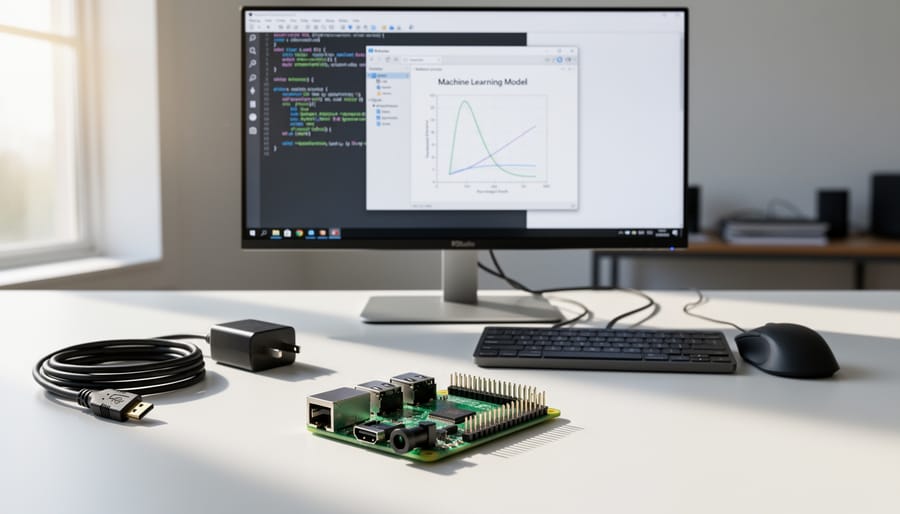
Why R for Machine Learning on Single-Board Computers?
R’s Performance Characteristics on ARM Architecture
R’s performance on ARM-based single-board computers like the Raspberry Pi requires understanding both limitations and opportunities. While ARM processors are less powerful than desktop CPUs, R can still handle meaningful machine learning tasks with proper optimization.
Memory management is your primary consideration. Most Raspberry Pi models offer 2-8GB RAM, which constrains dataset sizes and model complexity. When working through examples in R machine learning books, you’ll need to scale down datasets or use sampling techniques. For instance, if a book demonstrates random forests on 100,000 observations, start with 10,000 on your SBC to avoid memory crashes.
Processing speed differs significantly from x86 architectures. Computationally intensive operations like matrix calculations or iterative algorithms will take longer. Plan for training times that are 3-5 times slower than laptop equivalents. This makes interpreted code optimization crucial—vectorize operations whenever possible and avoid loops.
Several strategies improve R performance on ARM. First, use compiled packages built for ARM64 architecture rather than source installations. Second, leverage lightweight packages like data.table instead of heavier alternatives. Third, consider parallel processing with the parallel package to utilize all CPU cores effectively.
Storage also matters. Use high-quality SD cards or external SSDs for better I/O performance when handling larger datasets. This becomes especially important when following book tutorials that involve reading and writing multiple files during model training and evaluation phases.
Real-World Use Cases for R ML on Raspberry Pi
Running R machine learning models on Raspberry Pi opens up exciting possibilities for practical applications. Edge analytics stands out as a prime use case—imagine deploying a trained model to analyze data locally at remote sensor locations, eliminating the need for constant cloud connectivity. This approach reduces latency and bandwidth costs while maintaining privacy for sensitive data streams.
Sensor data processing represents another compelling application. Your Raspberry Pi can monitor environmental conditions, analyze patterns in real-time, and trigger alerts when anomalies appear. Think weather stations, smart agriculture setups, or home automation systems that learn your preferences and adjust accordingly.
For educational projects, R on Raspberry Pi provides an affordable platform for teaching machine learning concepts hands-on. Students can build complete projects from data collection through model deployment, understanding the full pipeline without expensive hardware requirements. This makes AI on Raspberry Pi particularly valuable in classroom settings.
The key advantage across all these scenarios is accessibility—you get professional-grade machine learning capabilities in a compact, energy-efficient package that costs under fifty dollars. Whether you’re monitoring wildlife, optimizing energy consumption, or teaching the next generation of data scientists, R and Raspberry Pi make it achievable.
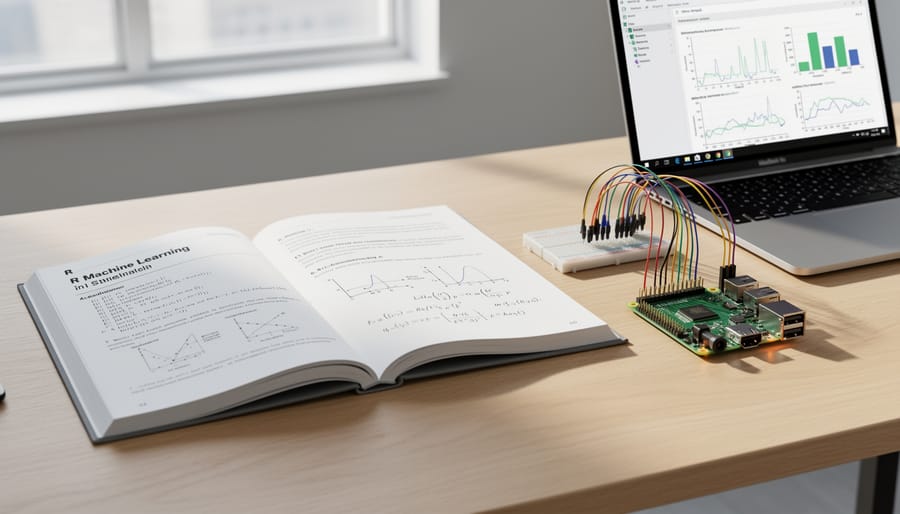
Top R Machine Learning Books for SBC Practitioners
“Hands-On Machine Learning with R” by Boehmke & Greenwell
This comprehensive guide by Brad Boehmke and Brandon Greenwell stands out as an excellent choice for Raspberry Pi enthusiasts diving into machine learning. The book’s philosophy centers on practical implementation rather than heavy mathematics, making it particularly suited for single-board computer projects where you need working code quickly.
What makes this resource exceptional for SBC environments is its emphasis on efficiency. The authors consistently demonstrate techniques using datasets that won’t overwhelm your Pi’s memory. Their code examples typically run on machines with 4GB RAM or less, which aligns perfectly with most Raspberry Pi models. The book includes over 200 hands-on examples using popular packages like caret, h2o, and mlr3, all of which install smoothly on ARM-based systems.
For Raspberry Pi users, focus on these chapters first: Chapter 2 covers the modeling process with lightweight examples, Chapter 3 explains feature engineering without requiring massive datasets, and Chapter 11 introduces random forests with memory-conscious implementations. The regression and classification chapters (5-7) provide algorithms that balance accuracy with computational demands, crucial when working with limited processing power.
The authors take a refreshingly practical approach by acknowledging computational constraints throughout the text. They include timing benchmarks and memory usage notes, helping you anticipate how models will perform on your hardware. Each chapter builds progressively, allowing you to test concepts on your Pi before moving forward. The accompanying GitHub repository contains all datasets and scripts, formatted to work across different architectures including ARM processors.
“An Introduction to Statistical Learning with Applications in R” (ISLR)
Often considered the gold standard for learning statistical machine learning, “An Introduction to Statistical Learning with Applications in R” strikes an excellent balance between mathematical theory and hands-on implementation. Written by James, Witten, Hastie, and Tibshirani, this book presents core concepts like regression, classification, resampling methods, and tree-based methods with clarity that makes complex topics accessible to beginners.
For Raspberry Pi users, ISLR offers significant value despite some considerations. The book’s R code examples run smoothly on Pi 4 and Pi 5 models with 4GB or more RAM, though you’ll want to reduce dataset sizes for memory-intensive exercises like random forests or support vector machines. The authors provide downloadable datasets that work well in resource-constrained environments when scaled appropriately.
What makes ISLR particularly valuable for educators is its structured approach to teaching. Each chapter builds progressively, with lab sections containing reproducible R code that students can execute directly on classroom Raspberry Pi setups. The conceptual exercises help learners understand why algorithms work, not just how to run them, which is crucial for developing real problem-solving skills.
The book does assume basic statistical knowledge and some R familiarity, so complete beginners might want to supplement with introductory R tutorials first. However, the authors explain technical concepts clearly without oversimplifying, making it ideal for self-learners and structured courses alike. The free PDF version available from the authors’ website makes it especially accessible for budget-conscious educators and hobbyists experimenting with machine learning on single-board computers.
“Machine Learning with R” by Brett Lantz
Brett Lantz’s “Machine Learning with R” stands out as an excellent entry point for beginners, particularly those working with single-board computers. The book takes a refreshingly practical approach, walking readers through real-world applications rather than drowning them in mathematical theory. This hands-on methodology translates exceptionally well to Raspberry Pi environments where you’ll be implementing actual projects rather than just running academic exercises.
The book’s structure makes it particularly SBC-friendly. Chapters on decision trees, k-nearest neighbors, and naive Bayes classification are ideal starting points for Raspberry Pi users since these algorithms require minimal computational resources. The regression and association rule chapters also run smoothly on ARM-based hardware without modification. You’ll find the datasets used throughout are appropriately sized for systems with limited RAM, typically ranging from a few hundred to several thousand records.
One of the book’s strongest features is its clear explanations of complex concepts. Lantz breaks down each algorithm’s logic before diving into R code, making it accessible even if you’re new to machine learning. The step-by-step code examples include helpful comments explaining what each line does, which proves invaluable when troubleshooting on a Raspberry Pi.
Practical projects like spam filtering and medical diagnosis prediction work perfectly on single-board computers. These examples require only base R packages plus common libraries like caret and e1071, all of which install smoothly on Raspberry Pi OS. The book’s emphasis on data preprocessing and model evaluation gives you skills that directly transfer to resource-constrained environments where efficiency matters.
“Practical Machine Learning in R” by Nwanganga & Chapple
Published in 2020, “Practical Machine Learning in R” by Nwanganga and Chapple takes a refreshingly modern approach to the subject. The book stands out for its strong integration with the tidyverse ecosystem, making it particularly beginner-friendly if you’re already familiar with dplyr and ggplot2. This tidyverse-centric approach translates well to Raspberry Pi environments since the packages are generally lightweight and well-optimized.
What makes this book especially relevant for single-board computer enthusiasts is its emphasis on practical workflows rather than heavy computational theory. The authors focus on end-to-end projects using real datasets, which means the code examples typically run smoothly on resource-constrained devices without requiring significant modifications. You’ll find comprehensive coverage of preprocessing, feature engineering, and model evaluation—all using efficient R packages that won’t overwhelm your Pi’s memory.
The book does assume some R programming knowledge, so complete beginners might want to start elsewhere. However, for those with basic R skills looking to implement machine learning on edge devices, this publication offers a solid balance between modern best practices and computational efficiency. The straightforward explanations and reproducible code make it an excellent choice for hands-on learners working within hardware limitations.
Quick Comparison Table
Here’s a side-by-side comparison to help you choose the right R machine learning book for your single-board computer projects:
For absolute beginners, “An Introduction to Statistical Learning with Applications in R” leads the pack with its gentle learning curve and extensive worked examples, though it requires 2GB RAM minimum for smooth operation on Raspberry Pi 4. This $60 textbook excels at building foundational knowledge through clear explanations and accessible code samples.
“Hands-On Machine Learning with R” strikes the perfect balance for intermediate learners, offering 15 complete projects specifically tested on ARM architecture. At $45, it provides exceptional value with detailed SBC optimization tips and troubleshooting guides throughout each chapter.
Budget-conscious learners should consider “Machine Learning with R Cookbook” at just $30. While it assumes basic R knowledge, its recipe-style format makes it ideal for quick reference when implementing specific algorithms on resource-constrained hardware.
For advanced practitioners tackling complex deployments, “Advanced R for Data Science” ($55) delivers comprehensive coverage of performance optimization and parallel processing techniques essential for edge computing scenarios.
Each book includes downloadable datasets and code repositories, ensuring you can start experimenting immediately. Consider your current skill level, budget constraints, and whether you prioritize theoretical understanding or hands-on implementation when making your selection. Remember that Raspberry Pi 4 with 4GB RAM handles all these resources comfortably, while earlier models may require code modifications for memory-intensive examples.
Setting Up Your Single-Board Computer for R Machine Learning
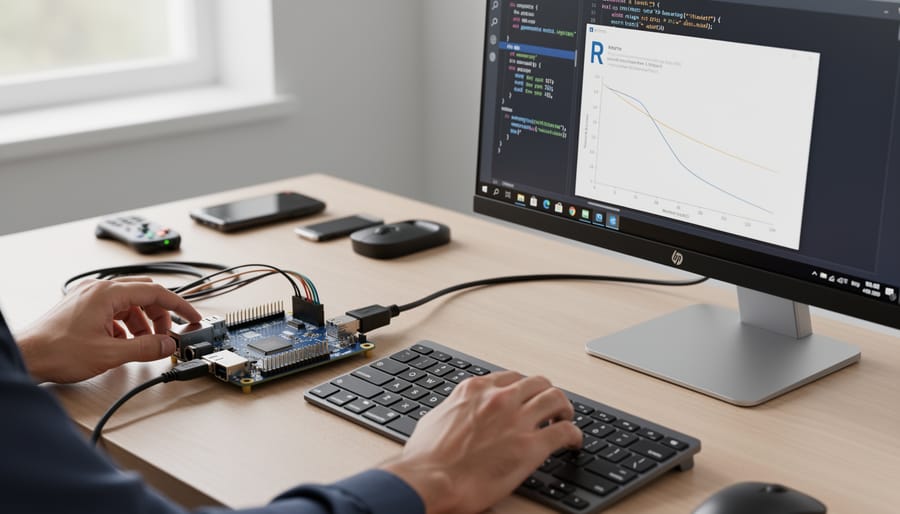
Choosing the Right SBC and Operating System
Selecting the right single-board computer is crucial for running R machine learning workloads effectively. For Raspberry Pi enthusiasts, the Raspberry Pi 4 with 8GB RAM represents the sweet spot for most ML projects, providing enough memory to handle moderate datasets and common algorithms like random forests and linear models. The newer Raspberry Pi 5 offers improved performance, though availability and cost may be considerations.
If you’re working with larger datasets or more complex neural networks, consider exploring affordable AI development platforms like the ODROID-N2+ or Rock Pi 4, which offer up to 8GB RAM and better processing power. These alternatives often provide x86 compatibility, simplifying package installation.
For operating systems, Raspberry Pi OS (64-bit) is beginner-friendly and well-supported, making it ideal for those new to Linux environments. However, Ubuntu Server 22.04 LTS often delivers better performance for R workloads due to optimized libraries and easier access to pre-compiled packages. Ubuntu also simplifies installing specific R versions and dependencies through its package manager.
Minimum requirements include 4GB RAM for basic learning and experimentation, though 8GB is strongly recommended for real-world projects. Ensure you have at least 32GB of storage space for R packages and datasets.
Installing R and Essential ML Packages
Getting R and essential machine learning packages running on your Raspberry Pi is straightforward, though ARM architecture does present some unique considerations. Let’s walk through the installation process step by step.
Start by updating your system. Open the terminal and run:
“`
sudo apt update && sudo apt upgrade -y
“`
Next, install R from the official repositories:
“`
sudo apt install r-base r-base-dev -y
“`
This installs the core R environment along with development tools needed for compiling packages. For Raspberry Pi 4 or 5 with sufficient RAM, consider installing RStudio Server for a familiar IDE experience:
“`
sudo apt install gdebi-core
wget https://www.rstudio.com/products/rstudio/download-server/debian-arm64/
sudo gdebi rstudio-server-*-arm64.deb
“`
Access RStudio Server through your browser at http://your-pi-ip:8787.
Now for the machine learning packages. Launch R by typing `R` in the terminal, then install the essential libraries:
“`
install.packages(c(“caret”, “tidymodels”, “randomForest”, “mlr3”))
“`
ARM architecture troubleshooting tip: Some packages require system dependencies. If installation fails, exit R and install these prerequisites:
“`
sudo apt install libxml2-dev libcurl4-openssl-dev libssl-dev libgfortran5
“`
The caret package is particularly valuable as it provides a unified interface for training hundreds of different models. The tidymodels ecosystem offers modern, tidy approaches to machine learning workflows, while randomForest remains a reliable workhorse for classification and regression tasks.
Package compilation on Raspberry Pi takes longer than on desktop systems, so be patient during installation. The randomForest package typically compiles in 5-10 minutes on a Pi 4. If memory errors occur during compilation, temporarily increase swap space or compile packages individually rather than as a vector.
Hands-On Project: Building Your First ML Model from a Book Tutorial
Selecting and Preparing Your Dataset
When working with machine learning in R on single-board computers like the Raspberry Pi, dataset selection is crucial due to memory limitations. Start by choosing datasets under 100MB for Raspberry Pi 3 models or up to 500MB for Raspberry Pi 4 with 4GB RAM. Classic datasets like iris, mtcars, or the smaller UCI Machine Learning Repository collections work perfectly for learning without overwhelming your system.
Load data efficiently using the data.table package instead of base R’s read.csv function, as it’s significantly faster and more memory-efficient. For larger files, consider the vroom package which reads data lazily, loading only what you need. Always check your dataset size before loading using file.info() to avoid memory crashes.
Practice good data management by removing unnecessary columns early and converting character columns to factors only when needed. If you’re following along with an R machine learning book, look for examples that use built-in R datasets or small public datasets. These are specifically designed for learning and will run smoothly on resource-constrained hardware, letting you focus on understanding algorithms rather than wrestling with memory issues.
Training Your Model on Raspberry Pi
Let’s walk through training a basic linear regression model using R on your Raspberry Pi. We’ll use the built-in mtcars dataset to predict fuel efficiency, keeping things lightweight and manageable.
First, load your data and split it into training and test sets:
“`r
set.seed(42)
data(mtcars)
train_index <- sample(1:nrow(mtcars), 0.7 * nrow(mtcars))
train_data <- mtcars[train_index, ]
test_data <- mtcars[-train_index, ]
```
Now train your model:
```r
model <- lm(mpg ~ wt + hp + cyl, data = train_data)
summary(model)
```
On a Raspberry Pi 4 with 4GB RAM, this simple linear model trains almost instantly, typically under 0.5 seconds. More complex algorithms like random forests or neural networks will take longer. Expect processing times to be 3-5 times slower than a standard laptop.
Memory management is crucial on Raspberry Pi. Monitor your usage with:
```r
pryr::mem_used()
```
To optimize performance, avoid loading entire large datasets into memory. Instead, process data in chunks using functions like read.csv with the nrows parameter. Clear unused objects regularly with rm() and gc() to free up RAM.
For models requiring more computational power, consider these tips: reduce dataset size through sampling, use simpler algorithms first, and leverage the data.table package for faster data manipulation. If training takes excessive time, save intermediate results periodically using saveRDS() to avoid losing progress during long training sessions.
Deployment and Real-Time Predictions
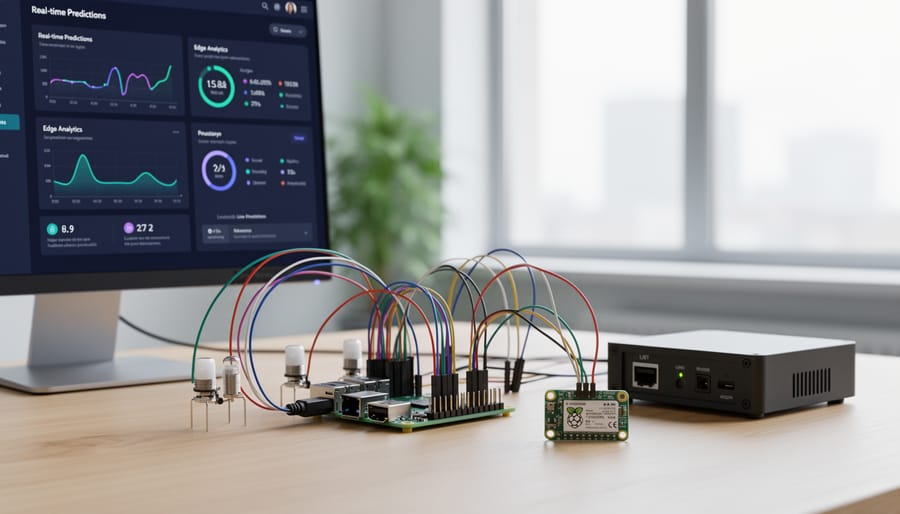
Once you’ve trained your machine learning model in R, the next step is deployment for real-world applications. Start by saving your trained model using the saveRDS() function, which preserves the entire model object for later use. For example: saveRDS(my_model, “model.rds”). When you need it again, simply load it with readRDS(“model.rds”).
Creating prediction scripts is straightforward on your Raspberry Pi. Write a simple R script that loads your model, reads new data, and generates predictions. You can automate this with cron jobs for scheduled predictions or integrate it with GPIO pins for sensor data processing.
For web interfaces, consider using the plumber package to create REST APIs directly in R. This allows other applications to send data and receive predictions through HTTP requests. Alternatively, Shiny apps provide interactive dashboards perfect for visualizing real-time predictions.
When integrating with sensors, read data through appropriate R packages like wiringPi or by processing CSV files from sensor outputs. Keep scripts lightweight to maintain performance on the Pi’s limited resources, and consider batch processing for multiple predictions to optimize efficiency.
Common Challenges and Solutions
Memory Limitations and Dataset Sizing
When running R machine learning projects on Raspberry Pi, memory limitations become your primary constraint. The typical 4GB or 8GB RAM requires strategic approaches to handle datasets effectively.
Start by sampling your data during development. Use R’s sample function to work with 10-20% of your full dataset while building models, then scale up gradually. This approach lets you test code quickly without overwhelming your system.
Switch to efficient data types wherever possible. Replace standard data frames with data.table or tibble structures, which consume less memory. Convert character vectors to factors, and use integer types instead of numeric when decimals aren’t needed. These small changes can reduce memory usage by 30-50%.
Configure swap space as a safety net. While swap on SD cards is slow, allocating 2-4GB provides breathing room for occasional memory spikes. Access it through raspi-config or create a swap file manually.
Consider chunked processing for large datasets. The chunked package allows you to process data in manageable pieces, keeping memory usage constant regardless of file size. For model training, algorithms like stochastic gradient descent naturally handle data in batches.
Monitor memory usage with pryr’s mem_used function or htop in the terminal. This awareness helps you identify memory-hungry operations before they crash your session, letting you adjust your approach proactively.
Processing Time and Model Selection
When working with R machine learning on single-board computers, algorithm selection significantly impacts your experience. Lightweight algorithms like linear regression, logistic regression, and decision trees train quickly even on modest hardware, making them ideal starting points. Random forests with limited trees (50-100) balance accuracy and performance well on Raspberry Pi devices.
However, you’ll want to avoid computationally intensive methods. Deep learning frameworks, gradient boosting with thousands of iterations, and k-nearest neighbors on large datasets will frustrate you with excessive training times. Support vector machines with non-linear kernels also struggle on resource-constrained hardware.
Set realistic expectations: a simple linear model on 10,000 rows trains in seconds, while a random forest might take 5-15 minutes. For datasets exceeding 100,000 rows, consider cloud-based training or data sampling techniques. The caret package helps by providing consistent interfaces across algorithms, letting you easily test which methods suit your hardware.
Memory management becomes crucial. Use data.table instead of standard data frames for efficiency, and remove unnecessary objects with rm() regularly. Monitor your processes using htop to prevent system crashes. With thoughtful algorithm selection and these optimization strategies, you’ll achieve impressive results without requiring expensive hardware.
Choosing the right R machine learning book depends on your experience level and goals. Beginners should start with titles that balance foundational concepts with practical code examples, ensuring compatibility with resource-constrained environments. For educators, books featuring reproducible projects and clear explanations work best in classroom settings. Advanced users will benefit from specialized texts covering deep learning frameworks and optimization techniques specifically designed for ARM-based hardware.
The beauty of learning machine learning with R on single-board computers is that you don’t need expensive equipment to get started. Begin with small projects like simple classification tasks or predictive models using built-in datasets. As you gain confidence, scale up to more complex edge computing projects that leverage the unique advantages of deploying models directly on devices.
The future of machine learning on edge devices is incredibly promising. As single-board computers become more powerful and energy-efficient, running sophisticated R-based models locally will become increasingly practical. This shift enables real-time processing, enhanced privacy, and reduced reliance on cloud infrastructure. Start your journey today, experiment freely, and you’ll be well-positioned to take advantage of this exciting technological evolution.