

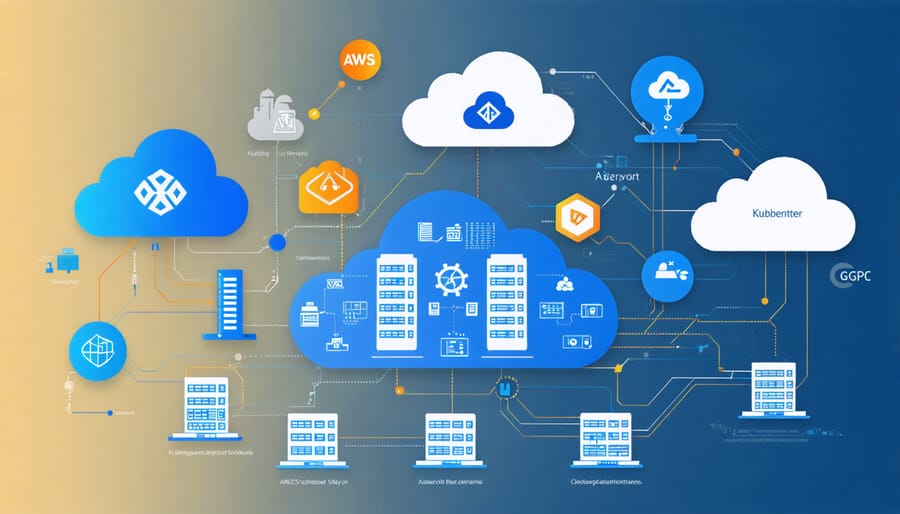
Deploy Kubernetes across multiple cloud environments and on-premises infrastructure to create a resilient, scalable hybrid architecture that maximizes resource efficiency and reduces vendor lock-in. Leverage containerized applications with unified management tools like kubectl to seamlessly orchestrate workloads between public cloud providers (AWS, Azure, GCP) and local data centers.
Implement cloud-native storage solutions such as Rook or OpenEBS to ensure persistent data management across hybrid environments, while maintaining data sovereignty and compliance requirements. Configure robust network policies and service mesh implementations like Istio to enable secure, transparent communication between clusters regardless of their physical location.
Master hybrid cloud costs by intelligently distributing workloads based on performance requirements, data gravity, and pricing models. Run compute-intensive tasks on scalable public cloud resources while keeping sensitive data processing on-premises, creating an optimal balance between flexibility and control.
This hybrid approach empowers organizations to maintain critical workloads on private infrastructure while leveraging the elasticity and innovation of public cloud services, all unified through Kubernetes’ consistent orchestration layer.
The Hybrid Cloud Challenge
Why Traditional Virtualization Isn’t Enough
Traditional virtualization, while groundbreaking when first introduced, falls short in meeting the demands of modern hybrid cloud environments. Virtual machines (VMs) operate as complete system copies, each requiring its own operating system and consuming significant resources. This approach becomes increasingly inefficient when scaling applications across different cloud environments and on-premises infrastructure.
The rigid nature of VMs makes it challenging to move workloads seamlessly between different environments. Each VM typically needs manual configuration adjustments when migrating between clouds, leading to operational overhead and potential compatibility issues. Additionally, traditional virtualization often results in resource wastage, as VMs require allocation of fixed resources regardless of actual usage.
Another limitation is the lack of native container support and orchestration capabilities. While VMs can run containers, they weren’t designed with containerization in mind, making it difficult to achieve the level of automation and scalability required in modern hybrid deployments. This gap becomes particularly evident when organizations need to maintain consistent development and deployment practices across multiple cloud providers and local infrastructure.
These limitations have driven the adoption of container-based solutions like Kubernetes, which offers a more flexible and efficient approach to hybrid cloud management.
The Container Revolution
The container revolution in cloud computing has fundamentally transformed how organizations deploy and manage applications across diverse environments. Containers package applications and their dependencies into lightweight, portable units that can run consistently anywhere, breaking down the traditional barriers between different cloud platforms and on-premises infrastructure.
This standardization of application packaging has made hybrid cloud deployments more feasible and manageable than ever before. Unlike traditional virtualization, containers share the host operating system’s kernel, making them more efficient and faster to deploy. They also provide excellent isolation between applications while consuming fewer resources, making them ideal for distributed systems.
The ability to package applications consistently has solved one of the biggest challenges in hybrid cloud deployments: ensuring applications work the same way across different environments. Whether running on a local data center, public cloud, or even a Raspberry Pi cluster, containerized applications maintain their behavior and dependencies, dramatically simplifying deployment and management processes.
Kubernetes as the Hybrid Cloud Enabler
Uniform Orchestration Layer
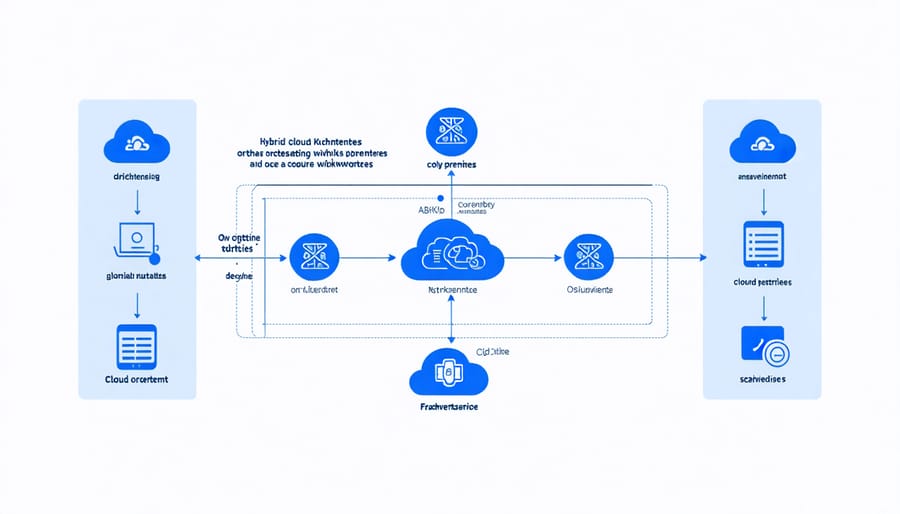
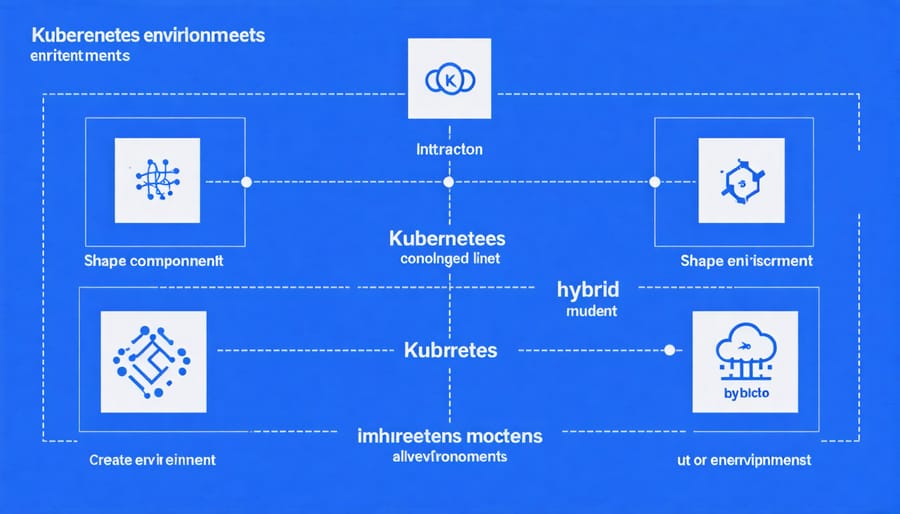
Kubernetes excels at providing a consistent management layer across diverse cloud environments, making it an ideal orchestrator for hybrid cloud deployments. When you deploy Kubernetes across your infrastructure, whether on-premises or in multiple cloud providers, it creates a uniform interface for container orchestration and application management.
This standardization means your DevOps teams can use the same tools, commands, and processes regardless of where workloads are running. For instance, deploying an application to your local data center uses the same kubectl commands and YAML configurations as deploying to AWS, Google Cloud, or Azure. This consistency significantly reduces the complexity of managing hybrid environments and minimizes the risk of environment-specific issues.
Key benefits of Kubernetes’ uniform orchestration include:
1. Consistent API endpoints across all environments
2. Standardized deployment processes and configurations
3. Unified monitoring and logging capabilities
4. Identical security policies and access controls
5. Common service discovery and load balancing mechanisms
For hobbyists and learners, this uniformity is particularly valuable when experimenting with hybrid setups. You can start with a small cluster on Raspberry Pi hardware to learn the basics, then apply the same principles when scaling to cloud providers. The declarative nature of Kubernetes means your application configurations remain portable and environment-agnostic.
The orchestration layer also handles important operational tasks consistently across environments, including:
– Automatic scaling of applications
– Self-healing of failed containers
– Rolling updates and rollbacks
– Service discovery and load balancing
– Storage orchestration
This unified approach makes Kubernetes an excellent choice for organizations looking to maintain operational consistency while leveraging the benefits of both on-premises and cloud infrastructure.
Built-in Load Balancing and Scaling
Kubernetes excels at managing workload distribution and scaling across hybrid cloud environments through its built-in features. At the core of this capability is the Kubernetes control plane, which automatically handles load balancing and ensures your applications remain highly available across different cloud environments.
The platform uses services and ingress controllers to distribute incoming traffic across multiple pods, whether they’re running on-premises or in the cloud. When you deploy an application, Kubernetes automatically creates endpoints and maintains service discovery, making it seamless for components to communicate regardless of their physical location.
One of the most powerful features is horizontal pod autoscaling (HPA), which automatically adjusts the number of pods based on CPU utilization or custom metrics. For example, if your application experiences increased traffic, Kubernetes can automatically spin up additional pods across your hybrid infrastructure to handle the load. This scaling works transparently across different environments, ensuring optimal resource utilization.
Load balancing in Kubernetes is particularly effective in hybrid setups because it considers factors like node capacity, affinity rules, and network latency when placing workloads. The platform’s scheduler makes intelligent decisions about where to place pods based on available resources and defined constraints, whether they’re in your local datacenter or cloud environment.
For those learning Kubernetes on Raspberry Pi clusters, these features can be tested on a smaller scale. You can simulate hybrid cloud scenarios by designating different Pi nodes as different “zones” and observe how Kubernetes handles workload distribution and scaling across them. This hands-on experience provides valuable insights into how these mechanisms work in larger production environments.
Setting Up Your First Hybrid Cloud Lab

Local Kubernetes Cluster Setup
Setting up a local Kubernetes cluster using Raspberry Pi boards provides an excellent way to learn and test hybrid cloud configurations without significant cost. You’ll need at least three Raspberry Pi 4 boards (one master and two worker nodes), each with 4GB RAM or more, microSD cards, and a network switch for connectivity.
Start by flashing Ubuntu Server 20.04 LTS onto each microSD card using the Raspberry Pi Imager. Once your Pis are powered up and connected to the network, install Docker and Kubernetes components (kubelet, kubeadm, and kubectl) on all nodes. Configure the master node first using kubeadm init, making sure to specify the appropriate pod network CIDR.
For the network plugin, Flannel works well with Raspberry Pi clusters. After initializing the master node, join your worker nodes using the token provided during initialization. Verify your cluster’s health with kubectl get nodes to ensure all nodes are in “Ready” status.
To simulate a hybrid cloud environment, you can label your nodes to represent different “zones” or “regions.” This setup allows you to test workload distribution and failover scenarios that mirror real hybrid cloud deployments. Install MetalLB as your load balancer to handle external traffic, similar to cloud provider load balancers.
Remember to enable container features in boot/cmdline.txt and configure proper cooling for your Raspberry Pis, as Kubernetes workloads can be resource-intensive.
Cloud Integration Steps
Connecting your local Kubernetes cluster to cloud services requires careful planning and a systematic approach. Start by ensuring your local cluster has the necessary authentication and network configurations to communicate with your chosen cloud provider. For a successful hybrid cloud implementation, follow these essential steps:
First, install and configure the cloud provider’s CLI tools on your local system. For example, if you’re using AWS, install the AWS CLI and configure your credentials. Next, set up a Virtual Private Network (VPN) or direct connection between your local network and the cloud provider’s network to ensure secure communication.
Install the cloud provider’s specific Container Storage Interface (CSI) drivers and Custom Resource Definitions (CRDs) in your local cluster. These components enable seamless integration with cloud storage services and other resources.
Configure your cluster’s kubeconfig file to include both local and cloud contexts. This allows you to switch between environments easily using kubectl commands. Make sure to implement proper RBAC (Role-Based Access Control) policies to manage access permissions across both environments.
Finally, test the connection by deploying a simple application that spans both environments. Start with a stateless application to verify basic connectivity before moving on to more complex workloads that require data persistence or service discovery across clusters.
Remember to monitor network latency and bandwidth usage, as these factors can significantly impact the performance of your hybrid setup.
Workload Distribution Strategies
Effectively distributing workloads in a Kubernetes hybrid cloud environment requires careful planning and implementation of specific strategies. The first key approach is to use namespace-based segregation, where you can designate certain namespaces for on-premises workloads and others for cloud-based deployments. This creates a clear boundary and makes management more straightforward.
Labels and annotations play a crucial role in workload distribution. By properly tagging your pods and services, you can implement location-aware scheduling that automatically places workloads in the most appropriate environment based on factors like data sovereignty, performance requirements, or cost considerations.
Resource quotas and limits should be set differently for on-premises and cloud environments to optimize resource utilization. This helps prevent any single environment from becoming overwhelmed while ensuring critical applications have the resources they need.
For optimal performance, consider implementing topology-aware scheduling. This ensures that pods are scheduled on nodes that are physically close to the data they need to access, reducing latency and improving overall application performance.
Another effective strategy is to use node affinity rules to control where specific workloads run. For example, you might want to ensure that data-intensive applications run on-premises where network costs are lower, while scaling web frontends run in the cloud for better global accessibility.
Remember to implement proper monitoring and logging across both environments to maintain visibility and ensure your distribution strategies are working as intended.
Security and Monitoring Considerations
Securing a hybrid Kubernetes environment requires a comprehensive approach that addresses both on-premises and cloud components. Start by implementing robust security practices for virtual environments across your entire infrastructure.
Role-Based Access Control (RBAC) should be configured consistently across all clusters, ensuring that permissions are standardized whether accessing resources locally or in the cloud. Implement network policies to control pod-to-pod communication and use encrypted communication channels between clusters.
For monitoring, deploy tools like Prometheus and Grafana across your hybrid environment to maintain visibility into cluster health, performance metrics, and resource utilization. Set up centralized logging with solutions like ELK Stack (Elasticsearch, Logstash, Kibana) to aggregate logs from all clusters in one place.
Regular security scanning is crucial. Use tools like Trivy or Clair to scan container images for vulnerabilities before deployment. Implement pod security policies to enforce security standards and prevent privileged containers from running.
Consider using service meshes like Istio for additional security features such as mutual TLS authentication between services. Enable audit logging across all clusters to track who’s accessing what and when.
For your Raspberry Pi test environment, you can practice these security measures on a smaller scale. While the Pi cluster may not need enterprise-grade security, it’s an excellent platform for learning and testing security configurations before implementing them in production environments.
Remember to regularly update both your Kubernetes components and the underlying infrastructure, and maintain consistent security policies across all environments to prevent potential vulnerabilities.
Implementing Kubernetes in a hybrid cloud environment offers numerous advantages for organizations seeking flexibility, scalability, and cost-effectiveness. By leveraging Kubernetes across both on-premises and cloud infrastructures, teams can maintain consistent deployment practices while optimizing resource utilization. The ability to seamlessly move workloads between environments ensures business continuity and disaster recovery capabilities.
To get started with Kubernetes hybrid cloud implementation, begin by assessing your current infrastructure and identifying specific workload requirements. Next, choose compatible cloud providers and establish necessary networking connections. Consider starting small with a pilot project, perhaps using a Raspberry Pi cluster for testing and learning purposes before scaling to production environments.
Remember to focus on security best practices, including proper authentication mechanisms and network policies. Implement monitoring and logging solutions across all environments to maintain visibility and control. Regular testing and validation of your hybrid deployment strategy will ensure smooth operations and help identify potential improvements.
As hybrid cloud continues to evolve, Kubernetes remains a powerful tool for managing containerized applications across diverse environments. With careful planning and implementation, organizations can build resilient, efficient, and future-proof infrastructure solutions.