

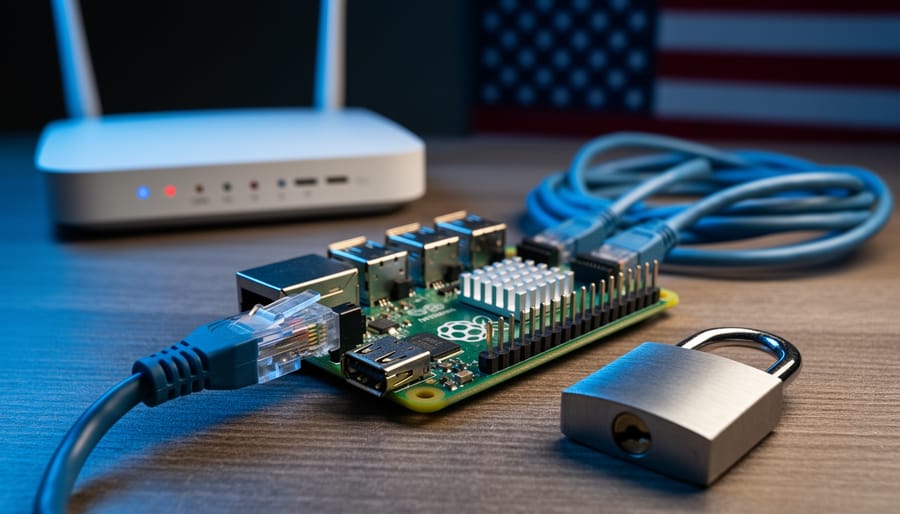
Configure a Pi-hole on your Raspberry Pi to block tracking domains and surveillance networks at the DNS level, giving you immediate visibility into which entities attempt to monitor your internet activity. Set up a WireGuard VPN server on a Raspberry Pi 4 to encrypt all your traffic and bypass geographic content restrictions that increasingly affect American internet users. Deploy Tor relay nodes using your spare Raspberry Pi boards to strengthen the anonymous network that journalists, activists, and privacy-conscious citizens rely on when accessing censored information.
Internet censorship in the United States operates differently than the firewall-style blocking seen in other countries. Instead of outright bans, American censorship manifests through ISP throttling, corporate content moderation, surveillance programs, and selective enforcement that most users never notice until it affects them directly. Your personal data flows through chokepoints controlled by telecommunications giants and tech platforms that increasingly determine what information you can access, share, and preserve.
The intersection of digital freedom and practical technology has never been more relevant for Raspberry Pi enthusiasts. While policymakers debate abstract principles of net neutrality and Section 230, you can build tangible solutions that protect your household’s internet access right now. The same skills you use to create retro gaming consoles and home automation systems apply directly to circumventing throttling, detecting surveillance, and maintaining uncensored access to information.
This guide connects the dots between national censorship mechanisms and the Raspberry Pi projects sitting on your desk. You’ll understand how American internet censorship actually works in technical terms, recognize when you’re being affected, and implement specific countermeasures using affordable hardware you probably already own. Whether you’re concerned about ISP data collection, content filtering at the network level, or maintaining access to educational resources, these practical tutorials transform your Raspberry Pi from a hobbyist board into a powerful tool for preserving open internet access.
What Internet Censorship Actually Looks Like in the United States
Internet censorship in the United States operates differently than you might expect. Unlike countries with centralized internet controls, American censorship happens through a patchwork of mechanisms involving private companies, government requests, and legal frameworks. Understanding these technical methods helps you recognize when and how your internet access might be affected.
DNS filtering represents one of the most common censorship techniques. When you type a website address, your device queries a DNS server to translate that human-readable domain into an IP address. Internet Service Providers or network administrators can manipulate these responses, directing you to error pages or blocking access entirely. This method is relatively easy to implement and commonly used in schools, libraries, and corporate networks. The good news? It’s also one of the easiest forms of censorship to bypass using alternative DNS servers.
ISP-level blocking takes censorship a step further. Your Internet Service Provider can analyze traffic patterns and block specific IP addresses or services entirely. This technique became particularly relevant after net neutrality protections were rolled back, giving ISPs more control over which content flows through their networks. While less common for general censorship, ISPs regularly use this method to comply with copyright takedown notices or court orders.
Content takedowns happen when platforms remove specific posts, videos, or accounts. These aren’t always government-mandated but often result from Digital Millennium Copyright Act requests, terms of service violations, or pressure from various entities. The decentralized nature of these decisions makes them harder to track and challenge.
Access restrictions to specific services occur through various methods. Some government networks block social media platforms entirely. Geoblocking prevents access to content based on your location, while throttling slows down specific services without blocking them completely.
For tech enthusiasts running home servers or Raspberry Pi projects, understanding these mechanisms matters practically. If you’re hosting services, sharing educational content, or building network tools, you might encounter these restrictions firsthand. The technical knowledge to identify and work around these limitations becomes valuable not just for awareness, but for maintaining the functionality of your projects and protecting your ability to access information freely.
Why Raspberry Pi Users Should Care About Digital Censorship
Accessing Open-Source Repositories and Software
For Raspberry Pi enthusiasts and developers, access to open-source repositories is as essential as the hardware itself. Platforms like GitHub and GitLab host countless projects, libraries, and code samples that power your Pi creations. Package managers such as apt, pip, and npm enable you to install the software dependencies that bring your ideas to life.
While the United States doesn’t currently block access to these development resources, understanding potential censorship scenarios helps you prepare for disruptions. Internet service providers could theoretically restrict access to specific repositories or package manager servers, either through technical errors, legal disputes, or policy changes. Educational institutions and corporate networks sometimes block certain development sites, mistakenly flagging them as security risks.
If you suddenly can’t reach GitHub or encounter package installation failures, first check if the issue is localized to your network. Try accessing these resources from your mobile data connection to rule out ISP-level blocking. Many developers keep local mirrors of critical repositories on external drives as a backup strategy.
Using a VPN configured on your Raspberry Pi can bypass most access restrictions, ensuring continuous connection to development resources. Additionally, consider setting up alternative package manager mirrors in your configuration files. For instance, Raspberry Pi OS allows you to specify different apt repository mirrors in your sources list.
The open-source community thrives on unrestricted access to shared knowledge and tools. By taking proactive steps to maintain access to these resources, you protect not just your current projects but also your ability to learn, experiment, and innovate with your Raspberry Pi.
Sharing Projects and Educational Content
Content restrictions and internet censorship can significantly disrupt how makers and educators share project knowledge. When platforms filter or block certain types of content, valuable tutorials for Raspberry Pi builds, coding projects, or hardware modifications might be flagged incorrectly as security risks. For instance, documentation explaining network configurations or VPN setups could trigger automated filters, limiting access to legitimate educational materials.
These restrictions particularly affect collaborative learning communities where hobbyists exchange troubleshooting tips and project code. GitHub repositories, forum discussions, and video tutorials might face geographical blocking or content removal if they touch on topics deemed sensitive, even when purely educational. This creates knowledge gaps for learners who rely on open-source documentation and peer support.
For Raspberry Pi enthusiasts specifically, restrictions on encryption tutorials, privacy-focused projects, or network monitoring tools can hinder skill development. The impact extends beyond individual learning to affect classroom environments where educators integrate hands-on tech projects. Understanding these limitations helps you navigate content sharing strategically, using decentralized platforms and local documentation archives to ensure project knowledge remains accessible despite filtering attempts.
IoT and Remote Access Concerns
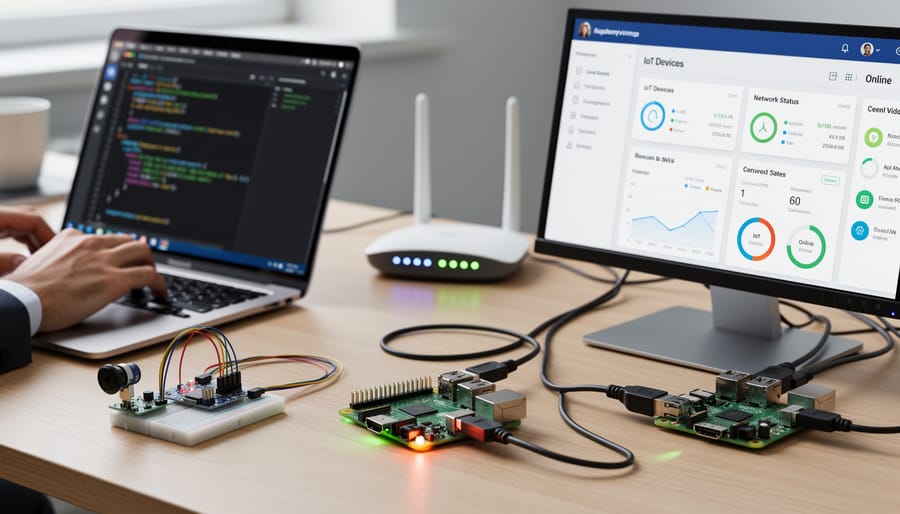
Internet censorship policies in the United States could significantly impact how you use your Raspberry Pi for IoT projects and remote access. Filtering systems and deep packet inspection can potentially interfere with VPN connections, making it harder to secure communications between your devices and remote servers. If you’re running a home automation system, remote monitoring station, or accessing your Pi from outside your network, certain ports or protocols might face restrictions that disrupt your projects.
For hobbyists using Raspberry Pi as a VPN server or accessing cloud-based IoT platforms, understanding these potential limitations is essential. DNS-level blocking could prevent connections to certain services, while traffic throttling might slow down data transmission from sensors or cameras. The good news is that you can take proactive steps to protect your projects through encryption, alternative DNS servers, and proper network configuration. Testing your remote access setup regularly and having backup communication methods ensures your IoT devices remain accessible regardless of policy changes affecting network traffic.
Current State of Internet Freedom in the US: What’s Actually Happening
The landscape of internet freedom in the United States is shifting rapidly, affecting how tech enthusiasts access information, share projects, and communicate online. While the US doesn’t engage in the widespread censorship seen in some countries, several concerning developments impact your digital rights and online activities.
Net neutrality remains one of the most significant battlegrounds. The Federal Communications Commission repealed net neutrality protections in 2017, allowing internet service providers to potentially throttle or prioritize certain types of traffic. This means your ISP could theoretically slow down your ability to download open-source software, stream educational tech videos, or access project repositories. Some states like California have implemented their own net neutrality laws, creating a patchwork of protections across the country.
Content moderation on major platforms has intensified dramatically. Social media companies now remove or restrict content based on terms of service violations, but the line between harmful content and legitimate tech discussions sometimes blurs. Maker communities have reported projects being flagged or removed when they involve networking tools, encryption tutorials, or privacy-focused applications. This impacts how you can share DIY projects and collaborate with fellow enthusiasts.
Recent legislative proposals add another layer of complexity. The EARN IT Act and similar bills aim to address online safety but could undermine end-to-end encryption, affecting secure communications for tech projects. The TikTok ban discussions highlight government concerns about data privacy and foreign influence, potentially setting precedents for how platforms operate.
Internet service providers occasionally block or restrict access to certain websites and services. While usually targeting illegal content, these blocks sometimes catch legitimate resources in their nets. Technical communities have reported difficulty accessing certain file-sharing platforms, VPN services, and international tech forums.
For Raspberry Pi enthusiasts and makers, these developments have practical implications. Your ability to access certain software repositories, use privacy tools, or share project documentation could face restrictions. Educational resources about network security, VPN setup, or ad-blocking sometimes get caught in content moderation filters designed for other purposes.
The good news is that understanding these challenges empowers you to take action. Many of the projects you can build with affordable single-board computers directly address these concerns, from creating your own DNS servers to building privacy-focused networks. The tech community continues advocating for digital rights while developing practical solutions that put control back in your hands.

Protecting Your Raspberry Pi Projects from Censorship and Restrictions
Setting Up a VPN on Your Raspberry Pi
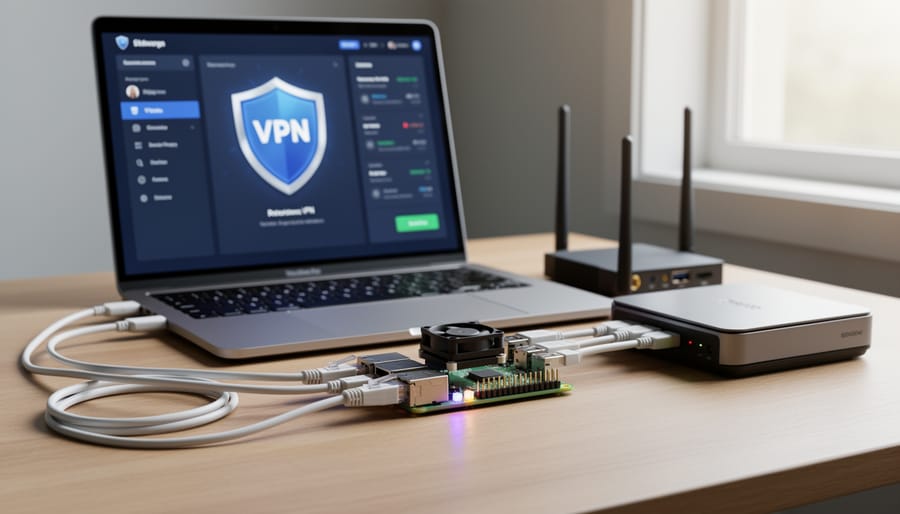
A VPN (Virtual Private Network) encrypts your internet traffic and masks your IP address, making it an essential tool for maintaining privacy and bypassing potential restrictions. By hosting your own VPN server on a Raspberry Pi, you gain complete control over your data without relying on third-party services that may log your activity or have questionable privacy policies.
Setting up a VPN on your Raspberry Pi is more straightforward than you might think. Two popular options are WireGuard and OpenVPN. WireGuard has gained popularity for its modern cryptography, simpler configuration, and faster performance, while OpenVPN remains a reliable, battle-tested solution with extensive documentation.
To get started with WireGuard, first update your Raspberry Pi system with sudo apt update && sudo apt upgrade. Install WireGuard using sudo apt install wireguard. Generate public and private keys using the wg genkey command, then create a configuration file at /etc/wireguard/wg0.conf. This file will contain your server settings, including the private key, listening port (typically 51820), and client configurations.
For OpenVPN, install the software with sudo apt install openvpn easy-rsa. Use Easy-RSA to generate certificates and keys for authentication. Configure your server settings in /etc/openvpn/server.conf, specifying encryption protocols and network parameters.
Both solutions require port forwarding on your router to allow external connections. Remember that securing your Raspberry Pi is crucial before exposing it to the internet—use strong passwords, enable fail2ban, and keep your system updated.
Once configured, you can connect to your home VPN from anywhere, ensuring your internet traffic remains private and encrypted, effectively creating a secure tunnel through potentially censored or monitored networks.
Creating Your Own Local Repository Mirror
Setting up your own local repository mirror on a Raspberry Pi ensures you’ll always have access to critical software packages, even if upstream sources become restricted or unavailable. This self-reliance approach gives you control over your software supply chain while learning valuable system administration skills.
Start by selecting which repositories you want to mirror. For Raspberry Pi OS users, the Raspbian repository is essential. You’ll need substantial storage space—a 1TB external drive connected to your Pi 4 should suffice for most setups. Install the apt-mirror package using the command: sudo apt install apt-mirror.
Next, configure your mirror by editing /etc/apt/mirror.list. Add the repositories you want to clone, such as the main Raspbian archives. Be mindful that full mirrors can exceed 500GB, so consider mirroring only the architectures and distributions you actually use. The base_path variable determines where files are stored, so point it to your external drive.
Run the initial sync with sudo apt-mirror. This process takes several hours depending on your internet connection, so start it overnight. Once complete, configure a simple web server using nginx or Apache on your Pi to serve the repository files to other devices on your network.
For automated updates, add a cron job to sync your mirror weekly. This approach works particularly well in educational settings, maker spaces, or home labs where multiple systems need reliable package access without depending on external connectivity.
DNS Configuration for Unrestricted Access
One of the simplest yet most effective ways to bypass DNS-level filtering on your Raspberry Pi is configuring alternative DNS servers. DNS (Domain Name System) translates website names into IP addresses, and some internet service providers use DNS filtering to restrict access to certain sites. By switching to unrestricted DNS providers, you can often circumvent these limitations.
Start by editing your Raspberry Pi’s DNS configuration. Open the terminal and type `sudo nano /etc/resolv.conf`. You’ll see lines beginning with “nameserver” followed by IP addresses. Replace these with alternative DNS servers like Cloudflare (1.1.1.1 and 1.0.0.1) or Quad9 (9.9.9.9). These providers focus on privacy and don’t implement content filtering beyond security-related blocks.
For a more permanent solution, especially if you’re using DHCP, modify the `/etc/dhcpcd.conf` file instead. Add the line `static domain_name_servers=1.1.1.1 1.0.0.1` before the interface configuration. After saving your changes, restart the DHCP service with `sudo service dhcpcd restart`.
Keep in mind that DNS configuration alone won’t bypass all forms of censorship, particularly deep packet inspection or IP-based blocking. However, it’s an excellent first step that requires minimal technical expertise and provides immediate results for many common filtering scenarios.
The Maker Community’s Role in Defending Digital Freedom
As makers and tech enthusiasts, we have a unique opportunity to champion digital freedom in ways that extend far beyond our workbenches. The Raspberry Pi and maker communities aren’t just building innovative projects—we’re building the future of an open internet, one device and one informed decision at a time.
Your involvement starts with education. Understanding how censorship works, from DNS filtering to deep packet inspection, empowers you to make informed choices about your projects and online activities. Share this knowledge with others through local maker meetups, workshops, or online forums. When you explain concepts like VPN tunneling or privacy-focused DNS servers to a fellow hobbyist, you’re expanding the network of digitally literate citizens who can recognize and resist censorship.
Supporting digital rights organizations is another crucial step. Groups like the Electronic Frontier Foundation (EFF), Fight for the Future, and the Free Software Foundation work tirelessly to protect internet freedom through legal advocacy and public awareness campaigns. Consider donating, volunteering your technical skills, or simply amplifying their messages within your community networks.
The maker community can also advocate directly for open internet policies. When net neutrality debates arise or new surveillance legislation is proposed, your voice matters. Contact your representatives, submit public comments during FCC hearings, and participate in digital rights campaigns. Your technical expertise gives you credibility when explaining why certain policies threaten innovation and freedom.
Building censorship-resistant tools and sharing them openly demonstrates practical alternatives to restrictive systems. Whether you’re creating a Pi-hole ad blocker tutorial or documenting a privacy-focused home network setup, you’re contributing to a library of knowledge that helps others maintain their digital autonomy. These projects should incorporate digital ethics from the ground up, ensuring we build technology that respects human rights.
Remember, defending digital freedom isn’t a solitary effort—it’s a collective movement powered by curious minds willing to experiment, learn, and stand up for an open internet.

Understanding internet censorship in the United States isn’t just about policy debates—it’s about protecting your right to innovate, learn, and create with tools like the Raspberry Pi. Throughout this article, we’ve explored how censorship mechanisms can impact your projects, from blocked educational resources to restricted access to open-source repositories. The good news? You’re not powerless in this landscape.
By implementing the protective measures we’ve discussed—setting up VPN configurations, using privacy-focused DNS servers, and leveraging Tor relays on your Raspberry Pi—you’re taking concrete steps to safeguard your digital freedom. These aren’t just theoretical exercises; they’re practical shields that ensure your maker projects, educational pursuits, and tech experiments remain unhindered by unnecessary restrictions.
Staying informed about internet censorship policies empowers you to anticipate changes and adapt your projects accordingly. Whether you’re an educator teaching students about networking, a hobbyist experimenting with IoT devices, or simply someone who values unrestricted access to information, the knowledge you’ve gained here forms a foundation for digital resilience.
Now it’s your turn to act. Choose one protective measure from this article and implement it on your Raspberry Pi this week. Start with a basic VPN setup or configure a privacy-respecting DNS resolver. Each small step strengthens your digital autonomy and contributes to a more open internet. Your projects deserve the freedom to flourish—make it happen today.