

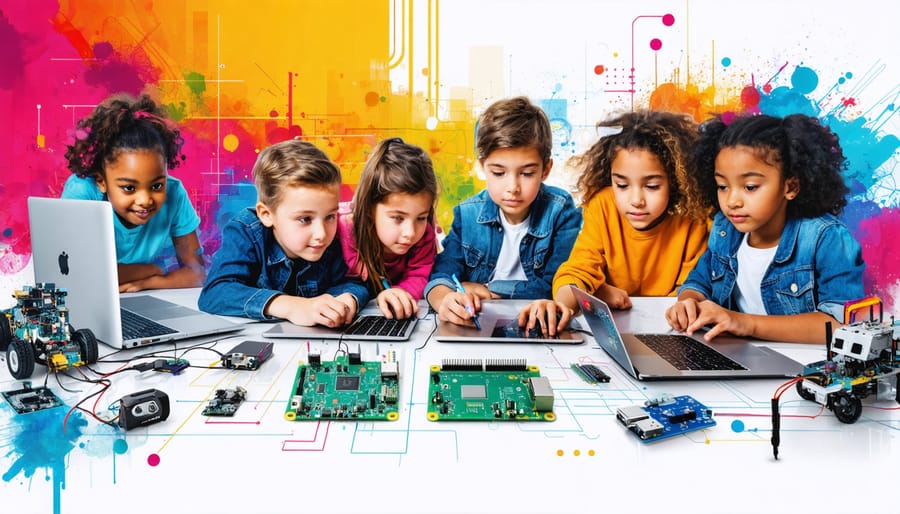
Single-board computers have evolved dramatically in 2023, revolutionizing STEM education and transforming the DIY computing landscape. The Raspberry Pi 5’s groundbreaking 2.4GHz quad-core processor, alongside newcomers like the Orange Pi 5 and Rock 5B, has redefined what’s possible with compact computing platforms. These powerful yet affordable devices now rival desktop performance while maintaining their signature $35-100 price range, making advanced computing accessible to students, makers, and innovators worldwide. From running sophisticated AI applications to powering smart home automation systems, 2023’s single-board computers pack unprecedented processing power, enhanced GPIO capabilities, and improved thermal management into their credit card-sized frames. Whether you’re building a classroom robotics lab or developing IoT solutions, these versatile platforms offer the perfect blend of performance, affordability, and educational value.
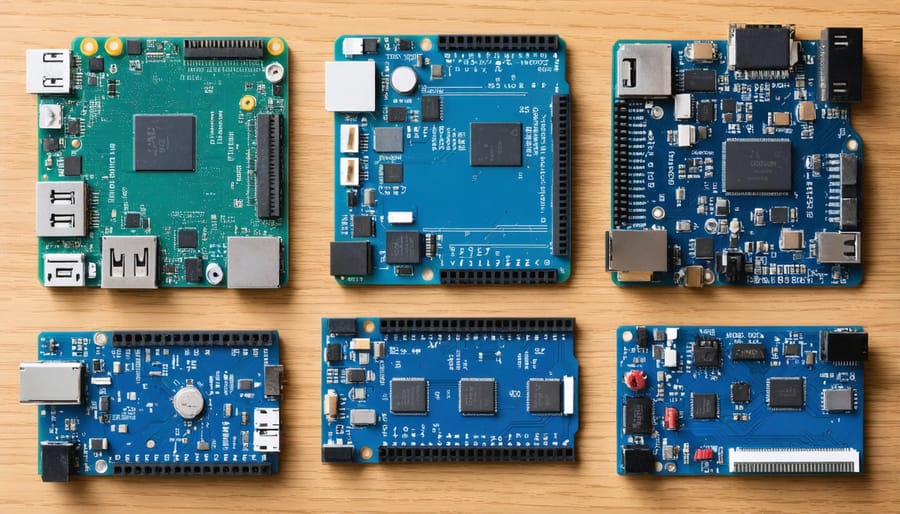
Top Single-Board Computers Reshaping STEM Education in 2023
Raspberry Pi 5: The New Educational Standard
The Raspberry Pi 5 marks a significant leap forward in educational computing, offering unprecedented performance that makes it an ideal platform for modern STEM education. With its quad-core 2.4GHz processor and up to 8GB of RAM, this single-board computer delivers desktop-level performance while maintaining the accessibility and affordability that educators love.
What sets the Pi 5 apart is its enhanced GPU capabilities, making it perfect for teaching visual programming, 3D modeling, and even basic machine learning concepts. Students can now run multiple applications simultaneously, from coding environments to Raspberry Pi server setups, without experiencing the lag that sometimes frustrated learners using previous models.
The improved power management and dual display support enable more sophisticated classroom setups, while the enhanced GPIO capabilities open new possibilities for electronics and robotics projects. Educators particularly appreciate the upgraded USB 3.0 ports and PCIe interface, which support faster external storage and additional hardware expansions.
For classroom implementation, the Pi 5’s backward compatibility with existing HATs and accessories means schools can upgrade their hardware while preserving their investment in educational materials. The familiar Raspberry Pi OS, coupled with an extensive library of educational software and resources, ensures a smooth transition for both teachers and students.
The Pi 5’s improved thermal management also means longer, more stable operation during extended classroom sessions, making it more reliable for daily educational use.
Arduino Portenta H7: Advanced Learning Made Simple
The Arduino Portenta H7 represents a significant leap forward in educational computing, combining professional-grade capabilities with accessibility for advanced STEM learning. This dual-core powerhouse features an Arm Cortex-M7 running at 480MHz and an M4 at 240MHz, enabling students and educators to explore complex programming concepts and real-world applications.
What sets the Portenta H7 apart is its versatility in supporting multiple programming languages, including Arduino code, Python, and JavaScript. The board comes equipped with built-in security features, wireless connectivity, and a high-speed USB port, making it ideal for IoT projects and advanced robotics applications in educational settings.
For 2023, Arduino has enhanced the development environment with improved libraries and documentation, making it easier for educators to integrate the board into their curriculum. The Portenta H7’s industrial-grade components ensure durability in classroom settings, while its compact form factor maintains portability for various projects.
Students can leverage the board’s machine learning capabilities and real-time processing power to create sophisticated projects, from AI-powered sensors to advanced control systems, preparing them for real-world engineering challenges.
BeagleBone AI-64: Machine Learning for Students
The BeagleBone AI-64 stands out as a powerful educational tool designed specifically for machine learning applications in classroom settings. This single-board computer features a 1.5GHz quad-core ARM processor, dedicated AI accelerators, and 4GB of RAM, making it ideal for students learning about artificial intelligence and deep learning concepts.
What sets this board apart is its focus on real-time AI processing capabilities, allowing students to experiment with computer vision, natural language processing, and robotics projects. The board comes pre-loaded with essential AI frameworks and libraries, reducing setup time and enabling students to dive straight into hands-on learning.
Educators will appreciate the comprehensive documentation and learning resources available, including step-by-step tutorials and project ideas suitable for various skill levels. The board’s industrial-grade components ensure durability in classroom environments, while its extensive GPIO options support a wide range of sensors and peripherals.
For schools looking to implement AI education programs, the BeagleBone AI-64 offers an excellent balance of performance, accessibility, and educational value, making it a compelling choice for STEM curricula in 2023.
Implementing SBCs in Educational Programs
Setting Up Your First STEM Lab
Setting up your first STEM lab with single-board computers doesn’t have to be complicated or expensive. Start by designating a well-ventilated space with adequate power outlets and a reliable internet connection. For a basic setup serving 4-6 students, you’ll need:
Essential Hardware:
– 4-6 single-board computers (Raspberry Pi 4 recommended for beginners)
– Matching number of power supplies and microSD cards
– Basic peripherals (keyboards, mice, and monitors)
– Network switch for connectivity
– Storage containers for components
Basic Tools and Accessories:
– Anti-static mats and wrist straps
– Basic toolkit (screwdrivers, pliers)
– Cable management solutions
– USB flash drives for backup
Begin by creating individual workstations, each with its own monitor, keyboard, and mouse. Arrange tables in clusters to encourage collaboration while maintaining enough space for students to work comfortably. Install a network switch to connect all devices to the internet and enable file sharing between workstations.
For software, start with the standard Raspberry Pi OS, which includes Python programming tools and basic electronics interfaces. Consider adding educational packages like Scratch for visual programming and Arduino IDE for hardware projects.
Remember to establish basic safety rules and create a check-out system for components. Label everything clearly and maintain an inventory list. Start with simple projects to build confidence before moving to more complex assignments.
Project-Based Learning Examples
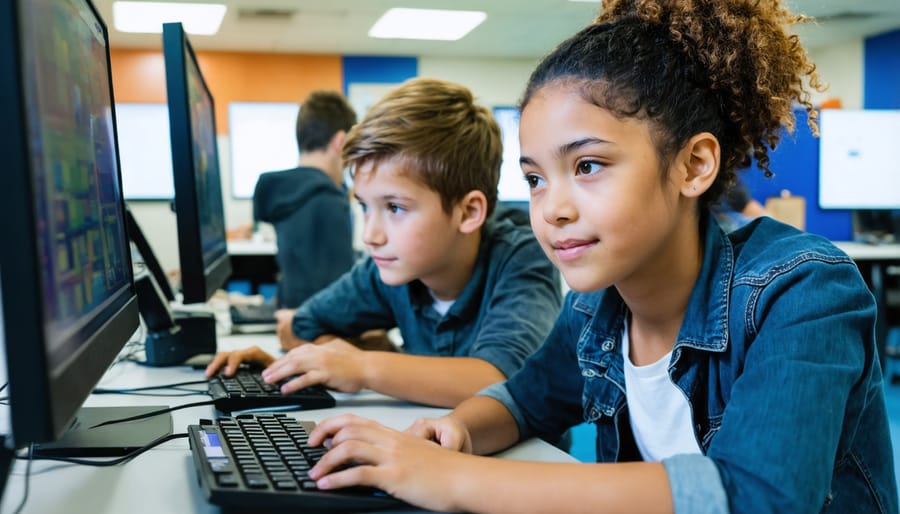
In 2023, educators and students have created remarkable projects using single-board computers, demonstrating their versatility in hands-on learning. One standout example is the “Smart Garden Monitor” project, where students use Raspberry Pi to create automated systems that measure soil moisture, control watering schedules, and track plant growth through time-lapse photography.
Another successful implementation is the “Weather Station Network,” where multiple schools connect their single-board computer stations to share real-time environmental data. Students learn programming, data analysis, and environmental science while contributing to a larger citizen science initiative.
The “Classroom Assistant Robot” project has gained popularity, with students programming single-board computers to create interactive helpers that can take attendance, answer basic questions, and assist with simple classroom management tasks. This project combines robotics, AI concepts, and practical problem-solving skills.
Several schools have implemented “Digital Art Galleries” using single-board computers to power interactive displays. Students create digital artwork and develop custom interfaces for gallery navigation, learning both creative skills and technical implementation.
The “Community Radio Station” project enables students to broadcast school news and music using single-board computers as low-cost broadcasting solutions. This project teaches audio processing, networking, and media production while serving the school community.
These projects demonstrate how single-board computers can bridge theoretical knowledge with practical applications, making STEM education more engaging and relevant for students.
Cost Analysis and Funding Solutions
When implementing single-board computers in educational settings, cost considerations play a crucial role in decision-making. The average cost per unit ranges from $35 to $100, with bulk educational discounts often available. While this might seem substantial, the long-term benefits and versatility of these devices make them a cost-effective investment for schools.
To maximize budgets, schools should explore various funding options for school programs, including technology grants, STEM initiative funds, and corporate sponsorships. Many manufacturers offer educational pricing and donation programs specifically designed for schools. Additionally, organizations like Code.org and the Computer Science Teachers Association frequently provide resources and funding opportunities.
Consider implementing a phased approach to acquisition, starting with a pilot program using 10-15 units. This allows schools to evaluate effectiveness and develop implementation strategies before scaling up. Maintenance costs are typically minimal, with most boards requiring only basic accessories and occasional software updates.
To reduce costs further, schools can partner with local tech communities, participate in equipment sharing programs, or explore refurbished options. Remember to factor in peripheral costs such as cases, power supplies, and storage solutions when planning your budget. Many successful programs also incorporate student-led maintenance teams, reducing operational expenses while providing valuable hands-on experience.
Safety and Security Considerations
Network Security Best Practices
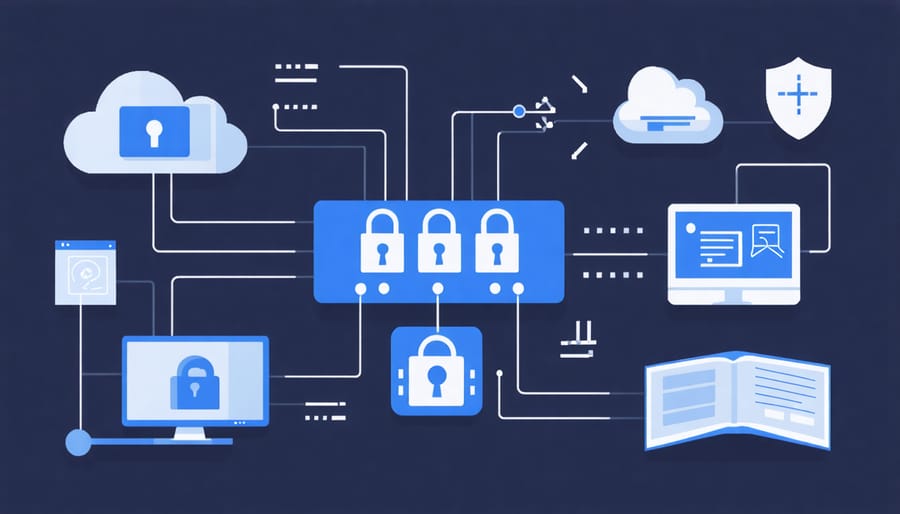
When implementing single-board computers in educational settings, robust security measures are essential to protect both devices and student data. Start by establishing strong password policies and implementing two-factor authentication where possible. Regular security audits and updates are crucial, as these compact devices often connect to various network infrastructure considerations.
Configure firewalls to restrict unauthorized access and monitor network traffic for suspicious activities. Use encrypted connections (SSH) for remote access and disable unnecessary services and ports. Consider implementing VLANs to segregate student devices from administrative networks.
For data protection, encrypt sensitive information stored on SD cards and USB drives. Implement automated backup solutions to prevent data loss and establish clear protocols for handling student information. Regular security awareness training for students and staff helps maintain a secure computing environment.
Keep software and operating systems up to date by enabling automatic updates when possible. Use reputable antivirus solutions compatible with your chosen operating system. Document all security measures and create an incident response plan for potential breaches.
Finally, consider physical security measures such as device tracking systems and secure storage solutions when devices aren’t in use. These practices ensure a safe learning environment while maximizing the educational benefits of single-board computers.
Physical Safety and Maintenance
When working with single-board computers in educational settings, proper handling and maintenance are crucial for longevity and student safety. Always store SBCs in anti-static bags or cases when not in use, and ensure students understand the importance of grounding themselves before handling these sensitive electronic components.
Establish clear workstation protocols, including keeping liquids away from the devices and using proper power supplies to prevent electrical damage. Make sure power cables are properly organized to prevent tripping hazards, and consider using cable management solutions to keep workspaces tidy.
Regular maintenance should include gentle cleaning with compressed air to remove dust, checking for loose connections, and inspecting SD cards for wear. Create a maintenance schedule and keep a log of any issues or repairs. For classroom sets, implement a labeling system to track individual boards and their maintenance history.
Temperature management is essential – ensure adequate ventilation and avoid stacking boards while in use. If using cases, choose ones with proper ventilation holes. Consider installing small heatsinks on processors for boards running intensive applications.
For storage, maintain a dry environment with moderate temperature (around 20-25°C). Use storage containers with anti-static padding and organize components systematically. Keep spare parts, such as SD cards and power supplies, in a designated area, and regularly audit your inventory to ensure everything remains in working order.
Always have basic troubleshooting tools on hand, including multimeters and spare cables, and maintain an up-to-date first aid kit in case of minor accidents during practical sessions.
Single-board computers have revolutionized STEM education in 2023, making technology more accessible and engaging for students of all ages. These compact yet powerful devices have transformed traditional classrooms into interactive learning spaces where theory meets hands-on experience. The affordability and versatility of SBCs have enabled schools with limited budgets to provide their students with real-world computing experience, effectively bridging the digital divide.
The impact extends beyond basic programming and electronics. Students are now creating sophisticated projects, from environmental monitoring systems to automated smart home solutions, developing critical thinking and problem-solving skills along the way. The community-driven nature of SBC platforms has fostered collaboration and peer learning, creating an ecosystem where students can share knowledge and build upon each other’s innovations.
Looking ahead, the future of SBCs in education appears increasingly promising. The continuous development of more powerful and energy-efficient boards, coupled with expanding software support, suggests even greater educational possibilities. We’re likely to see more integration of artificial intelligence and machine learning capabilities in entry-level boards, making advanced technology concepts more approachable for students.
The trend toward remote and hybrid learning has further emphasized the importance of SBCs in education. These devices provide students with portable, cost-effective learning platforms that can be used both in classroom settings and at home. As we move forward, we can expect to see more specialized boards designed specifically for educational purposes, with features tailored to classroom needs and student safety.
The success of SBCs in education has also sparked increased interest from industry partners, leading to more resources, tutorials, and support materials being developed. This growing ecosystem will continue to make it easier for educators to implement SBC-based curricula and for students to explore technology independently.
As we conclude 2023, it’s clear that single-board computers have become indispensable tools in STEM education, laying the foundation for the next generation of innovators, engineers, and problem solvers.