

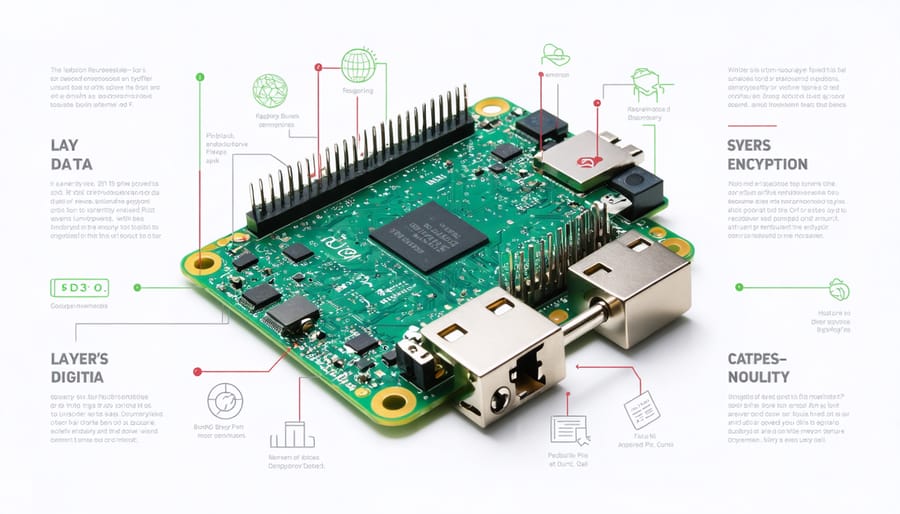
Protect sensitive personal information (PII) on your Raspberry Pi by implementing multiple layers of encryption and following essential security hardening steps. Configure LUKS (Linux Unified Key Setup) encryption for full disk protection, ensuring data remains secure even if your device is physically compromised. Deploy OpenSSL to encrypt individual files and folders containing PII, using AES-256 encryption with strong password policies. Implement encrypted swap partitions to prevent sensitive data leakage during system operations, and establish automated backup procedures that maintain encryption throughout the storage lifecycle.
The rising frequency of data breaches makes PII encryption non-negotiable for Raspberry Pi projects handling personal data. Modern encryption tools, when properly configured, provide military-grade protection while maintaining system performance. Whether you’re building a home server, IoT device, or educational platform, incorporating these encryption practices safeguards both your users’ privacy and your project’s integrity.
Understanding PII on Your Raspberry Pi
Types of Sensitive Data to Protect
When working with a Raspberry Pi, several types of sensitive data require protection. Personal Identifiable Information (PII) commonly exists in various forms across your Pi system, from user account details to project-specific data. As you secure your Raspberry Pi device, pay special attention to these key categories:
User credentials are a primary concern, including usernames, passwords, and SSH keys stored in the /home directory. Database files often contain sensitive customer information, payment details, or personal records, typically found in /var/lib/mysql or similar locations. Configuration files in /etc may contain API keys, access tokens, or connection strings that could compromise security if exposed.
Email addresses, physical addresses, and phone numbers stored in web applications or local databases need protection. Photos, documents, and backups in /home/pi or external storage devices might contain metadata with location data or personal details. For IoT projects, sensor data could reveal patterns about home occupancy or personal habits.
Remember that temporary files and system logs might inadvertently store PII, so include /tmp and /var/log directories in your encryption strategy. Browser data, cookies, and cached credentials in ~/.mozilla or similar directories should also be considered sensitive.
Essential Encryption Tools for Raspberry Pi
LUKS Full Disk Encryption
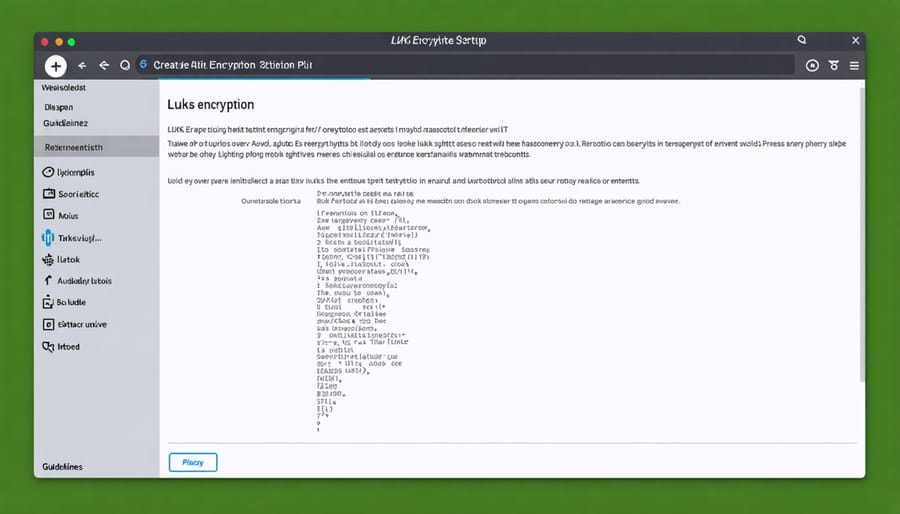
LUKS (Linux Unified Key Setup) offers a robust solution for full disk encryption on your Raspberry Pi, ensuring comprehensive protection of all stored data. This encryption method is particularly effective because it secures the entire disk, including swap spaces and temporary files that might contain sensitive information.
To implement LUKS encryption, you’ll need to configure it during the initial Raspberry Pi OS installation. Start by downloading the Raspberry Pi Imager and selecting your preferred OS. Before writing to the SD card, press Ctrl+Shift+X to access advanced options. Here, you can enable encryption and set a password that will be required each time the system boots.
For existing installations, you can encrypt individual partitions using these commands:
“`bash
sudo cryptsetup luksFormat /dev/sda1
sudo cryptsetup luksOpen /dev/sda1 encrypted_drive
sudo mkfs.ext4 /dev/mapper/encrypted_drive
“`
After encryption, mount the drive:
“`bash
sudo mount /dev/mapper/encrypted_drive /mnt/secure
“`
Remember to back up your encryption keys and passwords securely. If these are lost, there’s no way to recover your data. For optimal security, combine LUKS encryption with strong passwords and regular key rotation.
LUKS encryption adds minimal performance overhead while providing strong security through modern encryption standards like AES-256. This makes it an ideal choice for protecting sensitive personal information on your Raspberry Pi.
EncFS for File-Level Encryption
EncFS provides a flexible solution for encrypting specific files and folders on your Raspberry Pi, making it ideal for protecting PII while maintaining easy access to non-sensitive data. This file-level encryption tool creates an encrypted view of your files while keeping the originals secure.
To implement EncFS, first install it using:
“`bash
sudo apt-get install encfs
“`
Create two directories: one for the encrypted data and another for the mounted view:
“`bash
mkdir ~/encrypted
mkdir ~/visible
“`
Initialize the encryption with:
“`bash
encfs ~/encrypted ~/visible
“`
During setup, choose the paranoid mode for maximum security when storing PII. This configuration uses stronger encryption algorithms and key derivation methods.
Once configured, simply place files in the ~/visible directory, and EncFS automatically encrypts them in the ~/encrypted directory. When you’re done working with the files, unmount the visible directory:
“`bash
fusermount -u ~/visible
“`
EncFS particularly shines when you need to encrypt specific folders containing sensitive information while leaving other system files untouched. This selective approach helps maintain system performance while ensuring PII remains protected. Remember to backup your encryption key and password, as losing them means permanent loss of access to your encrypted files.
Step-by-Step PII Encryption Implementation
Database Encryption
Database encryption is a crucial layer of protection for PII stored on your Raspberry Pi. When implementing database encryption, you have several effective approaches at your disposal. The most common method is transparent data encryption (TDE), which automatically encrypts data as it’s written to disk and decrypts it when authorized users access the database.
For MySQL databases on your Pi, you can enable encryption at rest using the AES_ENCRYPT and AES_DECRYPT functions. These built-in functions allow you to encrypt specific columns containing sensitive data while keeping other data readily accessible. For example, you might encrypt columns containing email addresses and social security numbers while leaving non-sensitive information unencrypted.
SQLite, another popular database choice for Pi projects, supports encryption through extensions like SQLCipher. This provides full database encryption with minimal performance impact. To implement SQLCipher, you’ll need to install the extension and create your database with an encryption key.
Remember to secure your encryption keys properly. Store them separately from your database, preferably in a hardware security module or encrypted configuration file. Regular key rotation is also essential for maintaining strong security.
For optimal protection, combine database encryption with other security measures like access controls and secure backup procedures. This creates a comprehensive defense strategy for your stored PII.
File System Protection
Protecting sensitive data on your Raspberry Pi starts with robust file system security. Begin by implementing strong access controls through proper file permissions. Use the chmod command to set restrictive permissions on directories containing PII, ensuring only authorized users can access them. For example, setting permissions to 700 gives full access to the owner while blocking all other users.
Consider implementing disk-level encryption using LUKS (Linux Unified Key Setup) for your storage devices. This provides an additional layer of security by encrypting the entire partition or drive where PII is stored. When properly configured, the data remains encrypted even if the storage device is physically removed from your Pi.
Create separate partitions for sensitive data and mount them with specific security options. Use the noexec, nosuid, and nodev mount options to prevent potential security exploits. Additionally, implement filesystem quotas to control storage usage and prevent denial-of-service attacks through excessive file creation.
Enable filesystem auditing with auditd to track file access and modifications. This helps monitor who accesses PII and when, creating an audit trail for security compliance. Configure automatic alerts for suspicious file system activities, such as repeated failed access attempts or unexpected permission changes.
Regular backups of encrypted data are essential, but ensure these backups are also encrypted and stored securely. Use rsync with encryption options for automated, secure backup processes.
Best Practices for Key Management
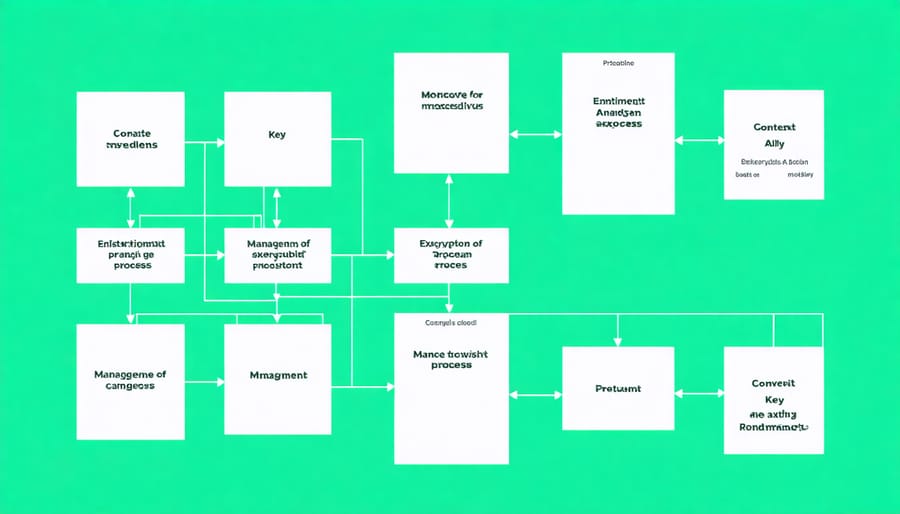
Effective key management is crucial for maintaining the security of your encrypted PII on Raspberry Pi systems. Start by generating strong encryption keys using reliable cryptographic tools like OpenSSL or GPG. Store these keys separately from your encrypted data, preferably on a different physical device or secure USB drive.
Implement a robust key rotation schedule, changing encryption keys every 90 days or sooner if there’s any suspicion of compromise. When rotating keys, ensure you re-encrypt all affected data with the new keys before destroying the old ones. Following cloud security best practices can help you establish a solid foundation for your key management strategy.
Create a secure backup system for your encryption keys. Consider using a hardware security module (HSM) or a dedicated encrypted storage device for key backups. Document your key management procedures, including backup locations and rotation schedules, but store this documentation securely and separately from the keys themselves.
Access to encryption keys should be strictly controlled using the principle of least privilege. Set up proper user authentication and maintain detailed logs of key usage. Consider implementing multi-factor authentication for accessing critical encryption keys.
For Raspberry Pi deployments, create a dedicated user account for key management operations with restricted permissions. Use encrypted directories for temporary key storage during operations, and ensure these directories are properly wiped after use. Regular security audits of your key management system will help identify potential vulnerabilities before they can be exploited.
Protecting PII through encryption is not just a best practice – it’s becoming increasingly essential for Raspberry Pi enthusiasts and makers. We’ve explored various encryption methods and tools that can help secure sensitive data on your Pi projects, from basic file encryption to full disk encryption solutions. Remember that implementing encryption is an ongoing process that requires regular updates and monitoring to maintain its effectiveness.
Start with simpler encryption methods like file-level encryption if you’re new to security practices. As you become more comfortable, gradually implement more comprehensive solutions like encrypted databases or full disk encryption. Always keep your encryption keys and passwords secure, and maintain regular backups of your encrypted data.
Consider exploring additional security measures like secure boot configurations and network encryption to create a more robust security ecosystem. Stay informed about the latest security best practices and encryption standards, as the field of data protection continues to evolve rapidly.
By taking these steps to protect PII, you’re not just securing your projects – you’re contributing to a safer maker community. Whether you’re building a home automation system or developing an IoT device, proper encryption of personal information should always be a priority.