

Data lifecycle management on Raspberry Pi systems demands strategic planning and precise execution to maximize storage efficiency and ensure data security. Implementing robust data lifecycle policies protects valuable information while optimizing system performance across educational, IoT, and hobby projects.
Create clear retention schedules for different data categories – from sensor readings to application logs – defining explicit timeframes for archival and deletion. Automate data classification using Python scripts to sort incoming information based on importance, usage patterns, and storage requirements. Configure automated backup routines that align with your data’s value, ensuring critical files are preserved while temporary data is efficiently cleared.
For Raspberry Pi environments, where storage resources are often limited, effective lifecycle policies become especially crucial. By establishing automated workflows for data movement between active storage, archives, and deletion, you maintain optimal system performance while preserving essential information. This systematic approach not only safeguards valuable data but also prevents storage bottlenecks that could impact your Pi’s performance.
The key lies in balancing storage efficiency with data accessibility – implementing policies that protect critical information while ensuring smooth operation of your Raspberry Pi projects.
Understanding Data Lifecycle Stages on Raspberry Pi
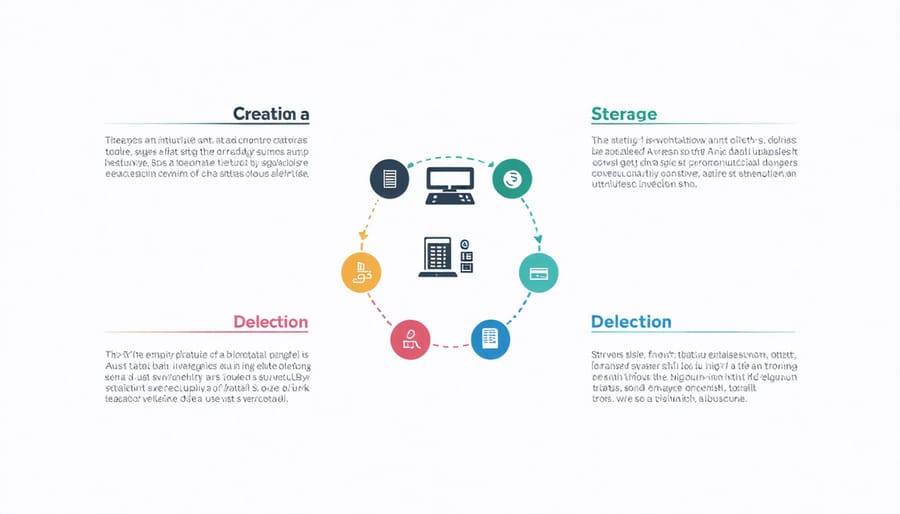
Creation and Acquisition
In Raspberry Pi projects, data creation and acquisition occur through various channels, with sensor data and user inputs being the most common sources. Sensors like temperature monitors, motion detectors, and cameras continuously generate data streams that need proper management from the moment of creation. User inputs, whether through web interfaces, physical buttons, or command-line interactions, contribute another layer of data that requires careful handling.
When setting up data collection, it’s crucial to establish clear parameters for data quality and validation at the point of creation. This includes implementing basic error checking, data formatting, and timestamp logging. For sensor data, consider sampling rates and accuracy requirements, while for user inputs, focus on validation rules and input sanitization to ensure data integrity from the start.
Storage and Management
When it comes to organizing and storing data on your Raspberry Pi, efficient management is crucial. Start by implementing a clear directory structure that separates system files, application data, and user content. Use meaningful folder names and maintain consistent naming conventions for files. Consider implementing data compression techniques for rarely accessed files to maximize storage space.
Regular backups are essential – schedule automated backups to external storage or cloud services. Monitor your storage usage with tools like ‘df’ and ‘du’, and set up alerts when storage reaches critical levels. For larger datasets, consider using external USB drives or network-attached storage (NAS) solutions to extend your Pi’s storage capacity while maintaining good performance.
Clean up temporary files and logs regularly, and implement automated cleanup scripts to prevent storage congestion. This proactive approach ensures smooth operation while maximizing your Pi’s limited resources.
Archival and Deletion
Regular data archiving helps maintain system performance while preserving important information for future reference. Set up automated archival processes to move inactive data to external storage devices or cloud services, keeping your Raspberry Pi’s storage optimized. Consider implementing a tiered storage system where frequently accessed data stays on the main storage while less-used files move to archives.
For deletion, establish clear criteria for identifying unnecessary files, such as outdated logs, temporary files, and duplicate data. Create automated cleanup scripts that run during off-peak hours to remove these files systematically. Always maintain a verification process before permanent deletion and keep detailed logs of what was removed.
Remember to comply with any relevant data retention regulations and maintain backups of archived data to prevent accidental loss. Test your restoration processes regularly to ensure archived data remains accessible when needed.
Implementing Effective Data Policies
Automated Data Management Scripts
Automating data management tasks through scripts is essential for maintaining an efficient and organized Raspberry Pi system. Python scripts are particularly effective for this purpose, offering a straightforward way to handle routine data operations. Here’s how you can create and implement automated scripts for your data lifecycle management:
Start by creating a basic cleanup script that regularly checks for old or unused files. Using Python’s os and datetime modules, you can easily identify files that haven’t been accessed within a specified timeframe. For example:
“`python
import os
import datetime
def cleanup_old_files(directory, days_threshold):
current_time = datetime.datetime.now()
for filename in os.listdir(directory):
file_path = os.path.join(directory, filename)
if (current_time – datetime.datetime.fromtimestamp(os.path.getmtime(file_path))).days > days_threshold:
os.remove(file_path)
“`
Consider implementing automated organization scripts that sort files based on their types, creation dates, or custom categories. You can schedule these scripts using cron jobs on your Raspberry Pi to run at specific intervals.
For logging and monitoring, create scripts that track disk usage and alert you when storage thresholds are reached. This proactive approach helps prevent system slowdowns and storage issues. Remember to include error handling and logging in your scripts to track their execution and troubleshoot any issues that arise.
Back up your automation scripts and test them thoroughly in a controlled environment before deploying them on your production system. This ensures that your data management processes run smoothly and reliably.
Storage Monitoring Tools
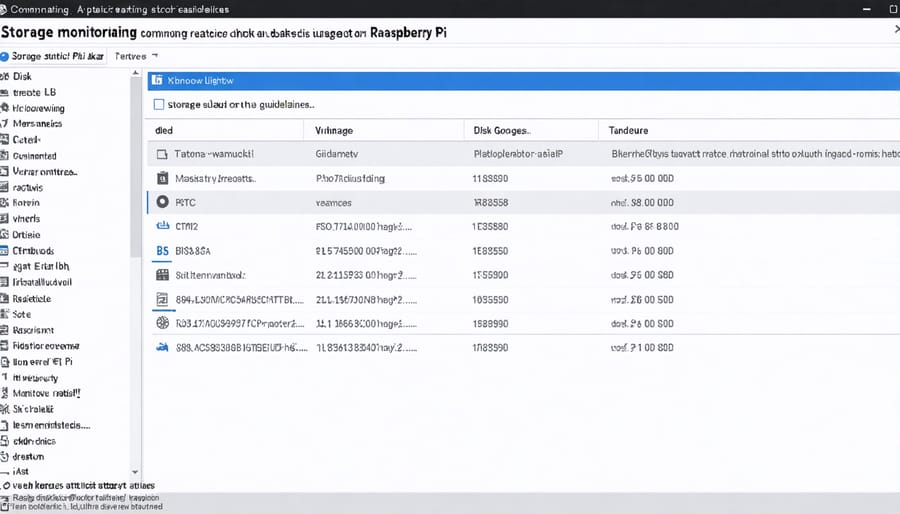
Monitoring your Raspberry Pi’s storage usage is crucial for maintaining optimal performance and preventing data loss. Several effective storage monitoring tools are available specifically for Raspberry Pi systems, making it easy to track and manage your data growth.
The built-in ‘df’ command provides a quick overview of disk space usage, while ‘du’ helps analyze directory sizes. For a more user-friendly approach, tools like Ncdu offer an interactive interface to visualize storage consumption patterns. Filelight and Disk Usage Analyzer provide graphical representations of your storage distribution, making it easier to identify large files and folders.
For automated monitoring, consider setting up Prometheus with Node Exporter, which can track storage metrics over time and alert you when space runs low. Grafana dashboards can visualize this data, helping you identify trends and predict future storage needs.
Regular monitoring should include tracking:
– Available disk space
– Rate of data growth
– Largest files and directories
– Temporary file accumulation
– Backup storage requirements
Remember to configure monitoring alerts at 80% capacity to allow time for cleanup or expansion before reaching critical levels. This proactive approach helps maintain smooth operation of your Raspberry Pi projects while preventing unexpected storage issues.
Backup Strategies
Implementing reliable backup systems is crucial for protecting your Raspberry Pi’s data against hardware failures, accidental deletions, or system corruption. A comprehensive backup strategy should follow the 3-2-1 rule: maintain three copies of your data, store them on two different types of media, and keep one copy off-site.
For Raspberry Pi systems, consider implementing automated backups using tools like rsync for file-level backups or dd for complete image backups. You can schedule these backups using cron jobs to run during low-usage periods. External USB drives or network-attached storage (NAS) devices make excellent local backup destinations.
Cloud storage solutions like Rclone or Duplicity can handle off-site backups, ensuring your data remains safe even if physical hardware is compromised. For critical projects, consider using version control systems like Git alongside your regular backups to track changes and maintain multiple versions of your code.
Test your backups regularly by performing recovery drills. This helps verify that your backup system works as intended and familiarizes you with the restoration process. Document your backup procedures and keep them updated, including steps for both full system recovery and individual file restoration.
Remember to encrypt sensitive backups, especially those stored off-site or in the cloud, to maintain data security. Tools like VeraCrypt or LUKS can help create encrypted containers for your backup files.
Security Considerations
Access Control
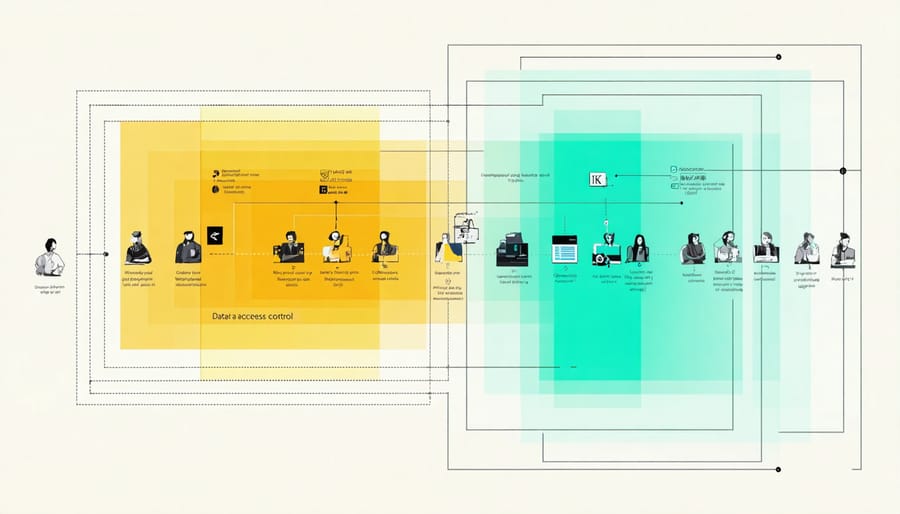
Effective managing user permissions is crucial for protecting sensitive data on your Raspberry Pi system. By implementing proper access controls, you can ensure that only authorized users can view, modify, or delete specific data throughout its lifecycle.
Start by creating distinct user roles with clearly defined permissions. For example, you might have administrators with full access, developers with read-write permissions to specific directories, and regular users with read-only access. On Raspberry Pi systems, you can use the built-in Linux user management tools like useradd, usermod, and chmod to set up these permissions.
Consider implementing Role-Based Access Control (RBAC) for larger projects. This approach assigns permissions based on job functions rather than individual users, making it easier to maintain consistency as your team grows. You can use tools like sudo to grant specific privileges to different user groups.
Regular access control audits are essential. Keep logs of who accesses what data and when, and review these logs periodically to detect any unusual patterns or potential security breaches. The Raspberry Pi’s lightweight nature makes it perfect for running simple logging scripts without overwhelming system resources.
Remember to revoke access promptly when team members leave or change roles. Maintain an up-to-date inventory of user accounts and their associated permissions. For additional security, consider implementing two-factor authentication for sensitive data access, which can be easily set up using various Python libraries compatible with Raspberry Pi.
Secure Data Disposal
When it comes to protecting sensitive data on your Raspberry Pi, proper disposal is just as crucial as secure storage. The ‘delete’ command alone isn’t enough to ensure your data can’t be recovered. Here’s how to securely dispose of sensitive data on your Pi.
For individual files, the ‘shred’ command is your first line of defense. This tool overwrites files multiple times with random data before deletion, making recovery virtually impossible. Use it with the ‘-u’ flag to delete the file after shredding: ‘shred -u filename’.
For entire drives or partitions, you have several reliable options. The ‘dd’ command can overwrite everything with zeros or random data: ‘dd if=/dev/urandom of=/dev/sdX’. However, be extremely careful with this command, as it’s irreversible.
For SSDs and flash storage (common in Pi setups), secure erasure works differently due to wear leveling. The ATA Secure Erase command is recommended when available. Alternatively, full-disk encryption from the start means a simple key deletion effectively renders data unrecoverable.
Remember these best practices:
– Always verify the target device or file before deletion
– Run secure deletion commands with appropriate permissions
– Keep backups of non-sensitive data elsewhere
– Document your disposal procedures
– Consider physical destruction for highly sensitive storage devices
For automated secure deletion, integrate these commands into your scripts or use dedicated tools like ‘secure-delete’ package. This ensures consistent, policy-compliant data disposal across your Pi projects.
When decommissioning a Pi, perform a secure wipe of the entire storage system before repurposing or disposing of the hardware.
Implementing effective data lifecycle policies on your Raspberry Pi is crucial for maintaining system performance, ensuring data security, and maximizing storage efficiency. Throughout this guide, we’ve explored the essential components of data management, from initial creation and storage to archival and deletion.
Remember that successful data lifecycle management isn’t just about following rules—it’s about creating a sustainable system that works for your specific needs. Whether you’re running a home media server, collecting IoT sensor data, or managing a small development environment, proper data policies will help protect your valuable information while keeping your Raspberry Pi running smoothly.
Key takeaways include regularly reviewing and updating your policies, automating routine maintenance tasks where possible, and maintaining clear documentation of your data management procedures. By implementing these practices, you’ll avoid common pitfalls like storage bottlenecks, data loss, and security vulnerabilities.
As your Raspberry Pi projects grow and evolve, your data lifecycle policies should adapt accordingly. Start with the basics we’ve covered and gradually refine your approach based on real-world experience and changing requirements. Regular monitoring and adjustment of your policies will ensure they remain effective and relevant to your needs.
Remember, good data management is an ongoing process, not a one-time setup. Stay proactive in maintaining your data lifecycle policies, and you’ll create a more reliable and efficient Raspberry Pi environment.