


Managing multiple Raspberry Pi devices across your network demands robust security and efficient control mechanisms. The Raspberry Pi Device Manager revolutionizes how organizations handle their fleet of Pi-based edge devices, offering centralized management, real-time monitoring, and automated security updates. From manufacturing floors to smart home networks, this powerful tool transforms scattered Pi deployments into a cohesive, manageable infrastructure.
Modern enterprises deploy hundreds of Raspberry Pis for edge computing, IoT sensors, and data collection points. Without proper device management, these deployments quickly become security vulnerabilities and maintenance nightmares. A dedicated device manager provides essential features like remote access, automated provisioning, and fleet-wide security policy enforcement – critical capabilities for scaling Pi-based solutions.
Whether you’re managing a small cluster of Pis for educational purposes or orchestrating a large-scale industrial IoT deployment, implementing a device manager streamlines operations, enhances security, and reduces maintenance overhead. This comprehensive guide explores the key features, implementation strategies, and best practices for securing and managing your Raspberry Pi fleet effectively.
Why Your Raspberry Pi Edge Devices Need a Device Manager

Security Risks in Edge Computing
When deploying Raspberry Pi devices at the edge, several security concerns need careful attention. The distributed nature of edge computing makes these devices particularly vulnerable to both physical and cyber threats. Common risks include unauthorized physical access, weak default passwords, and exposed SSH ports. To secure your Raspberry Pi, it’s crucial to address these vulnerabilities systematically.
Network-based attacks pose a significant threat, especially when devices operate on public or unsecured networks. Man-in-the-middle attacks can intercept sensitive data, while botnet recruitment attempts can compromise your entire edge infrastructure. Outdated software and unpatched vulnerabilities create additional entry points for malicious actors.
Physical security risks are equally important to consider. Edge devices are often deployed in remote or accessible locations, making them susceptible to tampering, theft, or unauthorized USB device connections. Environmental factors like power fluctuations can also lead to system instability and potential security breaches.
To mitigate these risks, implementing robust authentication mechanisms, regular security audits, and encrypted communications should be top priorities in your device management strategy.
Scale and Management Challenges
Managing multiple Raspberry Pi devices can quickly become overwhelming without proper tools and systems in place. As your fleet of devices grows, common challenges include keeping track of device locations, maintaining consistent software versions, and ensuring timely updates across all units. Manual management becomes increasingly time-consuming and error-prone, especially when dealing with dozens or hundreds of devices.
Configuration drift is another significant concern, where devices gradually develop different settings over time, making troubleshooting and maintenance more complex. Remote access and monitoring become particularly challenging when devices are distributed across different networks or physical locations. Without a centralized management solution, simple tasks like updating passwords or deploying new software can turn into lengthy, manual processes.
Network security presents additional challenges, as each device represents a potential entry point for security threats. Tracking which devices have the latest security patches and maintaining proper access controls becomes crucial but increasingly difficult at scale. These challenges underscore the importance of implementing a robust device management solution that can handle authentication, updates, and monitoring efficiently across your entire Raspberry Pi fleet.
Core Features of a Raspberry Pi Device Manager
Remote Access and Control
Secure remote access is essential for managing Raspberry Pi devices efficiently, especially when implementing cloud security management solutions. SSH (Secure Shell) provides the foundation for remote access, but it’s crucial to implement additional security measures. Start by changing the default SSH port and disabling password authentication in favor of SSH keys.
For enhanced control, consider using VPN solutions like WireGuard or OpenVPN to create secure tunnels to your devices. Web-based management interfaces such as Cockpit or WebMin offer user-friendly alternatives to command-line access, complete with resource monitoring and configuration tools.
Remote desktop access can be achieved through VNC (Virtual Network Computing) or RDP (Remote Desktop Protocol), but these should always be tunneled through SSH or VPN connections. For automated management, tools like Ansible or Puppet can help deploy configurations and updates across multiple devices simultaneously.
Remember to maintain access logs and implement fail2ban to protect against unauthorized login attempts. Regular security audits and updates ensure your remote access methods remain secure and efficient.
Authentication and Access Control
The Raspberry Pi Device Manager implements robust authentication and access control mechanisms to ensure secure device management. User authentication is handled through a combination of username/password credentials and optional two-factor authentication (2FA) using time-based one-time passwords (TOTP).
The system employs role-based access control (RBAC) with predefined user roles including Administrator, Device Manager, and Viewer. Each role carries specific permissions that determine what actions users can perform. Administrators have full system access, Device Managers can modify device configurations and update firmware, while Viewers can only monitor device status and view logs.
For enhanced security, the device manager supports integration with existing authentication systems through LDAP or Active Directory. All authentication attempts are logged, and failed login attempts trigger automatic temporary account lockouts to prevent brute force attacks.
SSL/TLS encryption is mandatory for all communications between the management interface and connected devices, ensuring that authentication credentials and sensitive data remain protected during transmission. Session management includes automatic timeouts and the ability to force-logout inactive users, providing an additional layer of security.
Monitoring and Alerts
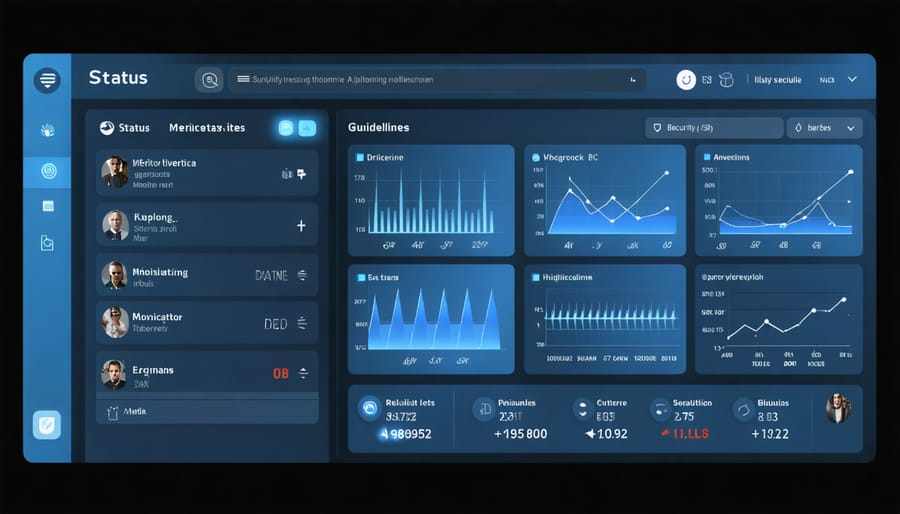
The Raspberry Pi Device Manager offers robust monitoring capabilities that keep you informed about your devices’ health and status in real-time. Through an intuitive dashboard, you can track critical metrics like CPU usage, memory consumption, storage space, and network performance across all connected Pis simultaneously.
The system implements smart alerting mechanisms that notify you when predefined thresholds are exceeded. You can configure alerts for various scenarios, such as high temperature warnings, unusual network activity, or unauthorized access attempts. These notifications can be delivered via email, SMS, or popular messaging platforms like Slack or Discord.
Custom monitoring rules allow you to set specific parameters for different devices or device groups. For instance, you might want stricter monitoring for Pis handling sensitive data or running critical applications. The monitoring system also maintains detailed logs of all device activities, making it easier to troubleshoot issues and conduct security audits.
A particularly useful feature is the automated response system, which can take predetermined actions when certain conditions are met, such as restarting services or isolating compromised devices from the network.
Update Management
Keeping your Raspberry Pi devices updated is crucial for maintaining security and performance across your network. The device manager simplifies this process by providing centralized update management for all connected Pis. You can schedule automatic updates during off-peak hours to minimize disruption to your operations, and the system allows you to test updates on designated devices before rolling them out across your entire fleet.
The update management interface displays the current software versions, available updates, and update history for each device. You can choose between automatic and manual update modes, with options to approve specific updates before deployment. The system also maintains detailed logs of all update activities, making it easy to track changes and troubleshoot any issues that might arise.
For critical systems, you can create update policies that ensure security patches are applied immediately while deferring non-essential updates for scheduled maintenance windows. The rollback feature provides an additional safety net, allowing you to quickly revert to previous versions if an update causes unexpected problems.
Setting Up Your Device Manager
Initial Configuration
Before diving into the advanced features of the Raspberry Pi device manager, it’s crucial to establish a solid foundation through proper initial setup and security hardening steps. Start by ensuring your Raspberry Pi runs the latest version of Raspberry Pi OS, as this provides the most current security patches and features.
First, change the default password for the ‘pi’ user account and create a new administrator account with a strong password. It’s recommended to disable the default ‘pi’ user altogether for enhanced security. Next, update your system packages using ‘sudo apt update’ followed by ‘sudo apt upgrade’ to patch any vulnerabilities.
Configure SSH access by enabling public key authentication and disabling password authentication. Generate SSH keys on your management device and transfer the public key to your Raspberry Pi. For additional protection, consider changing the default SSH port from 22 to a non-standard port.
Enable the UFW (Uncomplicated Firewall) and configure it to allow only necessary incoming connections. This typically includes your management ports and any specific services your device will run. Additionally, install fail2ban to protect against brute force attacks.
Finally, set up automatic security updates and enable logging to monitor system activity. These basic configurations create a secure foundation for your device management infrastructure while maintaining ease of access for legitimate administrative tasks.
Network Security Setup
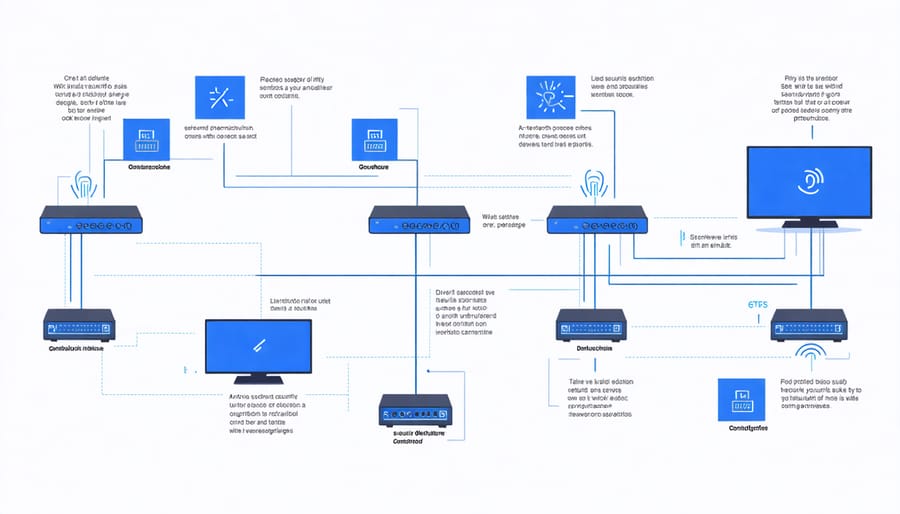
Setting up robust security measures is crucial when managing Raspberry Pi devices across your network. Start with a comprehensive network security configuration that includes enabling the built-in firewall (ufw) and configuring specific rules for your device manager’s ports.
Create a dedicated user account with limited permissions for the device manager service, and ensure all communication between devices is encrypted using SSL/TLS certificates. It’s recommended to set up a VPN tunnel for remote management, which adds an extra layer of security when accessing your Raspberry Pi devices from outside your local network.
Configure automated security updates and enable fail2ban to protect against brute force attacks. Remember to change the default SSH port from 22 to a custom number and disable password authentication in favor of SSH keys. For additional protection, implement IP whitelisting to restrict access to only trusted addresses.
Set up logging and monitoring to track any suspicious network activity. Consider using tools like Snort or Suricata for intrusion detection. Regular security audits of your network configuration will help identify and address potential vulnerabilities before they can be exploited.
Remember to backup your security configurations and maintain documentation of all implemented security measures for future reference.
Automation and Scaling
Automating your Raspberry Pi device management system is crucial for maintaining efficiency as your network grows. With proper automation tools, you can implement security policies across multiple devices simultaneously and scale your management capabilities without proportionally increasing administrative overhead.
Start by creating automated deployment scripts that can handle routine tasks like software updates, security patches, and configuration changes. Tools like Ansible or Puppet work excellently with Raspberry Pi devices, allowing you to manage configurations across your entire fleet with just a few commands.
Consider implementing automated monitoring and alerting systems that can notify you of potential security breaches or performance issues. Set up automated backup schedules and define clear escalation paths for different types of alerts. This proactive approach helps maintain system integrity while reducing manual intervention.
For scaling, utilize containerization technologies like Docker to package your applications and their dependencies. This makes it easier to deploy consistent environments across multiple devices and simplifies the process of adding new Pis to your network. Additionally, implement load balancing when dealing with multiple devices to ensure optimal resource utilization.
Create template-based deployment procedures that can be easily replicated when adding new devices. This standardization helps maintain security protocols and reduces the chance of configuration errors. Remember to document your automation procedures thoroughly and regularly test your scaling capabilities to ensure smooth operation as your network expands.
Best Practices and Common Pitfalls
When managing Raspberry Pi devices, following security best practices is crucial to protect your network and data. Always change default passwords immediately after setup and use strong, unique passwords for each device. Enable SSH key-based authentication instead of password authentication for remote access, and keep SSH ports closed unless specifically needed.
Regular system updates are essential – set up automatic updates or establish a consistent update schedule. However, always test updates on a non-production device first to avoid potential compatibility issues.
Implement network segmentation to isolate your Raspberry Pi devices from critical infrastructure. Use a firewall to restrict incoming connections and only open necessary ports. Enable logging and regularly monitor system logs for suspicious activities.
Common pitfalls to avoid include leaving default credentials unchanged, storing sensitive information in plain text, and neglecting to backup device configurations. Don’t expose management interfaces directly to the internet – use a VPN for remote access instead.
Another frequent mistake is failing to document device configurations and management procedures. Maintain detailed documentation of your setup, including network configurations, installed software, and security measures.
Be cautious with third-party applications and only install software from trusted sources. Avoid running unnecessary services that could increase your attack surface. Finally, don’t forget to physically secure your devices, especially those deployed in accessible locations.
Managing your Raspberry Pi devices effectively is crucial for maintaining security and operational efficiency. By implementing a robust device management system, you can streamline updates, monitor performance, and ensure secure access across your Pi network. Start with basic configuration, gradually incorporating more advanced features as your needs grow. Remember to regularly update your security protocols, backup your device configurations, and document any customizations you make. Whether you’re managing a single Pi or an entire fleet, the tools and practices we’ve discussed will help you build a reliable and secure device management infrastructure. Take the first step by setting up basic monitoring and remote access, then expand your implementation based on your specific requirements and use cases.