

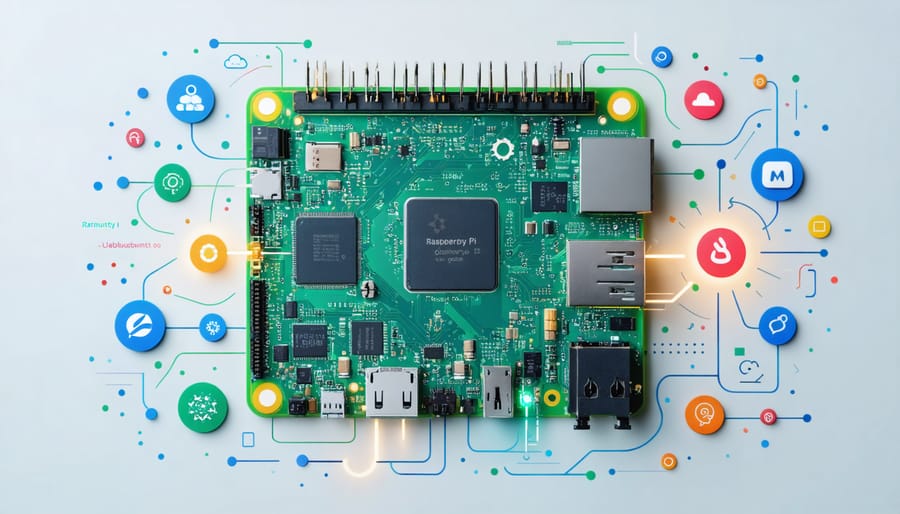
The Raspberry Pi 4 Model B and its siblings primarily run Raspberry Pi OS (formerly Raspbian), a Debian-based Linux distribution specifically optimized for these single-board computers. This lightweight operating system delivers the perfect balance of performance and user-friendliness, offering a complete desktop experience while consuming minimal system resources. Beyond the official OS, users can choose from an impressive array of alternatives including Ubuntu, RetroPie for gaming, and LibreELEC for media centers. This flexibility transforms the humble Raspberry Pi from a basic computing platform into a versatile tool capable of powering everything from home automation systems to educational programming environments.
What makes this ecosystem particularly compelling is its open-source nature and the robust community support that comes with it. Whether you’re a beginner setting up your first Pi project or an experienced developer building complex applications, understanding your operating system options is crucial for maximizing your device’s potential.
Raspberry Pi OS: The Default Champion
What Makes Raspberry Pi OS Special
Raspberry Pi OS stands out as a purpose-built distribution specifically optimized for the Raspberry Pi hardware. Based on Debian Linux, it offers a perfect balance of performance and user-friendliness that makes it ideal for both beginners and experienced users. The operating system comes pre-loaded with essential programming tools like Python, Scratch, and Node-RED, making it ready for educational and development projects right out of the box.
One of its most compelling features is its lightweight nature, allowing it to run smoothly even on the most basic Raspberry Pi models. The OS includes a specialized version of Chromium web browser and LibreOffice suite, ensuring users have access to essential productivity tools without compromising system resources.
The robust package management system makes software installation straightforward, while the active community support ensures regular updates and security patches. Additionally, the OS offers excellent peripheral device support, recognizing most USB devices, cameras, and sensors without requiring additional drivers. This combination of efficiency, ease of use, and comprehensive toolset makes Raspberry Pi OS the go-to choice for most Pi projects.
Desktop vs Lite Versions
Raspberry Pi OS comes in two main variants: Desktop and Lite. The Desktop version features a full graphical user interface (GUI) with pre-installed software, making it ideal for users who prefer a traditional computer experience. It includes essential applications like the Chromium web browser, LibreOffice suite, and programming tools, perfect for educational purposes and general computing tasks.
The Lite version, on the other hand, is a minimalist, command-line only distribution that boots directly to a terminal interface. This version uses significantly less system resources and storage space, making it excellent for servers, headless applications, or projects where a GUI isn’t necessary. It’s particularly popular for IoT projects, home automation systems, and network-focused applications.
Choose the Desktop version if you’re new to Raspberry Pi or need a graphical interface for development and everyday computing. Opt for the Lite version when you want maximum performance, have limited resources, or are building automated systems that don’t require user interaction. Both versions can be easily customized with additional software packages as needed.
Alternative Operating Systems
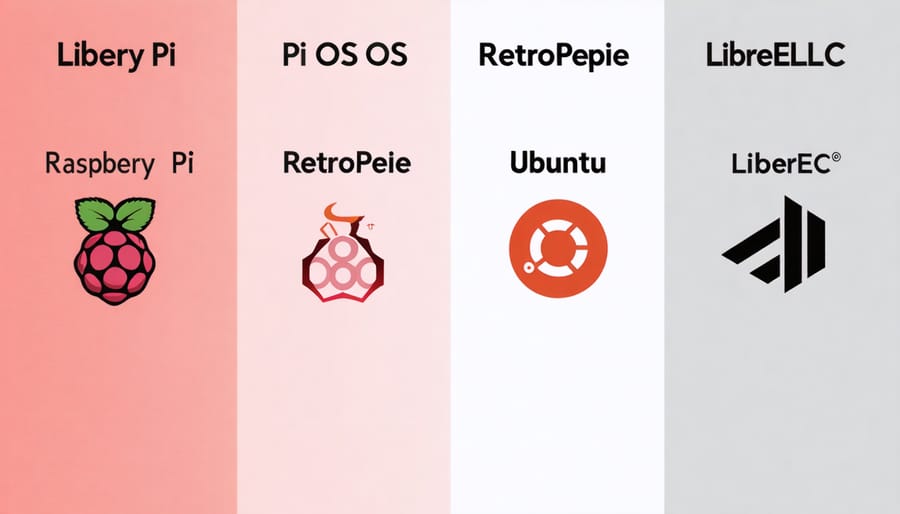
Ubuntu and Ubuntu Variants
Ubuntu, a popular Linux distribution, offers several variants optimized for the Raspberry Pi, providing users with a familiar and powerful computing environment. The main Ubuntu Server edition runs smoothly on Raspberry Pi 4 models with 2GB RAM or higher, delivering a reliable platform for server applications and development work.
Ubuntu Desktop, while more resource-intensive, can also run on Raspberry Pi 4 models with 4GB or 8GB RAM, offering a full graphical interface and access to the vast Ubuntu software ecosystem. For users seeking lighter alternatives, Ubuntu MATE provides an excellent balance between functionality and performance, featuring a more traditional desktop environment that runs well even on older Pi models.
Ubuntu Core, a specialized variant designed for IoT devices and appliances, offers enhanced security features and reliable performance for embedded systems. It uses snap packages exclusively, ensuring automatic updates and improved system stability.
These Ubuntu variants provide different options depending on your specific needs, whether you’re building a home server, desktop computer, or IoT device. The familiar Ubuntu environment makes these distributions particularly appealing to users already comfortable with Ubuntu on other platforms.
Specialized OS Options
While Raspberry Pi OS is the primary choice for many users, several specialized operating systems cater to specific use cases and projects. RetroPie stands out as a popular option for gaming enthusiasts, transforming your Raspberry Pi into a retro gaming console capable of emulating classic systems from Nintendo, Sega, and other vintage platforms.
For media center applications, LibreELEC and OSMC offer streamlined experiences focused solely on entertainment. These lightweight systems turn your Raspberry Pi into a powerful media hub, perfect for streaming content and managing your digital media library. LibreELEC, in particular, comes with Kodi pre-installed and optimized for smooth performance.
OctoPi serves the 3D printing community by providing a dedicated platform for controlling and monitoring 3D printers remotely. It includes features like webcam support and a web interface for printer management, making it an essential tool for makers and hobbyists.
For those interested in network security and penetration testing, Kali Linux ARM offers a comprehensive suite of security tools optimized for Raspberry Pi. Meanwhile, DietPi provides a minimal operating system that’s perfect for servers and headless applications, using significantly less system resources than standard distributions.
MotionEyeOS transforms your Raspberry Pi into a sophisticated surveillance system, offering features like motion detection and remote viewing. For educational purposes, Weather Station OS enables users to create their own weather monitoring station, while PiMusicBox turns your Pi into a standalone music player supporting various streaming services.
These specialized options demonstrate the versatility of Raspberry Pi, allowing users to create purpose-built systems for specific applications without unnecessary bloat or complexity.
Choosing the Right OS for Your Project
Project-Based Recommendations
Different Raspberry Pi projects often require specific operating systems for optimal performance. For media centers, LibreELEC is the go-to choice, offering a streamlined experience with Kodi pre-installed. If you’re interested in running game servers, Ubuntu Server provides excellent stability and resource management.
For robotics and IoT projects, Raspberry Pi OS Lite is ideal due to its minimal resource usage and compatibility with GPIO programming. Home automation enthusiasts should consider DietPi, which comes with pre-configured options for popular platforms like Home Assistant and Node-RED.
RetroPie is perfect for gaming enthusiasts looking to create retro gaming consoles, while OctoPi is specifically designed for 3D printer control and monitoring. For security-focused projects like network monitoring or penetration testing, Kali Linux ARM offers a comprehensive suite of security tools.
Weather station projects work well with Weather Station Pi OS, which includes pre-installed weather monitoring software. For digital signage applications, Screenly OSE provides a specialized platform with easy content management capabilities.
Remember that while Raspberry Pi OS is versatile enough for most projects, these specialized distributions can save setup time and provide optimized performance for specific use cases.
Performance Considerations
When choosing an operating system for your Raspberry Pi, performance considerations play a crucial role in ensuring optimal functionality for your specific use case. The Pi’s limited resources, particularly RAM and processing power, mean that some operating systems will run more efficiently than others.
Raspberry Pi OS (formerly Raspbian) is specifically optimized for the Pi’s hardware, making it the most efficient choice for most users. The lightweight desktop environment uses minimal system resources while maintaining good performance for everyday tasks. For users seeking even better performance, the “Lite” version, which runs without a graphical interface, offers significantly faster operation.
Memory management is another key factor. While 64-bit operating systems might seem more advanced, they actually use more RAM than their 32-bit counterparts. For Raspberry Pi models with 1GB RAM or less, sticking to 32-bit systems often provides better performance.
Storage speed also affects overall system performance. Using a high-quality microSD card with good read/write speeds can significantly improve boot times and general responsiveness, regardless of which operating system you choose.
Getting Started with Your Chosen OS
Getting started with your chosen Raspberry Pi operating system is a straightforward process that begins with downloading the OS image. For Raspberry Pi OS (formerly Raspbian), the easiest method is using the Raspberry Pi Imager tool, which handles both downloading and installing the OS onto your SD card.
First, insert a microSD card (8GB minimum, though 16GB or larger is recommended) into your computer. Download and launch the Raspberry Pi Imager, select your preferred OS version, choose your SD card, and click ‘Write.’ The tool will format your card and install the operating system automatically.
Once the installation is complete, insert the SD card into your Raspberry Pi and connect the necessary peripherals (keyboard, mouse, monitor, and power supply). On first boot, you’ll be guided through the initial setup wizard, where you’ll configure essential settings like language, timezone, and Wi-Fi connection.
For more advanced users, you can customize your setup using terminal commands for configuration. The default login credentials for Raspberry Pi OS are username ‘pi’ and password ‘raspberry’ – it’s recommended to change these immediately for security.
Remember to regularly update your system using the command ‘sudo apt update && sudo apt upgrade’ to ensure you have the latest security patches and features. This keeps your Raspberry Pi running smoothly and securely.
The Raspberry Pi’s operating system ecosystem offers remarkable flexibility and functionality for users of all skill levels. Raspberry Pi OS stands as the foundation, providing a stable, well-supported platform optimized specifically for the hardware. While alternatives like Ubuntu, RetroPie, and LibreELEC expand the possibilities for specialized applications, beginners are best served starting with Raspberry Pi OS for its comprehensive documentation and user-friendly interface. Remember to consider your project requirements, technical expertise, and hardware specifications when choosing an operating system. Whether you’re building a home media center, learning programming, or creating an IoT device, there’s an operating system perfectly suited to your needs. The vibrant Raspberry Pi community continues to develop and improve these operating systems, ensuring that your single-board computer remains a powerful and versatile tool for learning, creating, and innovating.