

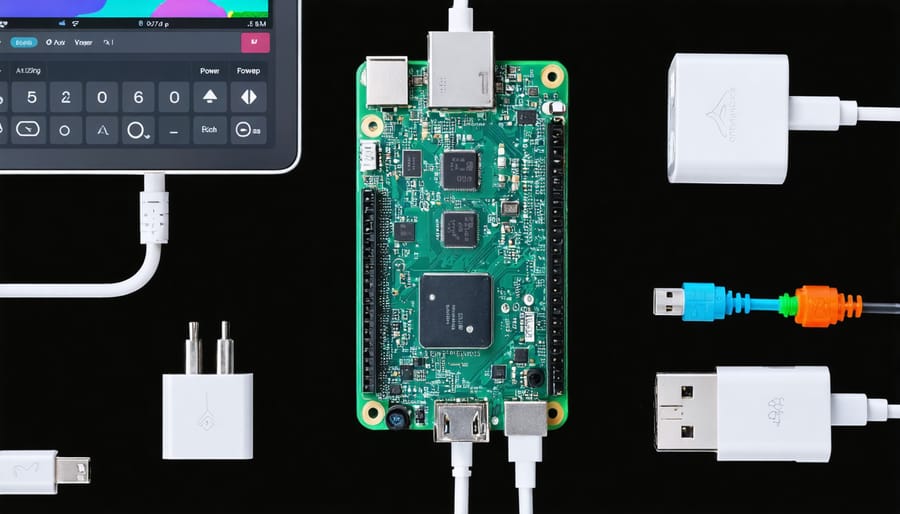
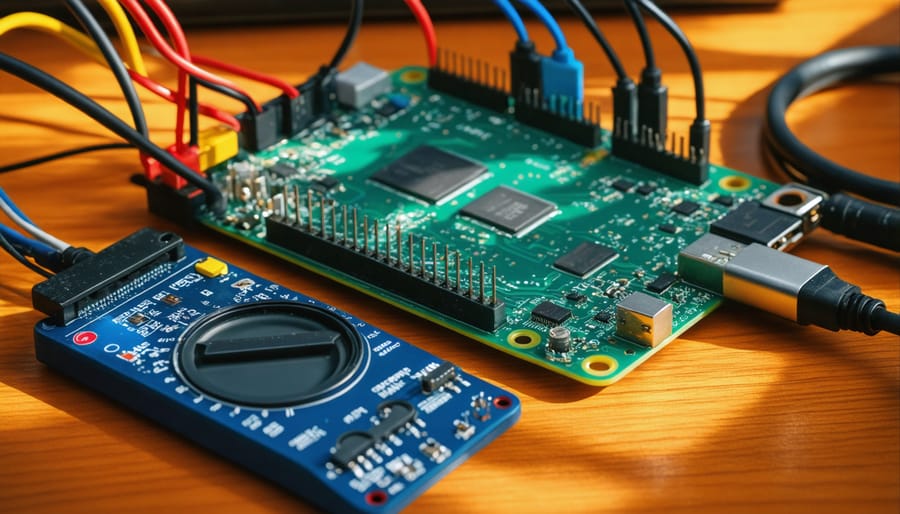
Measure your Raspberry Pi 4’s peak power consumption accurately by connecting a USB power meter between your power supply and the board – expect readings between 6.4W and 15.3W during intensive tasks. Understanding these power requirements proves crucial for selecting appropriate power supplies and designing reliable projects. The Pi 4’s power demands can spike significantly when running CPU-intensive applications, utilizing USB peripherals, or powering the official 7-inch touchscreen display. To optimize power consumption, implement strategic cooling solutions, disable unnecessary hardware features, and consider using a power supply rated at least 3A at 5.1V to ensure stable operation under peak loads. This comprehensive understanding of power requirements ensures your Pi 4 projects run reliably while maintaining optimal performance across various use cases.
Understanding Raspberry Pi 4 Power Requirements
Base Power Consumption
The Raspberry Pi 4’s base power consumption provides a foundation for understanding its overall energy requirements. In its idle state, with no peripherals connected and minimal background processes running, the Pi 4 typically draws between 2.7W and 3.0W of power. This baseline consumption is higher than previous models, as shown in various power consumption benchmarks.
When running basic tasks like web browsing or text editing, the power draw increases slightly to around 3.2W to 3.5W. These measurements assume the board is running at default clock speeds with Wi-Fi and Bluetooth enabled but not actively transmitting data. The ethernet port, when connected but idle, adds approximately 0.3W to the base consumption.
It’s worth noting that even these minimal usage scenarios demonstrate the Pi 4’s increased processing capability compared to its predecessors, though this comes at the cost of higher power requirements. Understanding these baseline figures is crucial for properly sizing power supplies and designing efficient projects.
Peak Power Usage Scenarios
The Raspberry Pi 4 reaches its peak power consumption during resource-intensive activities and when multiple peripherals are connected. During stress testing with maximum CPU and GPU utilization, power draw can spike up to 7.6W. When running intensive applications like machine learning models or 4K video playback, consumption typically ranges between 6.0W to 7.0W.
Connecting peripherals significantly impacts power usage. Each USB 3.0 device can draw up to 900mA, while USB 2.0 devices typically use 500mA. With two USB 3.0 hard drives, a keyboard, mouse, and HDMI display connected, total system power consumption can exceed 15W. The official 7″ touchscreen display adds approximately 2.5W to the total power draw.
Network activities also influence consumption. Active Ethernet usage typically adds 0.4W, while Wi-Fi operations can contribute up to 0.5W. Running a Raspberry Pi 4 as a small server with multiple USB devices and network activities can push the total power consumption close to 18W, making proper power supply selection crucial for stable operation.
For reliable performance during peak usage, it’s recommended to use a power supply rated at least 3.0A at 5.1V (15.3W).

Real-World Power Measurements
Desktop Usage
During typical desktop usage, the Raspberry Pi 4 consumes between 3.5W to 5W of power, depending on the tasks being performed. Simple operations like web browsing, document editing, and basic terminal work tend to stay on the lower end of this range. When running multiple applications simultaneously or playing HD videos, power consumption can increase to around 4.5W to 5W.
Screen brightness settings significantly impact power draw, with maximum brightness adding approximately 0.5W to 0.7W to the baseline consumption. Running resource-intensive applications like LibreOffice or Chromium with multiple tabs open can push power usage closer to the upper limit.
It’s worth noting that these measurements assume the Pi is running at stock speeds without overclocking. The power consumption remains relatively stable during desktop use, making it an efficient choice for basic computing tasks. To optimize power usage during desktop operations, consider using a dark theme, reducing screen brightness when possible, and closing unnecessary background applications.
For most users, a standard 5V/3A power supply will comfortably handle desktop usage scenarios while providing headroom for peripheral devices and occasional peak loads.
Server Operations
When running server operations on a Raspberry Pi 4, power consumption typically ranges between 3.5W to 6.5W, depending on the specific tasks and load. For 24/7 operation as a home server, you can expect an average power draw of around 4W during idle states and up to 6W during moderate activity like file serving or web hosting.
Network-intensive tasks such as running a VPN server or NAS setup can push power consumption closer to the upper limit. Database operations and continuous API requests may increase power draw to approximately 5.5W. However, these figures remain relatively modest compared to traditional servers, making the Pi 4 an energy-efficient choice for home server applications.
For optimal 24/7 operation, it’s recommended to ensure proper cooling, as temperature impacts power consumption. A well-ventilated case or active cooling solution can help maintain stable power draw levels. When calculating annual power costs for continuous operation, expect approximately 35-57 kWh per year, translating to minimal impact on electricity bills while providing reliable server functionality.
Multimedia Applications
When running multimedia applications like video streaming or media centers, the Raspberry Pi 4’s power consumption can increase significantly. During 4K video playback, power draw typically ranges between 4.5W to 5.5W, while running media center software like Kodi can push consumption up to 6W. The GPU becomes more active during these tasks, contributing to higher power requirements. For optimal performance with multimedia applications, it’s recommended to use a power supply rated at least 3A at 5V (15W). Keep in mind that additional USB peripherals like external hard drives or wireless keyboards will further increase the total power draw. To ensure stable operation, consider using active cooling solutions when running demanding multimedia applications for extended periods.
Power Management Solutions
Choosing the Right Power Supply
When selecting a power supply for your Raspberry Pi 4, it’s crucial to choose one that meets or exceeds the board’s power requirements. The official recommendation is a 5V/3A (15W) USB-C power supply, but this should be considered the minimum specification for reliable operation.
For optimal performance and stability, consider using a power supply rated at 5V/3.5A (17.5W), especially if you’re planning to connect multiple USB devices or run resource-intensive applications. The extra headroom helps prevent voltage drops that could trigger the under-voltage warning (indicated by the lightning bolt icon).
Quality matters as much as specifications. Choose power supplies from reputable manufacturers or the official Raspberry Pi power supply to ensure clean, stable power delivery. Cheap, unbranded power supplies might claim high amperage ratings but often fail to deliver consistent power under load.
If you’re building portable or off-grid projects, you might want to explore alternative power solutions. Remember to include a power margin of at least 20% above your calculated maximum power requirements to account for peaks in power consumption and ensure long-term reliability.
Pro tip: Use a powered USB hub for multiple high-power USB devices to reduce the load on your Pi’s power supply and maintain stable operation.
Software Optimization Techniques
Software optimization plays a crucial role in managing your Raspberry Pi 4’s power consumption. By implementing smart power efficiency techniques, you can significantly reduce energy usage without compromising performance.
Start by disabling unnecessary services and peripherals. Commands like ‘sudo systemctl disable bluetooth’ can prevent unused services from consuming power. The onboard WiFi and Bluetooth modules can be particularly power-hungry when idle, so consider disabling them when not needed.
CPU frequency scaling is another effective strategy. Using the raspberrypi-cpufreq tool, you can set your processor to run at lower speeds when full performance isn’t required. For example, setting the governor to ‘powersave’ mode can reduce power consumption by up to 30% during light tasks.
Consider implementing sleep states in your applications. Programs that poll continuously for events can be modified to use event-driven architectures, reducing CPU usage. Additionally, using the ‘hdparm’ command to configure hard drive power management can save energy when storage devices are idle.
For display-based projects, adjusting the screen brightness and implementing automatic screen timeout can make a notable difference. The command ‘vcgencmd display_power 0’ can turn off HDMI output when not needed, saving approximately 0.5W of power.
Remember to regularly update your system, as newer software versions often include power management improvements. Monitor your power consumption using tools like ‘powertop’ to identify and address power-hungry processes.
Hardware Modifications
For those looking to optimize their Raspberry Pi 4’s power consumption, several hardware modifications can significantly improve efficiency. One of the most effective modifications is adding a quality heatsink or cooling solution. Lower operating temperatures directly correlate with reduced power consumption, as the processor doesn’t have to work as hard to maintain stability.
Installing a passive cooling case can reduce power consumption by 10-15% during heavy loads. For even better results, consider using an active cooling solution like a small fan, which, despite using some power itself, can lead to a net reduction in overall consumption by keeping temperatures consistently low.
Another valuable modification is upgrading your power delivery system. Using high-quality, shielded USB-C cables with proper gauge wire can minimize power loss during transmission. Some enthusiasts have reported success with custom power delivery boards that optimize voltage regulation, though this requires advanced technical knowledge.
For projects requiring maximum efficiency, you can disable unused USB ports and HDMI outputs through hardware modifications. This involves carefully disconnecting or modifying specific components, but should only be attempted by experienced users as it can potentially damage your Pi if done incorrectly.
Consider using a power-efficient SSD instead of traditional hard drives for storage. While the initial cost is higher, modern SSDs typically consume less power and offer better performance. Additionally, using low-power peripherals, such as energy-efficient keyboards and mice, can help reduce the overall power footprint of your setup.
Remember that any hardware modifications should be undertaken with caution and proper research to avoid damaging your Raspberry Pi.
Understanding and managing the Raspberry Pi 4’s power consumption is crucial for project success and device longevity. Throughout this exploration, we’ve seen that the Pi 4 can draw up to 15.3W under maximum load, significantly more than its predecessors. The key takeaway is that proper power management isn’t just about having an adequate power supply – it’s about creating an optimal operating environment for your projects.
To ensure your Raspberry Pi 4 runs efficiently, always use a high-quality power supply rated at 5V/3A minimum. For intensive applications or when using multiple USB peripherals, consider a 5V/3.5A power supply to provide additional headroom. Implementing active cooling solutions, such as heatsinks or fans, can help maintain lower power consumption by preventing thermal throttling.
Remember that real-world power usage typically falls between 3.5W to 7.6W for most applications. Monitor your Pi’s power consumption using built-in tools like vcgencmd, and adjust settings like CPU governor and GPU memory split based on your specific needs. For battery-powered projects, implement power-saving measures such as disabling unused interfaces and optimizing software performance.
By following these recommendations and understanding your project’s power requirements, you can create reliable and efficient Raspberry Pi 4 setups that perform optimally while maintaining safe power consumption levels.