

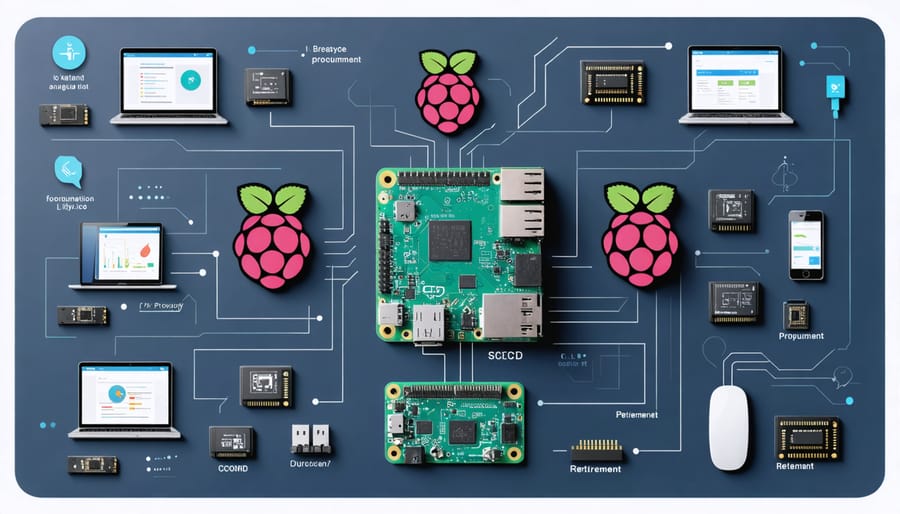
Mastering IT lifecycle management demands a strategic blend of proactive planning, continuous monitoring, and systematic execution across your Raspberry Pi infrastructure. From initial deployment to end-of-life procedures, effective lifecycle management safeguards your investment while maximizing operational efficiency and security.
Begin with comprehensive asset tracking and documentation, cataloging each device’s specifications, deployment date, and maintenance history in a centralized system. Implement automated monitoring tools to track performance metrics, resource utilization, and potential security vulnerabilities across your Pi network. Schedule regular firmware updates and security patches to maintain system integrity while preventing obsolescence.
Establish clear lifecycle stages – procurement, deployment, maintenance, optimization, and retirement – with specific protocols and benchmarks for each phase. Critical decision points should trigger automatic reviews, ensuring timely hardware upgrades or replacements before performance degradation impacts operations. This proactive approach minimizes downtime, reduces unexpected costs, and maintains consistent system reliability.
Creating a sustainable lifecycle management strategy requires balancing current operational needs with future scalability requirements. Regular audits, performance assessments, and security evaluations form the backbone of an effective management system that evolves with your growing infrastructure while protecting valuable data assets throughout their lifecycle.
Planning Your Raspberry Pi Data Infrastructure
Hardware Requirements and Compatibility
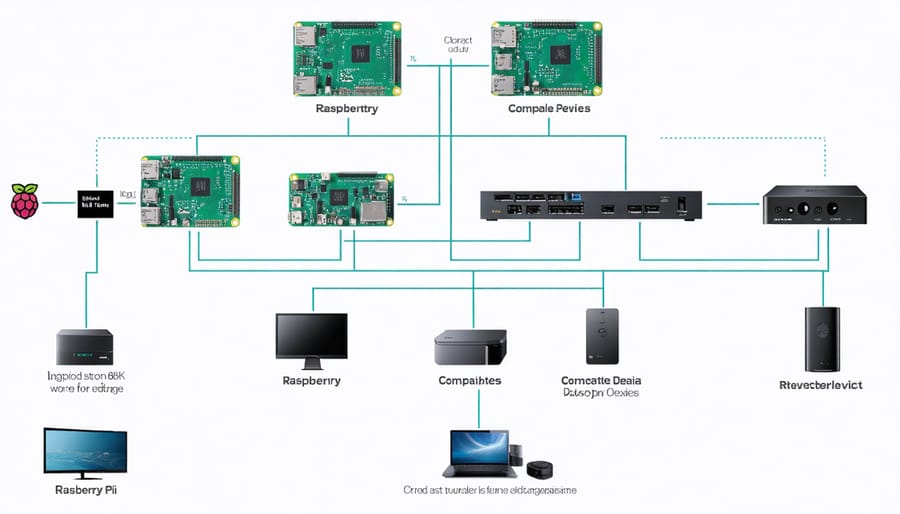
When selecting hardware for IT lifecycle management, choosing the right Raspberry Pi model is crucial for long-term success. The Raspberry Pi 4 Model B with 8GB RAM is recommended for most data management applications, offering the best balance of performance and power efficiency. For smaller projects, the 4GB variant can suffice, while the 2GB model might limit future scalability.
Storage configuration is equally important, and there are various storage solutions for Raspberry Pi to consider. While microSD cards are convenient, opt for high-endurance cards rated for continuous operation. For more demanding applications, consider using USB 3.0 SSDs or setting up a NAS system for improved reliability and performance.
Compatibility considerations should include:
– Power supply: Use official 5.1V/3A power adapters
– Operating temperature: Maintain 0-70°C range
– Cooling solutions: Active cooling for data-intensive operations
– Network connectivity: Gigabit Ethernet or Wi-Fi 5
– Peripheral compatibility: USB 3.0 devices and displays
Regular hardware monitoring and maintenance will ensure optimal performance throughout the system’s lifecycle.
Software Stack Selection
Choosing the right software stack is crucial for the longevity and efficiency of your IT systems. Start by selecting an operating system that aligns with your project requirements and hardware capabilities. For Raspberry Pi projects, Raspberry Pi OS (formerly Raspbian) offers an optimized experience, while Ubuntu Server provides robust enterprise features for more demanding applications.
For data management, consider both SQL and NoSQL solutions based on your data structure needs. MariaDB works well for traditional relational databases, while MongoDB excels at handling unstructured data. Implement reliable backup tools like Duplicati or Timeshift to maintain data integrity throughout the system’s lifecycle.
When selecting monitoring tools, opt for lightweight solutions like Prometheus paired with Grafana for visualization. These tools help track system performance without consuming excessive resources. For configuration management, Ansible provides an excellent balance of functionality and ease of use, especially useful for managing multiple Raspberry Pi devices.
Remember to consider the long-term support and community engagement for each software component, as this ensures continued updates and security patches throughout your system’s lifecycle.
Implementation and Data Security
Access Control and Authentication
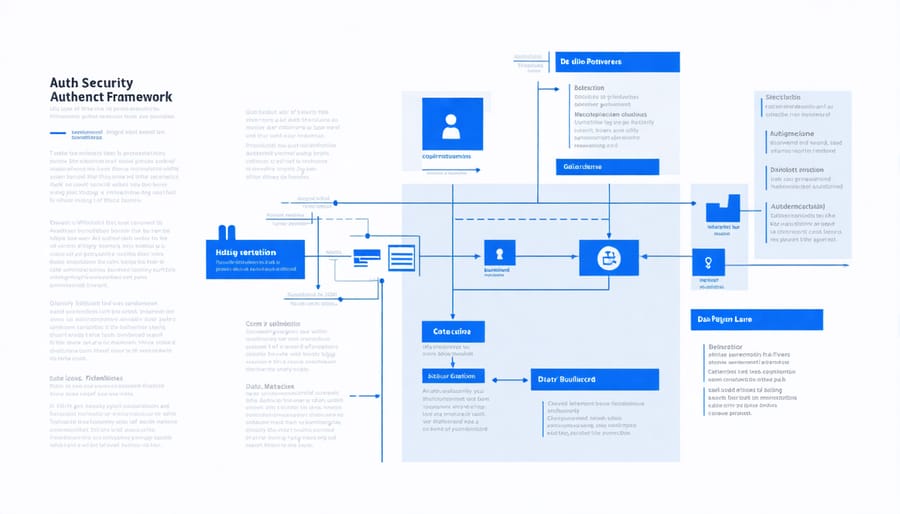
Access control and authentication form the cornerstone of secure IT lifecycle management, particularly crucial for Raspberry Pi systems handling sensitive data. Start by implementing a robust user management system that clearly defines roles and permissions for different team members. Create unique user accounts for each person accessing the system, avoiding shared logins that can compromise security and accountability.
Set up multi-factor authentication (MFA) whenever possible, requiring users to provide additional verification beyond passwords. This extra layer of security significantly reduces the risk of unauthorized access, even if passwords are compromised. For Raspberry Pi projects, consider using hardware security keys or time-based one-time passwords (TOTP) as secondary authentication factors.
Regularly audit user access logs and permissions to ensure they align with current roles and responsibilities. Remove or modify access rights promptly when team members change roles or leave the organization. Implement the principle of least privilege, granting users only the minimum access necessary to perform their tasks.
Password policies should enforce strong requirements, including minimum length, complexity, and regular updates. Consider using a password manager to help users maintain unique, complex passwords for different systems. Additionally, implement automatic session timeouts and account lockout policies after multiple failed login attempts to prevent brute-force attacks.
For network access, utilize secure protocols like SSH with key-based authentication rather than password-only access. Regular security audits and penetration testing help identify and address potential vulnerabilities in your access control system.
Backup and Recovery Strategies
Protecting your Raspberry Pi system’s data is crucial for maintaining continuous operations and preventing loss of valuable project work. Implementing reliable backup solutions should be a cornerstone of your IT lifecycle management strategy.
Start by establishing a regular backup schedule that includes daily incremental backups of critical data and weekly full system backups. For Raspberry Pi projects, consider using tools like rsync for efficient file-level backups or dd for complete image backups of your SD card. Store these backups both locally on an external drive and in cloud storage for redundancy.
Testing your recovery procedures is equally important as creating backups. Schedule monthly recovery drills to ensure your backup files are not corrupted and can be successfully restored. Document the entire backup and recovery process, including specific commands and configurations, to enable quick response during emergencies.
Consider implementing automated backup scripts that run during low-usage periods to minimize system impact. For critical projects, maintain at least three copies of your data: one primary, one local backup, and one off-site backup. This 3-2-1 approach provides comprehensive protection against various failure scenarios.
Remember to verify your backup integrity regularly and update your backup strategy as your project grows. Keep backup logs for tracking successful completions and investigating any failures promptly.
Monitoring and Maintenance
Performance Tracking
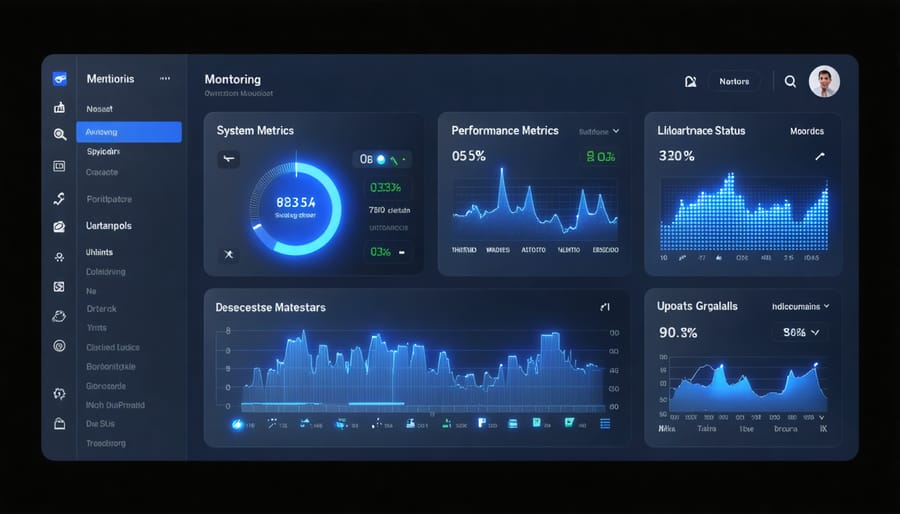
Effective performance tracking is crucial for maintaining optimal system health throughout your Raspberry Pi’s lifecycle. Start by implementing monitoring tools like Prometheus and Grafana to track key metrics such as CPU usage, memory consumption, storage capacity, and network performance. These tools provide real-time insights and historical data visualization, helping you identify potential bottlenecks before they become critical issues.
Consider setting up automated alerts for specific thresholds, such as when CPU temperature exceeds safe limits or when storage capacity reaches 80%. This proactive approach to energy-efficient data management helps prevent system failures and extends your Pi’s lifespan.
Regular performance benchmarking is essential for comparing current system metrics against baseline measurements. Use tools like sysbench or stress-ng to conduct periodic stress tests, ensuring your Pi maintains consistent performance levels over time. Document these results in a monitoring log to track long-term trends and identify gradual performance degradation.
For resource-intensive projects, implement load balancing and consider using containers to isolate applications and monitor their individual resource consumption. Tools like cAdvisor can provide container-specific metrics, helping you optimize resource allocation and maintain stable system performance throughout your Pi’s lifecycle.
Remember to regularly review and adjust monitoring parameters as your project requirements evolve, ensuring your performance tracking strategy remains aligned with your system’s goals.
Update Management
Regular software updates and security patches are crucial components of effective IT lifecycle management for your Raspberry Pi systems. Establish a consistent update schedule, ideally performing system updates at least monthly, with security patches applied as soon as they become available. Use the built-in package manager (apt-get) to maintain your software, and create automated update scripts to streamline the process.
Implement a testing environment where updates can be validated before deployment to production systems. This practice helps identify potential compatibility issues or conflicts that might arise from new updates. Document all changes and maintain a rollback plan in case updates cause unexpected problems.
For mission-critical systems, consider using update management tools that provide centralized control and monitoring. These tools can help track update status across multiple devices and ensure consistency in your update deployment strategy.
Keep a close eye on security advisories and vulnerability notifications specific to Raspberry Pi systems and their components. Subscribe to relevant security mailing lists and RSS feeds to stay informed about emerging threats and available patches.
Remember to backup your system before applying major updates, and maintain version control for any custom configurations or scripts. This approach ensures you can quickly restore functionality if something goes wrong during the update process. Finally, regularly review and update your update management policies to adapt to changing security requirements and system needs.
Data Archival and Disposal
Data Retention Policies
Implementing effective data lifecycle best practices is crucial for maintaining your Raspberry Pi projects. Start by categorizing your data into different retention tiers based on importance: critical system files, project data, logs, and temporary files. Create a clear schedule that specifies how long each type of data should be retained.
For system files and configuration data, maintain at least three versions of backups, rotating them monthly. Project data should be archived quarterly, with important iterations preserved for future reference. Log files can typically be retained for 30-90 days, depending on your troubleshooting needs.
Implement automated cleanup scripts to remove temporary files daily and archive older data based on your retention schedule. Use tools like ‘logrotate’ for managing log files and ‘cron’ jobs for scheduling regular backups. Remember to test your retention policies regularly to ensure they’re working as intended.
Document your retention policies clearly and review them every six months to accommodate changes in project requirements or storage capacity. This systematic approach helps maintain optimal system performance while preserving essential data.
Secure Data Disposal
When it comes to retiring your Raspberry Pi or any storage devices, proper data disposal is crucial for security. Start by performing a complete backup of any data you want to keep. For secure erasure, use specialized tools like ‘shred’ or ‘dd’ commands in Linux to overwrite the storage multiple times with random data. These tools ensure that sensitive information cannot be recovered using data recovery software.
For SD cards and USB drives, consider using tools like SDFormatter with overwrite options. Physical destruction methods, such as drilling through the storage medium or using a certified shredding service, provide the highest level of security but should only be used when the hardware won’t be reused.
If you plan to donate or sell your Raspberry Pi, perform a secure wipe followed by a fresh operating system installation. This ensures no residual data remains accessible. For projects that handled sensitive information, document the disposal process and maintain records of wiped devices as part of your security protocol.
Remember to also remove any encryption keys, configuration files, and credentials stored in separate locations before completing the disposal process.
Scaling and Future-Proofing
As your Raspberry Pi projects grow in scope and complexity, it’s essential to plan for scalability and future requirements. Start by documenting your current system architecture and identifying potential bottlenecks that might emerge as your needs expand. Consider implementing modular designs that allow for easy component upgrades and additions without requiring a complete system overhaul.
Containerization can be a valuable strategy for future-proofing your applications. Using tools like Docker enables you to create portable, isolated environments that can be easily migrated or scaled across different systems. This approach also simplifies version control and dependency management, making it easier to maintain consistency as your infrastructure evolves.
Regular performance monitoring and capacity planning are crucial for anticipating growth needs. Set up monitoring tools to track resource usage, system performance, and user demands. Establish clear thresholds for when upgrades or expansions might be necessary, and maintain a roadmap for potential hardware and software updates.
Consider implementing automation wherever possible. Scripts and automated workflows not only improve efficiency but also ensure consistency as your system scales. This includes automated backup procedures, system health checks, and deployment processes.
Build flexibility into your storage solutions by using expandable storage systems and cloud integration where appropriate. This hybrid approach allows you to balance local processing needs with cloud-based scalability. Keep your documentation up-to-date and maintain detailed records of all system changes, configurations, and dependencies to facilitate future updates and transitions.
Regularly review and update your security protocols to ensure they remain effective as your system grows. Consider implementing role-based access control and scalable authentication methods that can accommodate an increasing number of users or services.
Implementing effective IT lifecycle management practices is crucial for maintaining robust and secure Raspberry Pi systems. By following the best practices outlined in this guide, you can ensure optimal performance, security, and longevity of your systems while maximizing return on investment.
Remember to regularly assess your IT assets, maintain comprehensive documentation, and stay proactive with updates and maintenance schedules. Start by implementing a clear inventory system and establishing baseline security protocols. Then, gradually build upon these foundations by introducing automated monitoring tools and regular review cycles.
Take action today by creating your IT lifecycle management checklist. Begin with a thorough audit of your current systems, document your existing processes, and identify areas for improvement. Set realistic timelines for implementing changes, and don’t forget to involve all stakeholders in the process.
Most importantly, treat IT lifecycle management as an ongoing journey rather than a one-time project. Regular reviews and adjustments will help you stay ahead of technological changes and maintain efficient operations throughout your systems’ lifetime.