

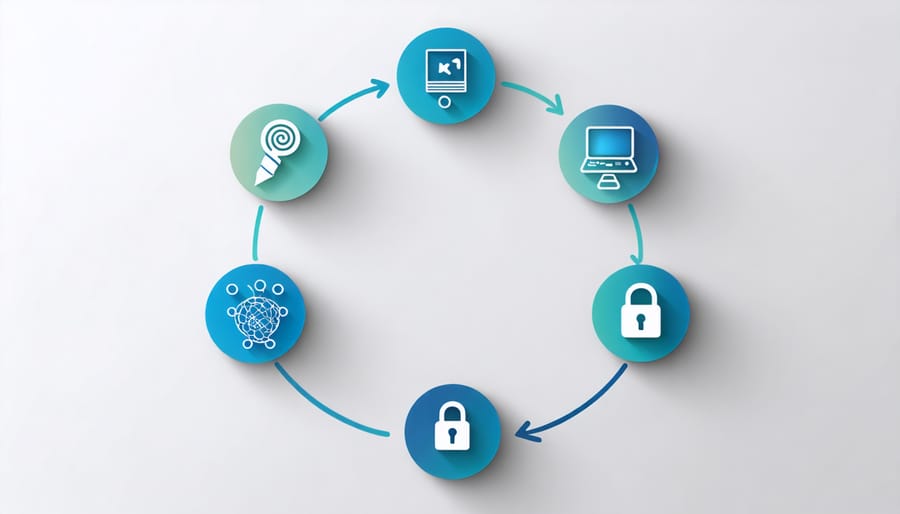
Mastering the data lifecycle transforms raw information into actionable insights that drive innovation and decision-making. In today’s data-driven world, understanding the five distinct phases of the data lifecycle – creation, storage, usage, archival, and disposal – has become crucial for tech enthusiasts and project developers alike. Whether you’re building a smart home monitoring system with your Raspberry Pi or developing an IoT sensor network, implementing these phases effectively ensures data integrity, security, and optimal resource utilization. As we explore each phase, you’ll discover practical strategies to manage data flow, from the moment it’s generated by your sensors to its secure deletion when no longer needed. This structured approach not only enhances project efficiency but also ensures compliance with data management best practices, making your Raspberry Pi projects more robust and professional.
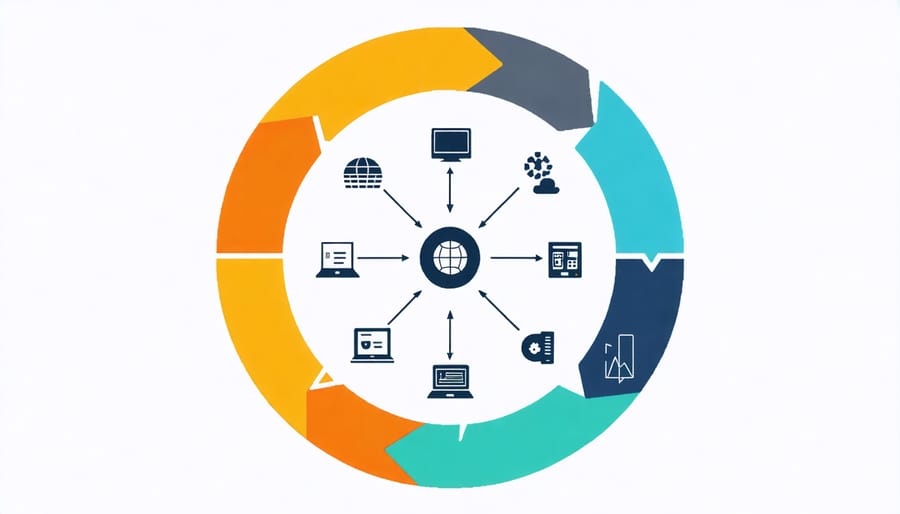
Phase 1: Data Creation and Ingestion
Capturing Clean Data
The foundation of any successful data project lies in capturing clean, accurate data from the start. When working with Raspberry Pi sensors and inputs, implement validation rules at the collection point to filter out anomalies and ensure data consistency. Use standardized formats for dates, numbers, and text inputs, and set up automated error checking to flag suspicious values immediately.
Consider implementing a data entry interface that includes drop-down menus, checkboxes, or predefined value ranges to minimize manual input errors. For sensor data, calibrate your equipment regularly and include timestamp validation to maintain data integrity. Set up real-time monitoring to detect and address collection issues promptly.
Document your data collection procedures thoroughly, including sensor specifications, calibration schedules, and validation rules. This documentation helps maintain consistency when multiple team members are involved in data collection and makes it easier to troubleshoot issues when they arise. Remember to back up your raw data immediately after collection to prevent loss of valuable information.
Storage Format Selection
When working with Raspberry Pi projects, selecting the right storage format is crucial for efficient data management. Common formats include CSV for structured tabular data, JSON for hierarchical information, and SQLite for relational databases. CSV files are ideal for sensor data logging and simple datasets, offering easy compatibility with spreadsheet software and analysis tools. JSON proves valuable for configuration files and API interactions, providing flexibility in data structure. For larger datasets or when requiring complex queries, SQLite databases offer robust storage without the overhead of a full database server. Consider factors like file size, read/write speed, and data complexity when choosing. For time-series data from sensors, specialized formats like InfluxDB or simple binary formats might offer better performance. Remember to implement proper data compression when needed, especially for long-term storage on SD cards with limited capacity.
Phase 2: Data Storage and Organization
Storage Solutions
When it comes to storing data throughout its lifecycle, various storage options for Raspberry Pi projects offer different advantages. Local storage solutions like SD cards and USB drives provide quick access and portability, making them ideal for small-scale projects and temporary data storage. For more substantial data requirements, external hard drives and SSDs offer increased capacity and reliability.
Cloud storage services present an excellent option for data that needs to be accessed remotely or shared across multiple devices. Services like ownCloud can be hosted on your Raspberry Pi, giving you complete control over your data while maintaining accessibility. Network-attached storage (NAS) solutions bridge the gap between local and cloud storage, offering high capacity and network accessibility while keeping data within your local network.
For critical data, implementing redundant storage through RAID configurations or regular backups to multiple locations ensures data preservation throughout its lifecycle.
Data Organization Strategies
Organizing data effectively is crucial for successful Raspberry Pi projects. Start by implementing a clear folder hierarchy that separates raw data, processed data, and project documentation. Create meaningful file naming conventions that include dates, versions, and brief descriptions – for example, “temp_sensor_data_20240215_v1.csv”. Consider using standardized formats like CSV or JSON for data storage, making it easier to process and analyze later.
For larger projects, implement a database system like SQLite or MariaDB to manage structured data efficiently. Tag your data with relevant metadata, including collection date, source, and any processing steps applied. This makes it easier to track data lineage and ensures reproducibility.
Regular backups are essential – set up automated backup scripts to run at scheduled intervals. Keep your data organized in version-controlled repositories using tools like Git, especially when working on team projects. This approach allows you to track changes and collaborate effectively while maintaining data integrity throughout your project’s lifecycle.
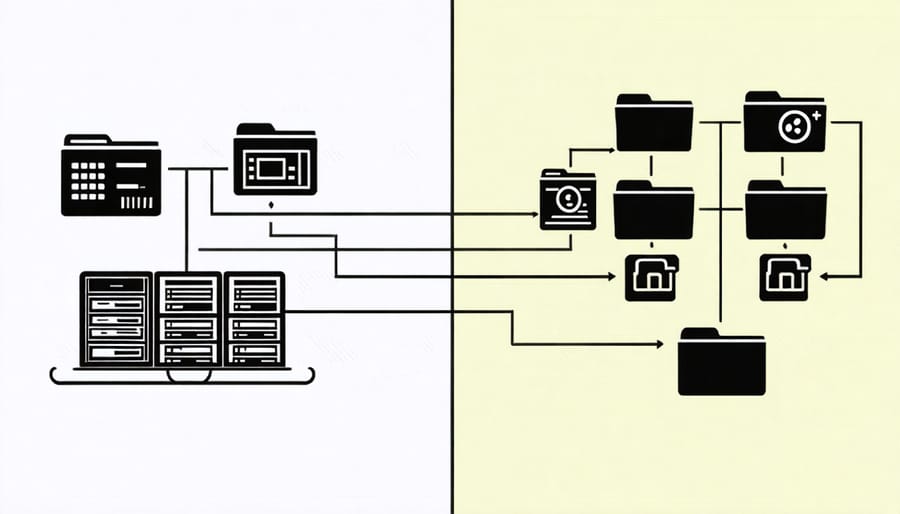
Phase 3: Data Usage and Access

Access Control
Access control is a crucial phase that spans the entire data lifecycle, ensuring that sensitive information remains protected while maintaining accessibility for authorized users. In Raspberry Pi projects, this typically involves implementing user authentication systems, role-based access control (RBAC), and encryption protocols. Start by creating strong user accounts with unique credentials and establishing clear permission levels for different types of data access.
Consider implementing two-factor authentication for critical data operations and maintaining detailed access logs to track who interacts with the data and when. For networked Raspberry Pi projects, ensure that your firewall rules are properly configured and regularly updated. Encryption should be applied both to data at rest and in transit, using standard protocols like SSL/TLS for network communications.
Regular security audits help identify potential vulnerabilities in your access control system. Remember to update access permissions when team members change roles or leave the project, and maintain a clear documentation of all access policies and procedures.
Data Sharing Protocols
Data sharing protocols are essential safeguards that ensure smooth and secure data transfer between different processes, users, and systems in your Raspberry Pi projects. Start by implementing role-based access control (RBAC) to define who can access what data. Use secure protocols like HTTPS for web-based data sharing and SSH for remote access and file transfers.
When sharing data between processes, utilize built-in mechanisms like pipes and sockets for local communication, or implement message queues for more complex distributed systems. For user-level sharing, consider setting up a shared network drive with proper encryption and authentication.
Always encrypt sensitive data before transmission using standard encryption protocols like AES or RSA. Maintain detailed logs of all data sharing activities and implement checksums to verify data integrity. Consider using version control systems like Git for tracking changes when multiple users collaborate on the same dataset.
Remember to regularly review and update your sharing protocols to address new security threats and maintain compliance with data protection regulations.
Phase 4: Data Maintenance
Backup Strategies
Implementing effective backup procedures is crucial for protecting your Raspberry Pi project data. Start by establishing a regular backup schedule – daily for critical data and weekly for less frequently modified files. Use external storage devices like USB drives or network-attached storage (NAS) for local backups, and consider cloud storage solutions for additional security. Tools like rsync or rclone can automate your backup process, making it more reliable and consistent. Always maintain at least three copies of important data: one primary copy on your Pi, one local backup, and one off-site backup. Test your backups regularly by performing recovery drills to ensure your data can be restored when needed. For mission-critical projects, consider implementing incremental backups to track changes over time while minimizing storage requirements.
Data Quality Management
Data quality management is crucial for maintaining the reliability and usefulness of your Raspberry Pi project data throughout its lifecycle. This phase involves continuous monitoring and maintenance of data integrity through various checks and balances. Implement automated validation scripts to verify data accuracy, completeness, and consistency. Regular data audits help identify and correct any inconsistencies or errors that might have crept in during collection or processing.
For Raspberry Pi projects, consider setting up automated alerts for data anomalies and establishing clear documentation practices for any changes made to the data. Implement version control for your datasets to track modifications and maintain data lineage. Regular backups are essential, and it’s recommended to follow the 3-2-1 backup rule: keep three copies of your data, store them on two different types of media, and keep one copy off-site.
Remember to periodically review and update your data quality standards as your project evolves, ensuring that your data remains reliable and valuable throughout its lifecycle.
Phase 5: Data Retirement
Secure Deletion
When data reaches the end of its usefulness, proper deletion becomes crucial for security and compliance. On your Raspberry Pi, simply moving files to the trash or performing a quick format isn’t enough – these methods leave data recoverable. Instead, use secure deletion tools like ‘shred’ or ‘wipe’ to overwrite files multiple times with random data. For storage devices, tools like ‘dd’ can perform complete disk sanitization.
For sensitive projects, consider implementing automated deletion policies based on retention schedules. Remember to securely remove all copies, including backups and cached versions. When decommissioning a Raspberry Pi, perform a full secure erase of the SD card using dedicated tools like SD Card Formatter with overwrite options.
Always document your deletion procedures and maintain logs of wiped data, especially when handling personal or confidential information. This ensures compliance with data protection regulations and provides an audit trail of responsible data management.
Archival Practices
Archival practices form a crucial phase in the data lifecycle, particularly for projects requiring historical data preservation. When working with Raspberry Pi systems, implementing effective long-term data archival solutions becomes essential for maintaining valuable information. This phase involves carefully selecting storage formats that ensure data accessibility and integrity over extended periods.
For Raspberry Pi projects, consider implementing a combination of local and cloud storage solutions. Use write-once media like Blu-ray discs for critical data, and maintain redundant copies across different storage mediums. Regular integrity checks help verify that archived data remains accessible and uncorrupted.
Remember to document your archival process, including metadata about file formats, storage locations, and access procedures. This documentation ensures that future users can effectively retrieve and utilize archived data, even as technology evolves. Implement automated backup systems and periodic verification routines to maintain the longevity of your archived information.
Understanding and implementing the five phases of the data lifecycle is crucial for successful Raspberry Pi projects and data management initiatives. By following these phases – collection, storage, processing, sharing, and deletion – you can ensure your data remains organized, secure, and valuable throughout its lifetime.
To get started with your own data lifecycle management, begin by documenting your current data handling processes. Create a simple flowchart mapping how data moves through your systems, and identify areas for improvement in each phase. Consider implementing automated backup solutions for storage, establishing clear data processing protocols, and creating proper documentation for sharing procedures.
Remember to regularly review and update your data management practices, especially when introducing new projects or scaling existing ones. Start small, focus on one phase at a time, and gradually build a comprehensive data lifecycle management system that works for your specific needs.