

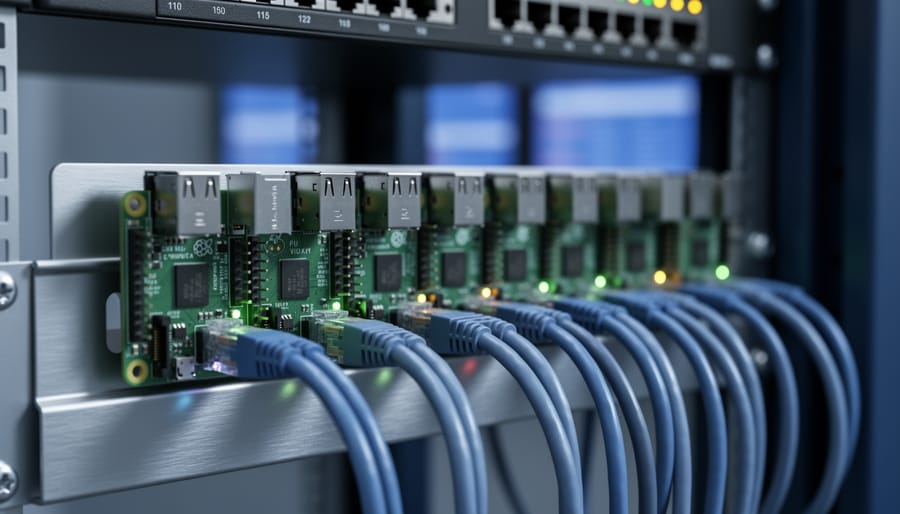
Deploy firmware updates to your Raspberry Pi fleet without physical access by implementing Over-The-Air (OTA) update mechanisms. This remote update capability transforms how you manage devices in production, eliminating costly site visits and reducing downtime from hours to minutes.
Firmware OTA allows you to push operating system updates, security patches, and application changes directly to devices over network connections. For enterprises managing dozens or thousands of Raspberry Pi units across distributed locations, this isn’t just convenient—it’s essential for maintaining security compliance and operational efficiency.
The technology works through specialized update agents that run on your devices, continuously checking for new firmware versions from a central server. When updates arrive, these agents download, verify, and install them using fail-safe mechanisms like A/B partitioning, which maintains a backup system copy if anything goes wrong during installation.
Modern OTA platforms range from open-source solutions like Mender and SWUpdate to commercial offerings such as balenaCloud and AWS IoT Device Management. Each provides different features for update scheduling, rollback capabilities, device grouping, and deployment monitoring. Understanding these options helps you select the right platform for your deployment size, technical requirements, and budget constraints.
Whether you’re running a smart display network, industrial sensors, or edge computing nodes, implementing OTA updates protects your investment by extending device lifecycles and maintaining consistent performance across your entire fleet. The initial setup effort pays dividends through reduced maintenance overhead and improved system reliability.
What Is Firmware OTA and Why Enterprise Deployments Need It

The Difference Between Firmware, Bootloader, and OS Updates
Understanding the distinction between these update types helps you manage your Raspberry Pi fleet more effectively. Firmware updates modify the low-level code stored in non-volatile memory that initializes your device’s hardware components before the operating system loads. Think of it as the foundation that tells your Pi’s processor, memory, and peripherals how to communicate with each other.
Bootloader updates affect the program responsible for loading your operating system into memory during startup. While closely related to firmware, the bootloader specifically handles the transition from hardware initialization to OS execution.
Operating system updates work at a higher level, modifying the software layer that manages applications and user interactions. These are typically the most frequent updates you’ll encounter.
Firmware updates are particularly critical because they directly impact device stability and hardware compatibility. A corrupted firmware update can render your device unbootable, which is why OTA firmware updates require robust verification mechanisms, rollback capabilities, and careful testing before deployment. For enterprise environments managing hundreds of Raspberry Pi devices, automated firmware OTA systems ensure consistent hardware behavior across your entire fleet while minimizing the risk of manual update errors.
Enterprise Challenges That OTA Solves
Managing firmware updates manually becomes impractical and inefficient in several common enterprise scenarios. Consider a company with hundreds or thousands of Raspberry Pi devices deployed across multiple locations. Sending technicians to physically update each device would be costly, time-consuming, and often impossible.
Remote locations present a significant challenge. Think about environmental monitoring stations in wilderness areas, agricultural sensors spread across vast farmlands, or digital signage in remote retail outlets. These devices need regular firmware updates for security patches and feature improvements, but physical access is difficult or prohibitively expensive.
Large device fleets create another headache. Companies running industrial automation deployments with dozens or hundreds of Raspberry Pi units can’t afford the downtime and labor costs of manual updates. A single firmware rollout could take weeks without OTA capabilities, leaving devices vulnerable or running outdated software during the transition period.
Minimal downtime requirements are critical for mission-critical applications. Healthcare monitoring devices, point-of-sale systems, and production line controllers need continuous operation. OTA updates enable scheduled deployments during off-peak hours with automated rollbacks if issues arise, ensuring business continuity.
Security compliance adds another layer of urgency. When critical vulnerabilities are discovered, organizations must patch their devices quickly across their entire fleet. OTA updates transform this from a logistical nightmare into a coordinated, trackable deployment that can happen within hours rather than weeks.
How Firmware OTA Updates Work on Raspberry Pi
The Update Pipeline: From Build to Deployment
Understanding how firmware updates travel from your development environment to your deployed Raspberry Pi devices helps you build confidence in your OTA system. Let’s walk through each stage of this journey.
The process begins with building your firmware. Your development team creates the updated firmware image, incorporating bug fixes, security patches, or new features. This image undergoes rigorous testing in a controlled environment, often using dedicated test devices that mirror your production setup. During this phase, you’ll verify that the update installs correctly, doesn’t break existing functionality, and performs as expected under various conditions.
Once testing passes, the firmware moves to the distribution stage. Your OTA management platform receives the signed firmware package and stores it securely in the cloud or on your servers. The platform’s dashboard lets you configure deployment rules, such as targeting specific device groups or scheduling updates during off-peak hours to minimize disruption.
During deployment, your Raspberry Pi devices periodically check for available updates based on their configuration. When a compatible update appears, the device downloads it over a secure connection, verifies the digital signature to ensure authenticity, and prepares for installation. The actual installation typically occurs during a scheduled maintenance window or immediately, depending on your settings.
After installation, the device reboots with the new firmware and performs validation checks. If something goes wrong, robust OTA systems automatically roll back to the previous working version, ensuring your devices remain operational. The platform then reports the update status back to your dashboard, giving you real-time visibility across your entire fleet.
Safety Mechanisms: Checksums, Signatures, and Rollbacks
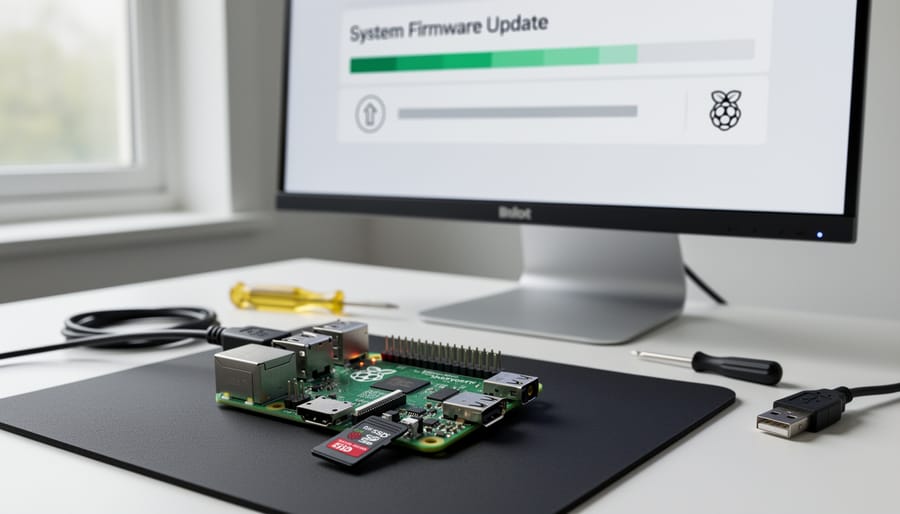
When deploying firmware updates to multiple Raspberry Pi devices in the field, robust safety mechanisms are essential to prevent devices from becoming unresponsive or bricked. These protective features work together to ensure updates complete successfully and devices remain operational even when something goes wrong.
Checksums provide the first line of defense by verifying update integrity. Before applying any firmware, the system calculates a hash value of the downloaded file and compares it against the expected checksum from your update server. If these values don’t match, indicating corruption during download or tampering, the update immediately aborts. This simple verification step prevents corrupted firmware from ever reaching your device’s flash memory.
Digital signatures take security further by confirming updates originated from trusted sources. Using cryptographic keys, your OTA system can verify that firmware packages were signed by your organization before installation begins. This prevents malicious actors from pushing unauthorized updates to your fleet, even if they somehow gain network access.
Rollback mechanisms serve as your safety net when updates fail mid-installation. Quality OTA solutions maintain dual partition systems, preserving the previous working firmware while installing new versions. If an update fails or the device won’t boot with new firmware, the system automatically reverts to the last known good configuration. Some implementations include watchdog timers that trigger rollbacks if devices don’t confirm successful operation within specified timeframes.
Together, these safety features transform OTA updates from risky operations into reliable, automated processes suitable for enterprise deployments managing hundreds or thousands of Raspberry Pi devices remotely.
Top Enterprise Device Management Platforms for Raspberry Pi

balenaCloud: Container-Based Fleet Management
balenaCloud stands out as a container-based platform specifically designed for managing fleets of IoT devices, including Raspberry Pi deployments. The platform leverages Docker containers to package your applications and dependencies, making updates more reliable and rollback-friendly compared to traditional firmware updates.
The service offers an impressive free tier supporting up to 10 devices, perfect for testing and small-scale projects. Paid plans start at $10 per device monthly for production environments, which includes features like delta updates (only changed portions download), advanced fleet management, and detailed device monitoring.
What makes balenaCloud particularly beginner-friendly is its straightforward deployment workflow. You simply push your code to balenaCloud’s git repository, and the platform automatically builds container images and distributes them to your entire fleet. The web dashboard provides real-time device status, logs, and even SSH access for troubleshooting.
The platform excels for projects requiring consistent environments across multiple devices, such as digital signage networks, environmental monitoring stations, or edge computing applications. Built-in features like staged rollouts and automatic rollback help prevent widespread failures during updates, making it an excellent choice for mission-critical deployments where reliability matters most.
Mender: Open-Source OTA Update Solution
Mender stands out as a robust open-source OTA update solution that gives you complete control over your Raspberry Pi fleet. Unlike proprietary alternatives, Mender offers both self-hosted and managed cloud options, making it ideal whether you’re managing a dozen devices in your makerspace or thousands in production.
The platform’s standout feature is its A/B partition update mechanism. This means Mender maintains two separate root filesystem partitions on your SD card or storage device. When an update arrives, it installs to the inactive partition while your device continues running normally. If something goes wrong during the update or after reboot, Mender automatically rolls back to the previous working partition, virtually eliminating the risk of bricked devices.
For enterprise deployments, Mender provides delta updates to reduce bandwidth consumption, phased rollouts to test updates on device subsets first, and detailed deployment analytics. The self-hosted option runs on your own infrastructure using Docker containers, giving you complete data ownership and no per-device licensing fees.
Getting started is straightforward: integrate the Mender client into your Raspberry Pi OS image, configure your update server, and deploy. The platform supports both Raspberry Pi OS and custom Yocto-based images, making it flexible for various use cases.
AWS IoT Device Management and Other Cloud Options
Major cloud providers offer robust IoT device management platforms that include firmware OTA capabilities for Raspberry Pi fleets. AWS IoT Device Management provides a comprehensive solution with features like fleet indexing, bulk updates, and job scheduling. You can deploy firmware updates across thousands of devices simultaneously while monitoring progress through a unified dashboard. The service integrates seamlessly with AWS IoT Core for secure device connectivity.
Azure IoT Hub offers similar functionality with its device management features, including automatic device provisioning and configuration management. It supports both cloud-to-device and device-to-cloud messaging, making it ideal for real-time monitoring alongside OTA updates.
Google Cloud IoT Core provides device registry and configuration management, though Google announced its phase-out in 2023, pushing users toward partner solutions. When evaluating these platforms, consider factors like pricing structure, existing cloud infrastructure, integration requirements, and regional availability. Each service offers free tiers for testing, allowing you to experiment before committing to enterprise deployments.
Custom Solutions: Building Your Own OTA System
Building your own OTA system makes sense when existing platforms don’t meet your specific requirements or when you need complete control over the update process. Custom solutions work well for highly specialized hardware, proprietary protocols, or when integrating with existing infrastructure.
Several open-source frameworks can accelerate development. SWUpdate provides a flexible update framework for embedded Linux systems, while RAUC offers atomic updates with rollback capabilities. For smaller projects, Mender’s open-source version gives you a solid foundation to build upon. You can also leverage Eclipse hawkBit for enterprise-grade update management with custom client implementations.
The key components you’ll need include secure file transfer mechanisms, cryptographic signature verification, update orchestration logic, and rollback functionality. Consider using MQTT or HTTP/HTTPS for communication, and implement proper version tracking and device inventory management.
Start small with a proof-of-concept covering basic update delivery, then gradually add security features, monitoring capabilities, and error handling. While building custom solutions requires significant development effort, it provides maximum flexibility and eliminates vendor lock-in for organizations with specific technical needs.
Setting Up Firmware OTA Updates: A Practical Implementation
Prerequisites and Initial Setup
Before diving into firmware OTA implementation, let’s ensure you have everything needed for a smooth setup process.
For hardware, you’ll need a Raspberry Pi (Model 3B or newer recommended for reliable connectivity), a stable power supply, and a microSD card with at least 16GB capacity. A wired Ethernet connection is ideal for initial configuration, though Wi-Fi works too.
On the software side, start with a fresh Raspberry Pi OS installation. Lite versions work perfectly for headless deployments, while Desktop versions suit those preferring a graphical interface. Make sure your system is updated by running standard update commands through the terminal.
You’ll also need to create an account with your chosen OTA platform. Popular options like Balena Cloud, AWS IoT, or Mender offer free tiers perfect for testing. During signup, you’ll typically receive API keys or configuration files that connect your device to the management platform.
Finally, ensure you have SSH access configured for remote management. This allows you to troubleshoot and configure your device without physical access, which becomes crucial when managing multiple devices across different locations. Basic familiarity with command-line operations will make the implementation process significantly smoother, though we’ll guide you through each step.
Configuring Your First Device
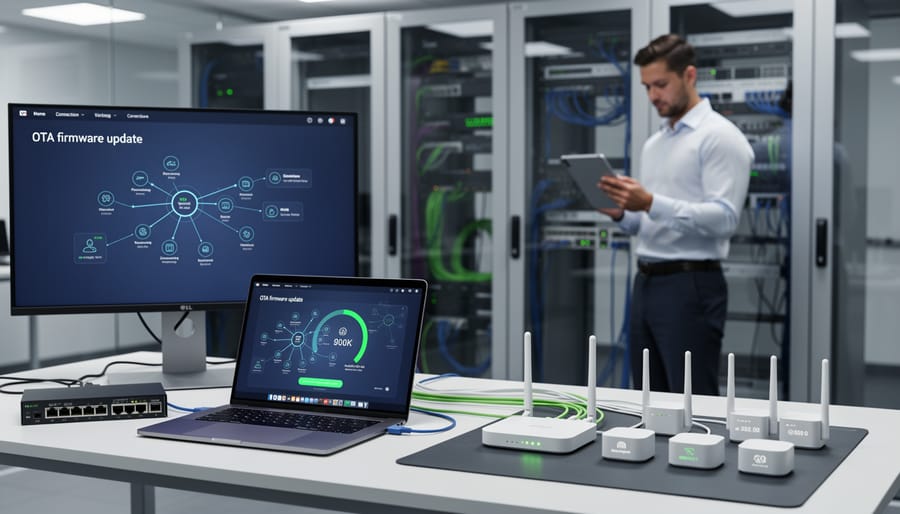
Getting your Raspberry Pi ready for firmware OTA updates is easier than you might think. Let’s walk through the provisioning process step by step.
First, ensure your Raspberry Pi is running the latest version of Raspberry Pi OS. Flash a fresh image to your SD card using the official Raspberry Pi Imager tool. During setup, enable SSH access in the advanced options menu—this will allow remote management later.
Once your Pi boots up, connect it to your network via Ethernet or WiFi. Open a terminal and update your system packages with the commands sudo apt update and sudo apt upgrade. This ensures you’re starting with a clean, current baseline.
Next, choose your OTA management platform. For this tutorial, we’ll use Balena, though the process is similar for other platforms. Create a free account at balena.io and set up a new application. Select your device type (Raspberry Pi 4, for example) and give your application a meaningful name.
Download the balenaOS image provided by the platform. Flash this custom image to your SD card—it comes pre-configured with the management tools built in. Insert the card into your Pi and power it on.
The device will automatically appear in your Balena dashboard within a few minutes. You’ll see its online status, system metrics, and current firmware version. Congratulations! Your Pi is now ready for OTA updates, making managing device fleets across multiple locations simple and efficient.
Creating and Deploying Your First Firmware Update
Now that you understand the fundamentals, let’s walk through creating your first firmware update. The process involves three key stages: packaging, testing, and deployment.
Start by preparing your firmware package. Most OTA platforms require your firmware binary to be compiled for your specific Raspberry Pi model. Bundle this with a manifest file containing version information, device compatibility details, and checksums for verification. Popular formats include JSON or YAML manifests paired with compressed binaries. Tools like Mender Artifact or Balena CLI automate much of this packaging work, ensuring your update meets platform requirements.
Before deploying widely, test on a single device in a controlled environment. Select a non-critical Raspberry Pi as your test subject and initiate the update through your management platform’s interface. Monitor the device console output and verify that rollback mechanisms work if something goes wrong. This safety check prevents widespread failures across your fleet.
Once testing succeeds, you’re ready for broader deployment. Most platforms offer fleet management features allowing you to target specific device groups. Start with a small pilot group rather than updating everything simultaneously. Configure deployment settings like download windows, automatic rollback triggers, and success criteria. Schedule updates during low-traffic periods to minimize disruption.
Monitor deployment progress through your platform’s dashboard, watching for failed updates or connectivity issues. Gradually expand to larger groups as you gain confidence. This phased approach ensures stability while maintaining the flexibility to pause if problems emerge.
Monitoring Update Status and Handling Failures
Effective monitoring ensures your firmware updates complete successfully across your Raspberry Pi fleet. Most OTA platforms provide web-based dashboards displaying real-time update status, deployment progress, and device health metrics. Configure logging on your devices to capture detailed update events, which helps identify issues quickly.
Common failures include network interruptions, insufficient storage space, or corrupted update files. To troubleshoot, check your logs for error codes and verify device connectivity before retrying updates. Implement rollback mechanisms so devices automatically revert to stable firmware if updates fail. Set up alerts to notify your team immediately when devices go offline during updates. Remember to test updates on a small device group first, gradually expanding deployment once you confirm stability. This staged approach minimizes risk and lets you catch problems early.
Best Practices for Enterprise OTA Update Management
Staged Rollouts and Canary Deployments
Rolling out firmware updates to hundreds or thousands of Raspberry Pi devices simultaneously can be risky. A single bug might brick your entire fleet. This is where staged rollouts become essential.
Start by selecting a small test group, typically 5-10% of your devices. These should represent different hardware revisions and use cases in your deployment. Deploy the new firmware to this canary group first and monitor them closely for 24-48 hours. Watch for increased error rates, performance issues, or unexpected behavior.
If the canary deployment succeeds, gradually expand to larger groups. A common pattern is 10%, then 25%, 50%, and finally 100%. Most enterprise OTA platforms include built-in staged rollout features with automatic pause triggers if error rates spike.
Set clear success metrics before each stage. These might include boot success rate, application uptime, or specific functionality tests. If problems arise, you can quickly roll back the canary group without impacting your entire deployment.
This approach transforms risky updates into controlled experiments, giving you confidence while protecting your production environment from widespread failures.
Update Scheduling and Maintenance Windows
Timing your firmware updates strategically can mean the difference between seamless deployment and costly downtime. The key is understanding your fleet’s operational patterns and planning accordingly.
Start by identifying your maintenance windows—periods when device downtime has minimal business impact. For retail deployments, this might be overnight hours or early mornings before stores open. Industrial applications often have scheduled maintenance periods you can leverage. Configure your OTA platform to automatically deploy updates during these windows, reducing disruption to critical operations.
Consider implementing a phased rollout strategy. Rather than updating all devices simultaneously, deploy to a small test group first (perhaps 5-10% of your fleet). Monitor these devices for 24-48 hours to catch any unexpected issues before proceeding with broader deployment. Most enterprise OTA platforms let you set percentage-based rollout schedules and automatic pause triggers if error rates exceed defined thresholds.
For mission-critical devices that can’t afford downtime, implement active-passive redundancy where possible. This allows one device to receive updates while its pair handles the workload. Additionally, always configure automatic rollback mechanisms—if a device fails health checks post-update, it should automatically revert to the previous firmware version without manual intervention.
Version Control and Update Documentation
Keeping detailed records of firmware versions is essential for managing your Raspberry Pi fleet effectively. Think of it as creating a logbook for each device—you’ll want to track which firmware version is running, when it was deployed, and what changes were included. This documentation becomes invaluable when troubleshooting issues or rolling back updates.
Start by implementing a version numbering scheme like semantic versioning (major.minor.patch) to clearly communicate the significance of each update. Maintain a changelog that describes what each version fixes, improves, or adds. For enterprise deployments, this transparency helps teams understand device behavior and meets compliance requirements for auditing purposes.
Most OTA platforms automatically track device states and deployment history, but supplement this with your own records. Document which device groups received which updates, any failures encountered, and rollback procedures used. This creates a knowledge base that accelerates troubleshooting when devices behave unexpectedly.
For beginners, even a simple spreadsheet tracking device IDs, current firmware versions, and update dates provides huge benefits. As your deployment grows, consider migrating to dedicated device management tools that offer built-in version tracking and reporting dashboards for a complete overview of your fleet’s health.
Security Considerations and Access Control
Securing your OTA pipeline is critical when managing Raspberry Pi devices at scale. Start by encrypting all firmware packages using industry-standard protocols like TLS 1.3 for transmission and AES-256 for storage. Never hardcode credentials in your firmware images; instead, use secure boot mechanisms and cryptographic signing to verify package authenticity before installation.
Implement role-based access control (RBAC) to limit who can approve and deploy updates. Create separate roles for developers who build firmware, QA testers who validate updates, and administrators who push to production. Use API keys with limited scopes and rotate them regularly—ideally every 90 days.
Consider implementing a multi-stage approval process for critical updates, requiring sign-off from multiple team members before deployment. Enable audit logging to track all update activities, making it easier to troubleshoot issues and maintain compliance. Store private signing keys in hardware security modules (HSMs) or secure key management services rather than on local machines to prevent unauthorized access.
Common Pitfalls and How to Avoid Them
Network Reliability and Update Failures
Network disruptions pose significant challenges for firmware OTA updates, especially in remote Raspberry Pi deployments. Poor connectivity can result in partial downloads that corrupt the firmware image, potentially bricking devices if not handled properly. Implementing robust retry mechanisms with exponential backoff helps manage temporary connection drops without overwhelming your network.
Consider breaking large firmware files into smaller, verifiable chunks that can be downloaded and validated independently. This approach allows updates to resume from the last successful segment rather than restarting entirely. Setting appropriate timeout values is crucial – too short causes premature failures, while too long delays error detection.
For enterprise deployments, implement delta updates that only transfer changed portions of firmware, reducing bandwidth requirements and download time. Monitor network conditions before initiating updates and schedule them during optimal connectivity windows. Always include checksum verification at multiple stages to catch corrupted downloads early. Having a rollback mechanism ensures devices can revert to stable firmware if an update fails, maintaining operational continuity even when network reliability is unpredictable.
Power Loss During Updates
Power loss during firmware updates poses one of the most critical risks in OTA deployments. An interrupted update can brick your Raspberry Pi, leaving it unbootable and requiring manual recovery or replacement—a nightmare scenario in enterprise environments with hundreds of remote devices.
The solution lies in implementing atomic updates with fallback mechanisms. This approach maintains two firmware partitions: your active system and a backup partition. During updates, the new firmware writes to the inactive partition while your device continues running on the current version. Only after successful verification does the system switch partitions on the next reboot.
If power fails mid-update, your Raspberry Pi simply continues using the working partition. Popular tools like Mender and Balena implement this A/B partition strategy automatically. You can also add a bootloader watchdog that monitors successful boots—if the new firmware fails to start properly three times, it automatically rolls back to the previous version.
For added protection, consider using an uninterruptible power supply (UPS) for critical deployments, or implement battery backup solutions specifically designed for Raspberry Pi devices.
Storage and Partition Management Issues
Storage constraints pose one of the biggest challenges for OTA firmware updates on Raspberry Pi devices. A typical firmware update requires enough free space to download the new image, verify its integrity, and create a backup of the current system. For enterprise deployments, this means planning for at least 2-3 times the firmware size in available storage.
SD card corruption remains a common culprit behind failed updates. Power loss during write operations can damage the boot partition, leaving devices unbootable. To mitigate this, consider using industrial-grade SD cards with wear leveling and implementing dual-partition strategies. This approach maintains two system partitions: one active and one for updates. If an update fails, the device simply boots from the working partition.
Monitor storage health proactively by checking available space before initiating updates. Implement automatic cleanup routines that remove old update files and logs. For devices with limited storage, consider differential updates that only transmit changed files rather than complete images. This dramatically reduces bandwidth requirements and storage overhead while speeding up the update process across your fleet.
Implementing firmware OTA updates represents a significant leap forward for enterprise Raspberry Pi deployments. Rather than manually updating dozens or hundreds of devices, you gain centralized control, enhanced security, and dramatically reduced operational costs. The ability to roll out patches, security fixes, and new features remotely transforms how you manage your Pi fleet, making it viable for mission-critical applications.
As you plan your implementation, remember the key takeaways: prioritize security with encrypted connections and signed updates, implement staged rollouts to minimize risk, and maintain comprehensive logging for troubleshooting. Choose a platform that aligns with your technical requirements and team expertise, whether that’s an open-source solution like Balena or a commercial offering.
Starting small is the smartest approach. Begin with a pilot project involving just 5-10 devices to test your chosen platform and workflows. This allows you to identify potential issues, refine your processes, and build confidence before scaling up. Document your learnings, establish clear rollback procedures, and gradually expand your deployment. With proper planning and execution, firmware OTA will become an indispensable tool in your Raspberry Pi management arsenal, enabling reliable and scalable device operations.