

Edge computing transforms data processing by shifting computational workloads directly to where data originates – at network endpoints, devices, and local servers. Unlike traditional cloud computing, modern edge architectures process data across three distinct layers: device edge (sensors, actuators, IoT devices), infrastructure edge (gateways, local servers), and the near edge (micro data centers). This distributed approach delivers significant edge computing advantages, including reduced latency, enhanced privacy, and improved reliability through localized processing.
For Raspberry Pi enthusiasts, this means your projects can leverage edge computing by processing data directly on the Pi or through a local network of connected devices, rather than relying on distant cloud servers. Whether you’re building smart home automation systems or industrial IoT applications, understanding these processing locations helps optimize your edge computing architecture for maximum efficiency and minimal response times.

The Three Tiers of Edge Computing Processing
Device Edge: Your Raspberry Pi’s First Line of Defense
In edge computing with Raspberry Pi, data processing happens right at the source – on the Pi itself. This approach significantly reduces latency by eliminating the need to send data to distant cloud servers. Your Raspberry Pi acts as a mini data center, capable of collecting sensor readings, processing images, or analyzing IoT data in real-time.
For example, a Raspberry Pi monitoring home security cameras can process video feeds locally, detecting motion and making decisions without cloud dependency. This not only speeds up response times but also enhances privacy since sensitive data stays on your device.
The Pi’s processing capabilities, though modest compared to cloud servers, are more than sufficient for many edge computing tasks. By leveraging optimized software and efficient coding practices, you can process substantial amounts of data directly on your Pi, making it an ideal entry point into the world of edge computing.
Network Edge: The Local Processing Powerhouse
Network edge processing occurs at strategic points between the data source and the cloud, typically at local gateways and servers positioned close to IoT devices. These edge nodes act like mini data centers, equipped with processing power and storage capabilities to handle time-sensitive operations. For Raspberry Pi enthusiasts, this could mean setting up a Pi as an edge gateway to process sensor data from connected devices before sending refined information to the cloud.
Local processing at the network edge reduces latency significantly, as data doesn’t need to travel to distant cloud servers. This is particularly useful for applications requiring real-time responses, such as smart home automation or industrial IoT systems. Edge nodes can filter, aggregate, and analyze data on the spot, sending only relevant information upstream while handling critical processing tasks locally.
Cloud Edge: The Backup Processing Center
While edge computing prioritizes local processing, sometimes data needs to move to the cloud. This typically happens when tasks require more computational power than local edge devices can provide, or when data needs long-term storage and analysis. The cloud acts as a backup processing center, handling complex calculations, machine learning operations, and big data analytics that would overwhelm edge devices.
Cloud processing also comes into play when multiple edge devices need to share data or when global insights are required. For instance, a network of Raspberry Pi-based edge devices might send aggregated data to the cloud for broader pattern analysis or to update AI models that can then be redistributed to all edge nodes.
Remember that cloud processing should be selective – only data that truly needs cloud-level resources should make this journey, keeping your edge computing setup efficient and responsive.
Real-Time Processing with Virtualized Edge Devices
Virtual Machine Processing vs. Container Processing
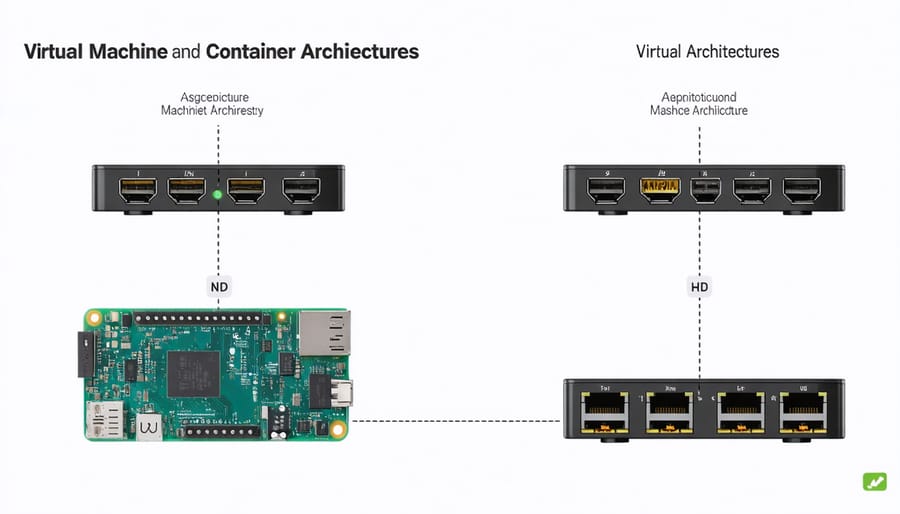
When it comes to processing data at the edge, two main virtualization approaches stand out: virtual machines (VMs) and containers. Each method offers distinct advantages for edge computing scenarios, particularly when working with Raspberry Pi devices.
Virtual machines provide complete operating system isolation, running their own kernel and full OS stack. This means they’re more resource-intensive but offer stronger isolation between workloads. On a Raspberry Pi, VMs might consume more power and processing resources, which could impact performance in edge computing applications.
In contrast, container-based processing shares the host system’s kernel while maintaining application isolation. This lightweight approach typically results in faster startup times and more efficient resource utilization – crucial factors for edge devices with limited computing power.
For most Raspberry Pi edge computing projects, containers prove more practical. They consume fewer resources, deploy faster, and allow you to run more concurrent processes. This efficiency becomes particularly important when processing time-sensitive data at the edge, such as sensor readings or real-time analytics.
However, the choice between VMs and containers often depends on your specific requirements. If you need complete isolation for security-critical applications, VMs might be the better choice. For general edge computing tasks, containers typically offer the best balance of performance and resource efficiency.
Optimizing Edge Processing on Your Pi
To maximize your Raspberry Pi’s edge processing capabilities, start by focusing on optimizing edge computing performance through strategic resource allocation. Begin by monitoring your Pi’s CPU and memory usage using tools like htop or GPIO-based temperature sensors to identify processing bottlenecks.
Implement data filtering at the source to reduce unnecessary processing. Use lightweight protocols like MQTT for data transmission and consider implementing a basic caching system for frequently accessed data. This approach significantly reduces processing overhead and improves response times.
Configure your Pi to prioritize critical processes by adjusting nice values and CPU affinity. For multi-threaded applications, utilize all available cores efficiently by implementing proper thread management. Consider using specialized libraries like NumPy for numerical operations or TensorFlow Lite for optimized machine learning tasks.
Keep your system lean by removing unnecessary services and background processes. Regular maintenance tasks should include cleaning temporary files and optimizing database queries if you’re using local storage. For better thermal management, ensure proper ventilation and consider adding a heat sink or fan if you’re running processor-intensive tasks.
Remember to implement error handling and failsafe mechanisms to prevent system crashes during heavy processing loads. This ensures your edge computing setup remains reliable and efficient even under stress.
Data Flow Decision Making in Edge Computing
Latency-Sensitive vs. Storage-Heavy Processing
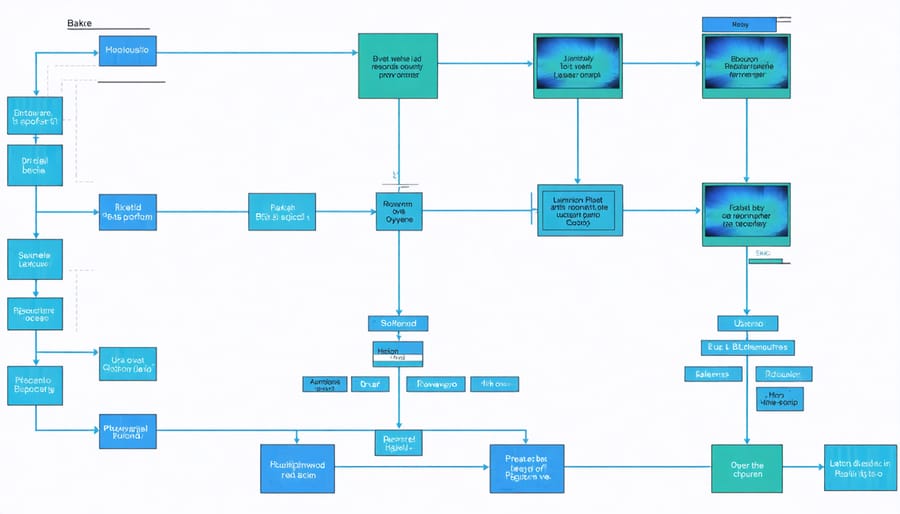
When deciding where to process data in edge computing, the nature of your data and processing requirements plays a crucial role. Latency-sensitive applications, such as real-time video analysis or industrial control systems, benefit most from processing directly at the edge. For instance, a Raspberry Pi running computer vision algorithms for motion detection needs to process data locally to ensure immediate response times.
On the other hand, storage-heavy processing tasks might be better suited for cloud or near-edge locations. Consider a weather monitoring station that collects temperature data throughout the day. While basic calculations can happen at the edge, complex historical analysis requiring large datasets would be more efficient when processed in environments with greater storage capacity.
The key is to balance these requirements. A practical approach is to implement a hybrid model where:
– Time-critical operations run at the edge
– Data aggregation occurs at the near edge
– Long-term storage and intensive analytics happen in the cloud
For Raspberry Pi enthusiasts, this might mean configuring your Pi to handle immediate processing tasks while periodically sending consolidated data to a more powerful system for storage and advanced analysis. This approach optimizes both performance and resource utilization, ensuring your edge computing project maintains efficiency without compromising on capabilities.
Remember to consider bandwidth limitations and data transfer costs when making these decisions, as they can significantly impact the overall effectiveness of your edge computing solution.
Security Considerations in Processing Location
Security plays a crucial role in determining where data gets processed in edge computing setups. When working with sensitive information, you’ll need to carefully balance performance requirements with data protection needs. For Raspberry Pi edge deployments, this often means implementing a multi-layered security approach.
Local processing on edge devices offers better control over data security since sensitive information doesn’t need to travel across networks. This is particularly important when handling personal data, financial information, or proprietary business data. By processing data closer to the source, you reduce exposure to potential network-based attacks and minimize the risk of data interception.
However, edge devices like the Raspberry Pi need proper security hardening. This includes implementing encrypted storage, secure boot processes, and regular security updates. When processing must occur away from the edge, using encrypted communication channels and implementing access controls becomes essential.
Some organizations opt for a hybrid approach, where initial data processing occurs at the edge to filter out sensitive information, while non-sensitive data moves to the cloud for further analysis. This setup provides a good balance between security and functionality.
Remember to consider regulatory requirements like GDPR when deciding where to process your data. Some regulations explicitly mandate where certain types of data can be stored and processed, which directly impacts your edge computing architecture decisions.
Edge computing revolutionizes data processing by bringing computation closer to where data originates, offering faster response times and reduced bandwidth usage. As we’ve explored, data processing in edge computing can occur at various levels: directly on IoT devices, at edge nodes like Raspberry Pis, or in local edge servers, depending on your specific needs and constraints.
To get started with edge computing, begin by identifying your project’s requirements and processing needs. Consider factors like latency requirements, data volume, and available resources. For Raspberry Pi enthusiasts, starting with simple edge processing projects can provide valuable hands-on experience. Try implementing basic sensor data processing or local AI inference as your first step.
Remember to regularly evaluate your edge computing setup’s performance and adjust as needed. Monitor metrics like processing speed, resource utilization, and network bandwidth to optimize your implementation. Whether you’re working with a single Raspberry Pi or building a larger edge computing network, focusing on efficiency and practical application will help you make the most of this transformative technology.
Stay curious and keep experimenting with different edge computing configurations to find what works best for your specific use case.