

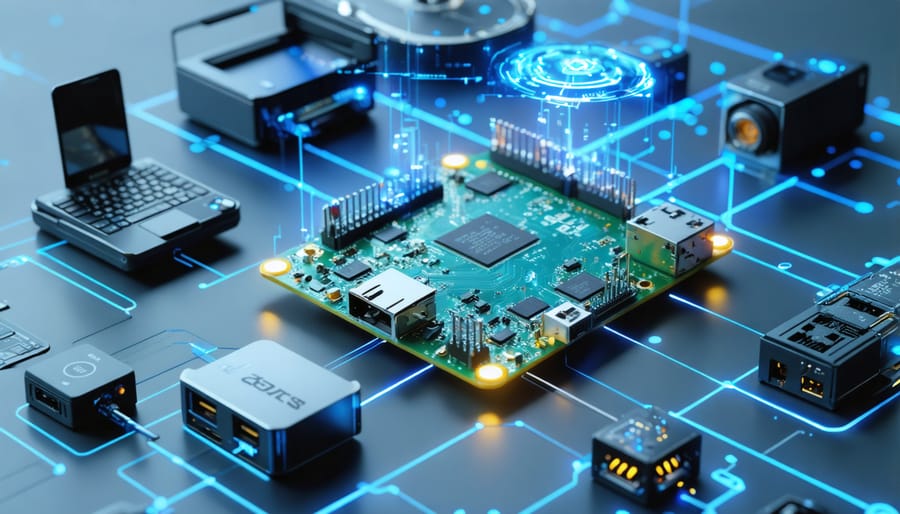
Deploy Zebra IoT Connector to seamlessly integrate enterprise-grade data collection devices with your IoT infrastructure. This powerful middleware solution lets you transform your Raspberry Pi into an IoT hub that efficiently manages Zebra scanners, printers, and mobile computers across your network.
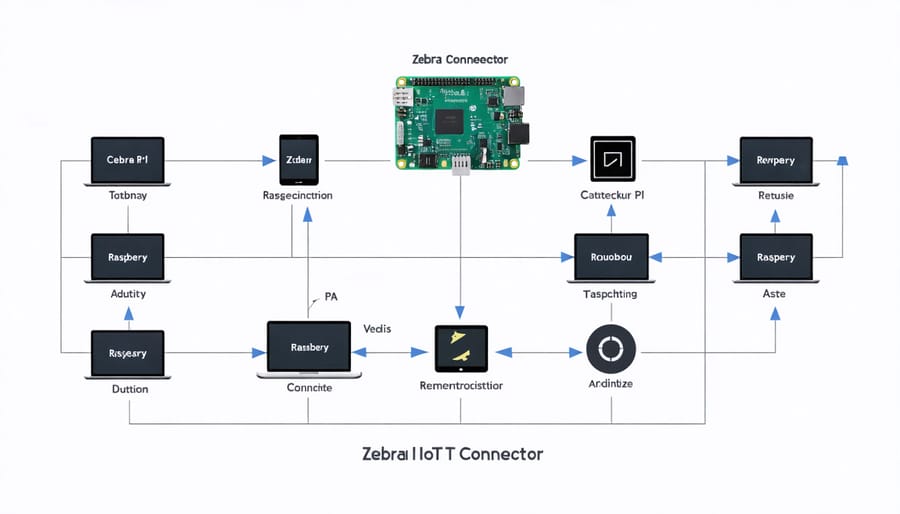
Connect multiple Zebra devices simultaneously through the connector’s intelligent routing system, enabling real-time data synchronization and automated workflow management. The platform’s REST API architecture ensures smooth integration with existing enterprise systems while maintaining robust security protocols and device authentication.
Whether you’re building an inventory management system or implementing asset tracking solutions, Zebra IoT Connector provides the essential bridge between your hardware endpoints and cloud services. Its plug-and-play functionality, combined with comprehensive documentation and development tools, makes it an ideal choice for both proof-of-concept projects and large-scale IoT deployments.
What is Zebra IoT Connector?
Key Features and Benefits
The Zebra IoT Connector enhances your Raspberry Pi’s IoT expansion capabilities with a robust set of features designed for seamless device integration. This versatile connector supports multiple communication protocols, including MQTT, HTTP, and CoAP, making it ideal for diverse IoT applications. Users benefit from real-time data streaming capabilities and built-in data buffering, ensuring no information is lost during network interruptions.
One standout feature is the automated device discovery function, which simplifies the process of connecting new IoT sensors and actuators. The connector also includes pre-built libraries and APIs that significantly reduce development time, allowing makers to focus on their project’s core functionality rather than communication logistics.
Security is paramount, with the connector offering encrypted data transmission and device authentication out of the box. The intuitive management interface makes it easy to monitor connected devices, adjust settings, and troubleshoot issues. For Raspberry Pi enthusiasts, the plug-and-play nature of the connector, combined with comprehensive documentation, ensures a smooth integration experience.
Technical Specifications
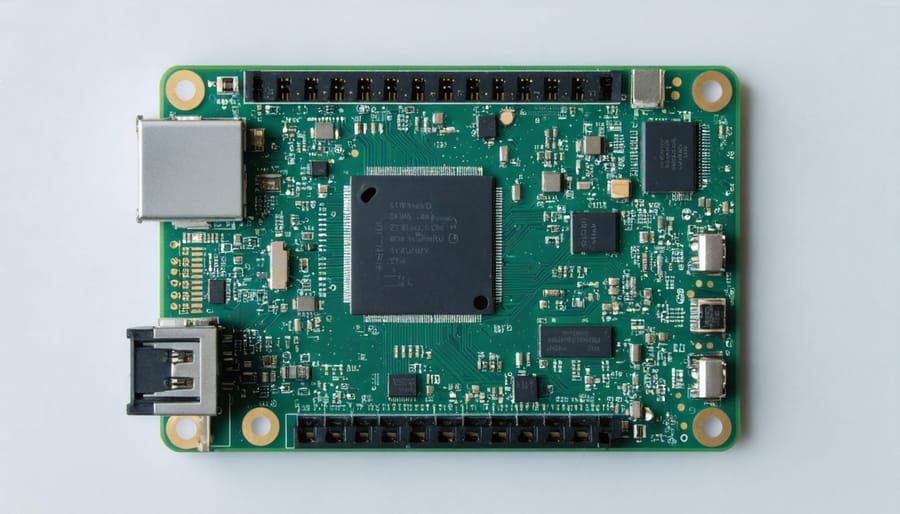
The Zebra IoT Connector is designed to operate on Raspberry Pi models 3B+ and 4B, requiring a minimum of 2GB RAM for optimal performance. The connector supports both Python 3.7+ and Node.js 12+ environments, making it versatile for different development preferences. For storage, a minimum of 16GB microSD card is recommended, with at least 5GB of free space for the connector and associated data.
Network connectivity requirements include either Ethernet or Wi-Fi (802.11 b/g/n), with a stable internet connection of at least 2Mbps for reliable data transmission. The connector supports multiple communication protocols including MQTT, HTTP/HTTPS, and WebSocket, enabling seamless integration with various IoT devices and platforms.
Operating system compatibility extends to Raspberry Pi OS (formerly Raspbian) Buster or newer, Ubuntu 20.04 LTS, and other ARM-based Linux distributions. The connector features built-in support for common IoT security protocols, including TLS 1.2/1.3 encryption and certificate-based authentication.
For enterprise deployments, the connector can handle up to 100 simultaneous device connections and process up to 1000 messages per second, depending on the hardware configuration and network conditions.
Setting Up Zebra IoT Connector on Raspberry Pi
Installation Prerequisites
Before setting up the Zebra IoT Connector, ensure you have all the necessary components ready. You’ll need a Raspberry Pi (Model 3B+ or newer recommended) running the latest version of Raspberry Pi OS, along with a reliable power supply and microSD card (16GB or larger). Basic experience with connecting sensors to Raspberry Pi will be helpful for this project.
Essential software requirements include Python 3.7 or newer, pip package manager, and Git for downloading the connector files. Make sure your Raspberry Pi has an active internet connection and updated system packages. You’ll also need the Zebra SDK, which can be downloaded from the official Zebra website.
For hardware connectivity, ensure you have:
– Ethernet cable or stable Wi-Fi connection
– Compatible Zebra device (printer, scanner, or mobile computer)
– USB cables for direct connections (if applicable)
– GPIO pins for sensor integration (optional)
Additionally, basic knowledge of Linux commands and Python programming will make the setup process smoother. Access to your network’s configuration details, including IP addresses and port numbers, is also required.
Configuration Steps
To set up the Zebra IoT Connector with your Raspberry Pi, follow these straightforward steps:
1. Install the required dependencies by running:
“`bash
sudo apt-get update
sudo apt-get install python3-pip
pip3 install zebra-scanner
“`
2. Download the Zebra IoT Connector package:
“`bash
git clone https://github.com/zebra/iot-connector
cd iot-connector
“`
3. Configure your connection settings in the config.yaml file:
“`yaml
device:
name: “zebra-scanner”
port: “/dev/usb0”
mqtt:
broker: “localhost”
port: 1883
topic: “zebra/data”
“`
4. Initialize the connector service:
“`bash
sudo systemctl start zebra-connector
sudo systemctl enable zebra-connector
“`
5. Verify the connection by checking the status:
“`bash
sudo systemctl status zebra-connector
“`
For optimal performance, ensure your Raspberry Pi is connected to a stable network and the Zebra device is properly powered. The connector automatically establishes communication with your configured MQTT broker, enabling seamless data transmission between your Zebra device and IoT infrastructure.
Remember to regularly check for firmware updates and maintain proper security protocols. The connector supports various data formats and can be customized through additional configuration parameters in the YAML file.
Troubleshooting Common Issues
When setting up the Zebra IoT Connector, you might encounter several common issues. If the connector fails to initialize, first verify that all required dependencies are properly installed and that your Raspberry Pi is running the latest firmware. A simple system reboot often resolves initialization problems.
Connection timeouts are another frequent issue. Check your network settings and ensure your firewall isn’t blocking the connector’s ports. If using Wi-Fi, verify signal strength and consider using a wired connection for more stable communication.
Authentication errors typically stem from incorrect credentials or expired API keys. Double-check your configuration file for typos and ensure all authentication tokens are current. For SSL/TLS errors, verify that your certificates are valid and properly installed.
If data isn’t being transmitted, examine the connector’s logs for error messages. Common causes include incorrect data formatting or messaging queue issues. Clear the queue cache and restart the service to resolve these problems.
For performance issues, monitor your Raspberry Pi’s resource usage. The connector may struggle if CPU or memory usage is too high. Consider closing unnecessary applications or optimizing your configuration settings.
Practical Applications
Home Automation Projects
The Zebra IoT Connector opens up exciting possibilities for home automation enthusiasts. One popular implementation involves creating a smart inventory management system for your pantry. By attaching Zebra barcode scanners to your Raspberry Pi, you can automatically track grocery items as they enter and leave your shelves, generating shopping lists and monitoring expiration dates.
Another practical application is a smart garage system that uses Zebra RFID readers to identify vehicles and automatically open doors for authorized cars. This setup can be enhanced by integrating temperature and humidity sensors to monitor garage conditions and trigger ventilation systems when needed.
For home security, many makers have successfully implemented systems that combine Zebra barcode scanners with smart door locks. When packages arrive, delivery personnel can scan authorized barcodes, triggering temporary access to a secure package drop-off area while logging the delivery time and courier information.
The bedroom and living room can also benefit from automation. Users have created smart lighting systems that respond to scanned QR codes, setting specific ambiance modes for different activities like reading, movie watching, or relaxation. Some enthusiasts have even integrated their Zebra devices with smart mirrors, creating morning routines that display personalized information when specific items are scanned.
These projects demonstrate how the Zebra IoT Connector can transform everyday spaces into intelligent environments while maintaining security and ease of use.
Industrial IoT Solutions
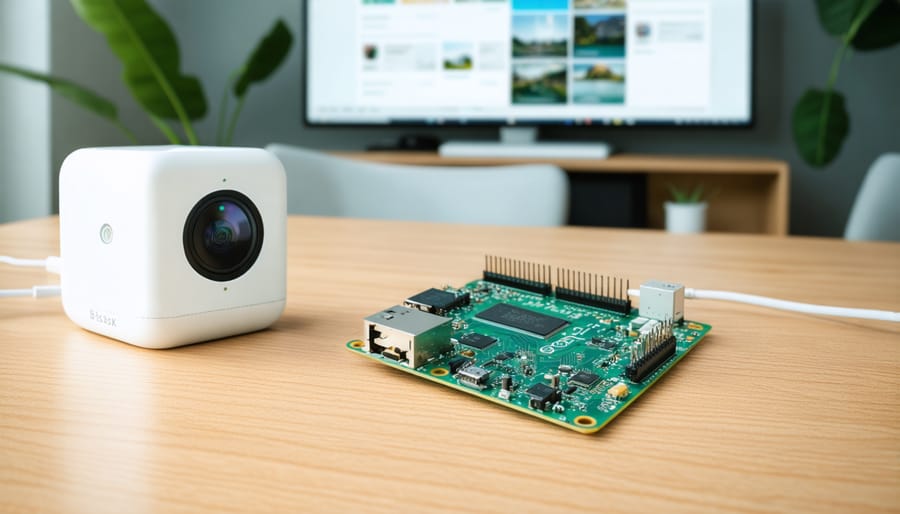
The Zebra IoT Connector has revolutionized enterprise-level IoT implementations, particularly in manufacturing and logistics environments. By seamlessly integrating with various industrial automation applications, it enables businesses to transform their operations through real-time data collection and analysis.
In warehouse management, the connector facilitates inventory tracking by connecting RFID readers, barcode scanners, and environmental sensors to centralized monitoring systems. This integration allows for automated stock management, reducing human error and improving efficiency. Manufacturing facilities benefit from production line monitoring, where the connector helps track machine performance, maintenance schedules, and quality control metrics.
Supply chain visibility is enhanced through the connector’s ability to integrate with transportation management systems. Real-time location tracking of shipments, temperature monitoring for sensitive goods, and automated alerts for delivery exceptions become possible through this robust solution.
Healthcare facilities utilize the connector to monitor medical equipment, track patient flow, and manage asset locations. The system’s compatibility with various medical devices ensures seamless integration with existing hospital infrastructure while maintaining compliance with healthcare regulations.
For retail environments, the connector enables smart shelf management, automated price updates, and customer behavior analytics. This creates opportunities for personalized shopping experiences and improved inventory management based on real-time demand data.
Security Considerations
Data Protection Features
The Zebra IoT Connector comes equipped with robust data protection features designed to safeguard your IoT ecosystem. At its core, the connector implements end-to-end encryption for all data transmissions, ensuring that sensitive information remains secure from device to cloud. This includes TLS 1.3 protocol support and certificate-based authentication, providing enterprise-grade security for your Raspberry Pi projects.
Access control is managed through a comprehensive role-based system, allowing you to define specific permissions for different users and devices. The connector also features built-in data validation and sanitization to prevent injection attacks and maintain data integrity throughout the communication chain.
For enhanced security, the connector includes automatic session management with configurable timeouts and the ability to revoke access instantly if suspicious activity is detected. Regular security patches and updates are provided to address emerging threats and vulnerabilities.
Local data storage is protected through AES-256 encryption, while the connector’s firewall features allow you to establish secure communication channels between your IoT devices and trusted endpoints only. A detailed audit logging system tracks all access attempts and data transfers, making it easier to monitor system activity and investigate potential security incidents.
These security measures work seamlessly in the background, requiring minimal configuration while providing maximum protection for your IoT deployment.
Best Practices for Secure Implementation
When implementing the Zebra IoT Connector in your projects, following security best practices is crucial to protect your data and devices. Start by implementing strong authentication mechanisms, using unique credentials for each device, and regularly rotating access tokens. Never use default passwords or share credentials across multiple devices.
Enable encryption for all data transmission using TLS 1.3 or higher, and ensure that all communication channels between your devices and the connector are secured. Regularly update your firmware and software components to patch potential vulnerabilities and maintain system integrity.
Create a segmented network architecture by isolating IoT devices from your main network using VLANs or separate network segments. This minimizes the potential impact of security breaches and contains potential threats.
Implement robust logging and monitoring systems to track device activities and detect unusual patterns. Set up automated alerts for suspicious activities such as unauthorized access attempts or unusual data transmission patterns.
Regularly backup your configuration data and maintain a disaster recovery plan. Document all security measures and create an incident response plan for potential security breaches.
Consider implementing rate limiting to prevent DDoS attacks and API abuse. Finally, conduct regular security audits and vulnerability assessments to identify and address potential security gaps in your implementation.
The Zebra IoT Connector represents a significant advancement in connecting Raspberry Pi devices to industrial-grade IoT infrastructure. Throughout this guide, we’ve explored its key features, setup process, and practical applications that make it an invaluable tool for both hobbyists and professionals alike.
By following the outlined installation steps and configuration guidelines, you can seamlessly integrate your Raspberry Pi projects with Zebra’s robust IoT ecosystem. The connector’s ability to handle real-time data processing, coupled with its enhanced security features, makes it an excellent choice for developing sophisticated IoT solutions.
Remember to regularly check for firmware updates and maintain proper security protocols to ensure optimal performance. The community resources and documentation provided by Zebra can help you troubleshoot issues and discover new ways to leverage this technology in your projects.
Looking ahead, the potential applications for the Zebra IoT Connector continue to expand. Whether you’re building a smart home system, developing industrial automation solutions, or creating educational demonstrations, this tool provides the foundation for reliable IoT connectivity.
For those just starting their IoT journey, consider beginning with simple projects and gradually expanding your implementation as you become more comfortable with the platform. The scalability and flexibility of the Zebra IoT Connector make it an excellent choice for both entry-level experiments and complex enterprise solutions.