


Cloud backup methods have evolved into two distinct approaches that form the foundation of any reliable backup strategy: file-level and image-based backups. File-level backup selectively copies individual files and folders to the cloud, offering granular control and efficient storage use for specific data protection needs. Image-based backup, conversely, creates complete snapshots of entire systems, including the operating system, applications, and configurations, ensuring comprehensive disaster recovery capabilities. Understanding these fundamental approaches helps organizations and individuals implement robust data protection solutions that align with their specific recovery objectives and storage constraints. The choice between these methods often depends on factors such as recovery time objectives, storage costs, and the criticality of system-wide restoration capabilities versus selective file recovery needs.
File-Based Cloud Backup: The Selective Approach
How File-Based Backup Works
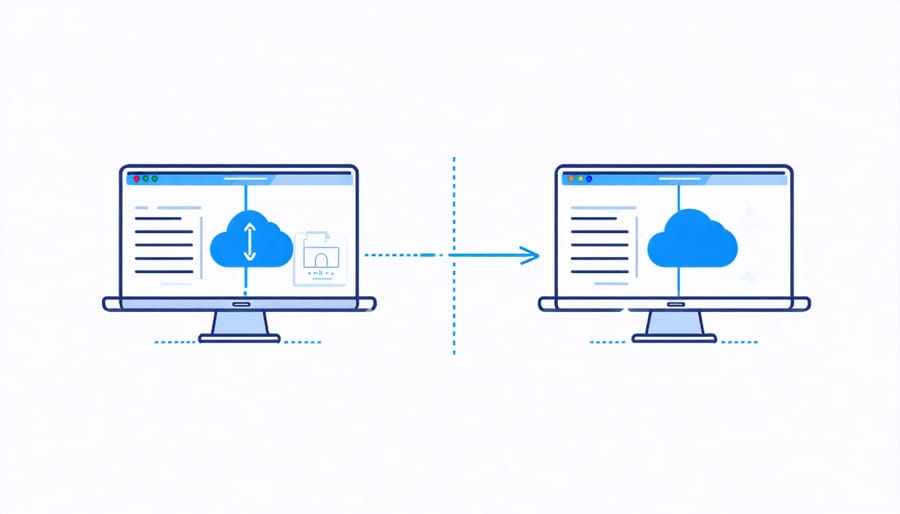
File-based backup works by identifying and copying individual files and folders that have been changed since the last backup operation. This method scans your system for modified files by checking their timestamps and attributes, then uploads only the changed or new files to the cloud storage.
When you first set up file-based backup, the system creates a complete copy of all selected files and folders. During subsequent backups, it performs an incremental backup, transferring only the files that have been modified or added since the previous backup. This approach significantly reduces backup time and bandwidth usage compared to backing up everything repeatedly.
The backup software maintains a catalog of all backed-up files, including their versions and locations. This catalog helps track file changes over time and enables quick file restoration when needed. If you need to recover data, you can browse through the backup catalog and select specific files or folders to restore, making it easy to retrieve individual documents without restoring the entire backup.
One notable aspect of file-based backup is its flexibility in file selection. You can choose specific folders, file types, or locations to back up, giving you precise control over what data gets protected. This selective approach helps optimize storage space and backup performance while ensuring your most important files are secured.
Advantages and Limitations
File-based backup offers several distinct advantages that make it an attractive option for many users. First, it provides excellent flexibility, allowing you to select specific files and folders for backup rather than copying entire disk images. This selective approach helps conserve storage space and reduces backup time. Additionally, file-based backups are typically easier to browse and restore individual files when needed, making it ideal for quick file recovery scenarios.
However, this method also comes with notable limitations. One significant drawback is that file-based backups don’t capture system state or configuration settings, making full system recovery more complex. If your system crashes, you’ll need to reinstall the operating system and applications before restoring your backed-up files.
The approach also struggles with handling open or locked files, which can result in incomplete backups of actively used databases or system files. While modern backup solutions often include VSS (Volume Shadow Copy Service) to address this issue, it’s not always perfect.
Another consideration is that file-based backups might miss hidden system files or specific file attributes, which could be crucial for certain applications. This limitation becomes particularly relevant when dealing with specialized software or complex system configurations where every file and setting matters for proper functionality.
These factors make file-based backup most suitable for personal users and small businesses primarily concerned with protecting document files, photos, and other user data rather than entire system states.
Image-Based Cloud Backup: The Complete System Solution
Understanding Image-Based Backup
Image-based backup, also known as disk imaging or system imaging, creates an exact replica of your entire system, including the operating system, applications, settings, and data. Think of it as taking a snapshot of your complete computer system at a specific point in time. This comprehensive approach is particularly valuable when implementing hybrid cloud storage solutions for maximum data protection.
The process works by capturing data at the block level, rather than just copying individual files. When your system performs an image-based backup, it reads every sector of your hard drive, creating a bit-by-bit copy that includes not only your visible files but also hidden system files, boot sectors, and partition information. This results in a single, consolidated backup file that contains everything needed to restore your system to its exact state at the time of backup.
One of the key advantages of image-based backup is its ability to perform bare-metal recovery. This means you can restore your entire system to completely new hardware if necessary, making it invaluable for disaster recovery scenarios. The backup image can be mounted as a virtual drive, allowing you to access and retrieve individual files without performing a complete system restoration.
Image-based backups are particularly useful for servers, workstations with complex configurations, and systems where maintaining exact software states is crucial.
Benefits and Drawbacks
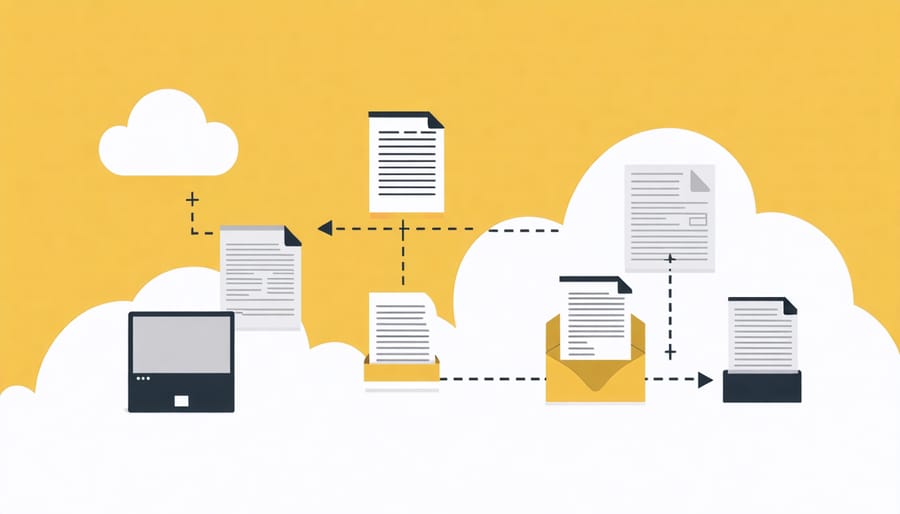
Image-based backup offers several compelling advantages for cloud storage solutions. One of its main benefits is the ability to create exact replicas of your entire system, including the operating system, applications, and settings. This means you can restore your system to its exact state before a failure, significantly reducing downtime during recovery operations.
The comprehensive nature of image-based backups also ensures nothing is accidentally left out during the backup process. For businesses and power users, this provides peace of mind knowing that all critical data and system configurations are safely stored.
However, image-based backups do come with notable drawbacks. These backups typically require more storage space since they capture everything, including unnecessary files and system bloat. This can lead to higher storage costs, especially when using cloud services with usage-based pricing.
Additionally, image-based backups often take longer to complete and restore compared to file-level backups. The larger file sizes can also make it challenging to perform frequent backups, particularly in environments with limited bandwidth.
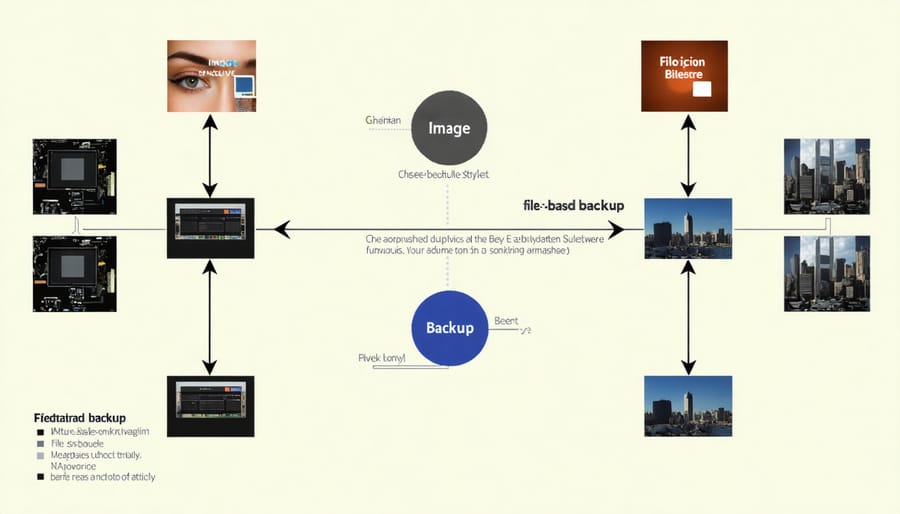
File-level backup, while more selective, offers faster backup and restore times for individual files and folders. It’s more storage-efficient since you only back up what you need, but it doesn’t provide the same level of system-wide protection as image-based solutions. The choice between these methods often depends on your specific needs, budget, and recovery time objectives.
Choosing the Right Backup Method for Your Needs
When to Use File-Based Backup
File-based backup is particularly well-suited for specific scenarios where flexibility and granular control over your backup process are essential. This method shines when you need to back up individual files and folders rather than entire system images, making it ideal for personal projects and smaller-scale implementations.
Consider using file-based backup when you’re working on ongoing projects that require frequent updates to specific files. For instance, if you’re developing code or maintaining a document repository, this approach allows you to back up only the changed files, saving both time and storage space. It’s also perfect for situations where you need quick access to particular files without restoring an entire system image.
This backup method is especially valuable when working with limited storage solutions, as it allows you to be selective about what you back up. For home users and small offices, file-based backup provides an efficient way to protect important documents, photos, and project files while excluding unnecessary system files and applications.
Additionally, file-based backup is recommended when you need to:
– Maintain multiple versions of specific files
– Quickly restore individual documents
– Share selected files with team members
– Manage backups across different devices with varying storage capacities
– Implement a flexible retention policy for different types of data
When to Choose Image-Based Backup
Image-based backup is the ideal choice when you need to protect entire systems rather than just specific files. This approach is particularly valuable in several key scenarios. First, when dealing with servers or mission-critical workstations where quick disaster recovery is essential, image-based backups allow for rapid restoration of the entire system to its exact previous state.
For businesses running specialized software with complex configurations, this backup method ensures all settings, registry entries, and system states are preserved exactly as they were. This eliminates the need for time-consuming manual reconfiguration after a recovery event.
Development environments and testing servers particularly benefit from image-based backups. They can quickly roll back to previous system states without worrying about missing dependencies or configuration files. This is especially useful when testing software updates or making significant system changes.
Virtual machine environments are another perfect use case. Image-based backups capture the entire VM state, making it easy to migrate, clone, or restore virtual machines across different hosts or locations.
Additionally, if you’re managing systems with strict compliance requirements, image-based backups help maintain system integrity and provide comprehensive documentation of system states at specific points in time. This can be crucial for audit trails and regulatory compliance in sectors like healthcare or finance.
Remember that while image-based backups require more storage space, they offer unmatched convenience and security when system-wide protection is a priority.
Understanding the two primary cloud backup methods – file-level and image-based backups – is crucial for implementing an effective data protection strategy. File-level backup offers flexibility and efficiency for everyday users who need to protect specific files and folders, making it ideal for regular document management and selective backup needs. Image-based backup, while more resource-intensive, provides comprehensive system protection that’s invaluable for disaster recovery scenarios.
For most home users and small businesses, a combination of both methods often provides the best protection. Consider using file-level backup for daily operations and frequently changed documents, while maintaining periodic image-based backups for complete system protection. This hybrid approach ensures both efficiency in daily backups and thorough protection against major system failures.
When choosing between these methods, evaluate your specific needs, available storage space, and recovery time objectives. Remember that the best backup strategy is one that you’ll consistently maintain and can easily restore from when needed. Whichever method you choose, regular testing of your backups and maintaining multiple copies of your data remain essential practices for robust data protection.