

Transform your Raspberry Pi into a versatile computing powerhouse by exploring the extensive ecosystem of operating systems beyond the default Raspbian OS. From media centers running LibreELEC to retro gaming platforms powered by RetroPie, and specialized distributions like Ubuntu MATE for desktop computing, each operating system unlocks unique capabilities for your single-board computer.
Modern Raspberry Pi boards support dozens of purpose-built operating systems, each optimized for specific use cases – whether you’re building a home automation hub with Home Assistant, creating a network-wide ad blocker with DietPi, or developing IoT applications with Windows 10 IoT Core. These alternatives offer enhanced performance, specialized features, and optimized resource management compared to general-purpose distributions.
Choose your operating system based on your project requirements: media streaming demands lightweight options like OSMC, development work benefits from feature-rich environments like Ubuntu Server, while education-focused projects thrive on beginner-friendly distributions like Sugar on a Stick. Understanding these options empowers you to maximize your Raspberry Pi’s potential across diverse applications.
Linux-Based Operating Systems
Ubuntu MATE and Ubuntu Server
Ubuntu MATE brings a familiar and user-friendly desktop environment to the Raspberry Pi, making it an excellent choice for users transitioning from traditional computers. This lightweight variant maintains the full Ubuntu experience while being optimized for the Pi’s hardware capabilities. With a comprehensive software center and robust community support, Ubuntu MATE enables users to run productivity applications, browse the web, and handle multimedia tasks seamlessly.
For those interested in server applications, Ubuntu Server provides a powerful, command-line based solution. This distribution excels in network management, web hosting, and file sharing tasks. It’s particularly well-suited for the Raspberry Pi 4, taking full advantage of its improved processing power and increased RAM capacity.
Both variants benefit from Ubuntu’s extensive package repository and regular security updates. Ubuntu MATE is ideal for desktop users who need a complete computing environment, while Ubuntu Server caters to those building home servers, learning Linux administration, or deploying IoT projects. The 64-bit versions of both distributions ensure optimal performance on newer Pi models, though they maintain compatibility with older hardware through 32-bit releases.
Arch Linux ARM
For users seeking ultimate control and customization, Arch Linux ARM offers a minimalist approach to Raspberry Pi computing. This lightweight distribution starts with only the essential components, allowing you to build your system from the ground up according to your specific needs. You can optimize performance with custom builds and maintain a lean, efficient system.
Unlike pre-configured distributions, Arch Linux ARM requires more technical knowledge but rewards users with blazing-fast performance and a deep understanding of their system’s architecture. The rolling release model ensures you always have access to the latest software updates and packages through the extensive Arch User Repository (AUR).
The distribution is particularly popular among developers and system administrators who appreciate its transparent configuration process and detailed documentation. While the initial setup might be challenging for beginners, the learning experience proves invaluable for those wanting to master Linux systems. The community support is excellent, with comprehensive wikis and forums ready to help troubleshoot any issues you might encounter.
Kali Linux
Kali Linux for Raspberry Pi brings professional-grade penetration testing and security auditing capabilities to this compact platform. This specialized distribution comes pre-loaded with hundreds of security tools, making it an ideal choice for cybersecurity enthusiasts, ethical hackers, and IT professionals who need a portable security testing solution.
The ARM-optimized version maintains most of the powerful features found in the desktop edition, including tools for network analysis, wireless network testing, password cracking, and vulnerability assessment. Popular tools like Metasploit, Wireshark, and Aircrack-ng are readily available, though some may run slightly slower compared to their x86 counterparts.
Setting up Kali Linux on your Raspberry Pi is straightforward, requiring only the official image and standard installation procedures. However, users should note that this distribution demands more resources than typical Raspberry Pi operating systems, so using a Pi 4 with at least 4GB of RAM is recommended for optimal performance.
The distribution also supports various wireless adapters for advanced wireless testing, though you’ll need to verify compatibility with your specific hardware. While Kali Linux might be overkill for casual users, it’s an invaluable tool for security professionals and students learning about cybersecurity, offering a cost-effective way to build a portable penetration testing platform.
Remember that Kali Linux should be used responsibly and ethically, as its tools are designed for security testing with proper authorization.
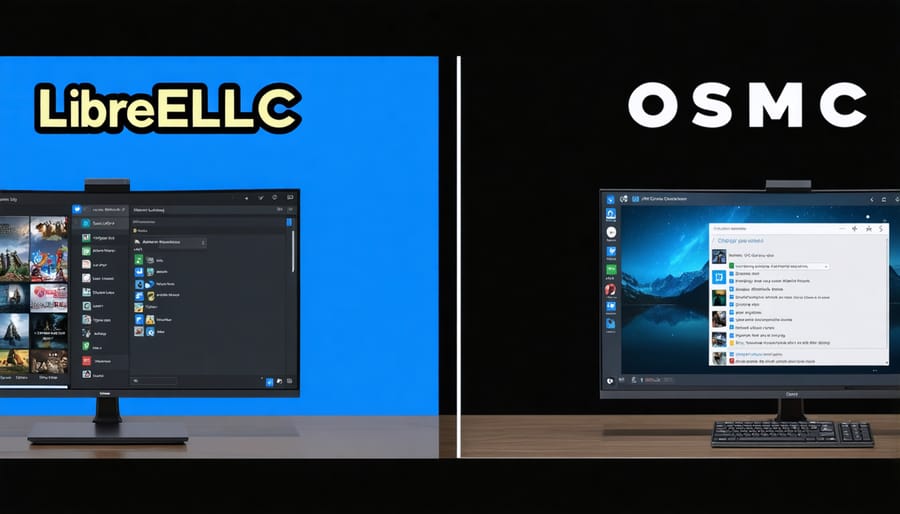
Media Center Operating Systems
LibreELEC
LibreELEC (Linux Embedded Entertainment Center) stands out as a streamlined, purpose-built operating system designed specifically for turning your Raspberry Pi into a powerful media center. This lightweight OS runs Kodi media player as its primary interface, making it perfect for users who want to create a dedicated entertainment hub without any unnecessary extras.
What sets LibreELEC apart is its “just enough OS” approach, meaning it includes only the essential components needed to run Kodi efficiently. This results in faster boot times, smoother performance, and better overall stability compared to running Kodi on a general-purpose operating system. The OS typically boots in under 30 seconds and uses minimal system resources, ensuring optimal performance even on older Raspberry Pi models.
Setting up LibreELEC is remarkably straightforward, with an easy-to-use installer that handles most of the configuration automatically. Once installed, you can stream your favorite content, play local media files, and install various Kodi add-ons to expand your entertainment options. The system also supports automatic updates, ensuring you always have the latest features and security patches without manual intervention.
For those interested in home theater projects, LibreELEC supports a wide range of media formats and can handle 4K playback on compatible Raspberry Pi models. It also includes built-in support for various remote controls and can be easily controlled through smartphone apps, making it a versatile choice for your home entertainment setup.
OSMC
OSMC (Open Source Media Center) transforms your Raspberry Pi into a powerful entertainment hub while offering additional functionality beyond media playback. Built on Debian Linux, this free and open-source platform delivers a sleek, user-friendly interface optimized for remote control navigation and large-screen displays.
At its core, OSMC excels at media playback, supporting a wide range of video and audio formats through the Kodi media center software. It handles 4K content smoothly (on compatible Pi models) and offers seamless streaming from network storage, online services, and popular streaming add-ons.
What sets OSMC apart is its versatility. While primarily designed for media consumption, it maintains full Debian capabilities, allowing users to install additional software packages and run various applications. The platform includes built-in Wi-Fi and Bluetooth management, automatic updates, and an app store for easy software installation.
The system features a responsive web interface for remote management, making it convenient to control your media center from any device on your network. OSMC also supports popular streaming protocols like AirPlay and UPnP, enabling wireless content streaming from mobile devices.
For users seeking a reliable media center solution with the flexibility to expand functionality, OSMC provides an excellent balance of simplicity and power, making it a popular choice in the Raspberry Pi community.
Gaming and Retro Operating Systems
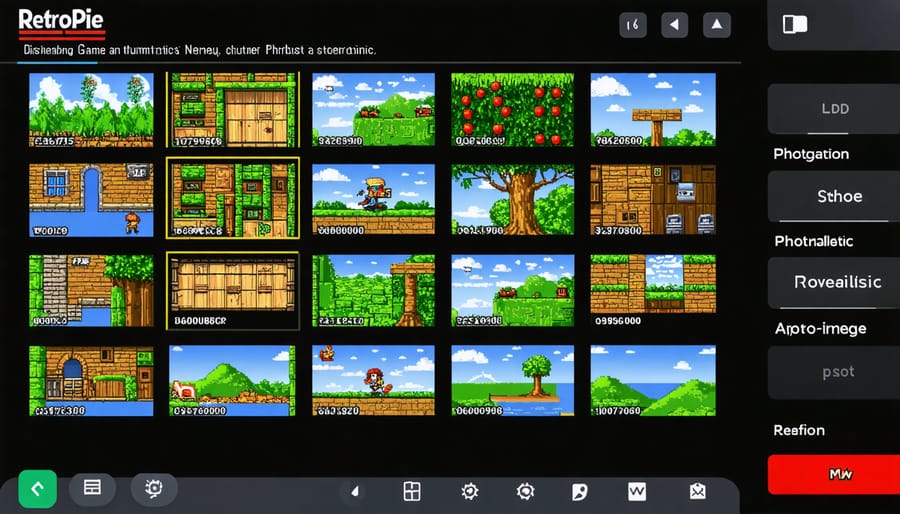
RetroPie
RetroPie transforms your Raspberry Pi into a powerful retro gaming console, capable of emulating classic systems from the 1970s through the 1990s. This specialized operating system combines EmulationStation’s user-friendly interface with RetroArch’s extensive emulation capabilities, making it a favorite among retro gaming enthusiasts.
Setting up RetroPie is straightforward: download the image, flash it to your SD card, and you’re ready to start gaming. The system supports a wide range of controllers, including USB gamepads, wireless controllers, and even original console controllers through adapters. You can easily transfer ROMs via USB or network sharing, though you’ll need to provide your own game files legally.
RetroPie comes pre-configured with optimized settings for the Raspberry Pi, ensuring smooth gameplay across multiple emulated systems. The platform supports save states, controller customization, and even shaders to enhance classic graphics. Regular community updates keep the system current with new features and compatibility improvements, while an active forum provides excellent support for troubleshooting and customization guidance.
For the best experience, a Raspberry Pi 4 is recommended, though earlier models can run many classic systems effectively.
Lakka
Lakka transforms your Raspberry Pi into a powerful retro gaming console, offering a streamlined, console-like experience powered by RetroArch. This lightweight operating system boots directly into an intuitive interface reminiscent of the PlayStation 3, making it incredibly user-friendly for gamers of all skill levels.
What sets Lakka apart is its extensive compatibility with various gaming emulators and its automatic controller configuration feature. The OS comes pre-loaded with numerous libretro cores, enabling you to play games from classic systems like NES, SNES, PlayStation, and many others. The system supports a wide range of controllers, from USB gamepads to wireless Bluetooth controllers.
Performance-wise, Lakka is optimized for the Raspberry Pi’s hardware, ensuring smooth gameplay and quick loading times. The OS includes advanced features like shader support, netplay for online multiplayer, and automatic savestate management. Its lightweight nature means it runs efficiently even on older Raspberry Pi models, though you’ll get the best performance on newer versions.
Installation is straightforward, and the community provides extensive documentation and support for troubleshooting and customization.
Specialized and Experimental Systems
Windows 10 IoT Core
Windows 10 IoT Core represents Microsoft’s dedicated effort to bring their operating system ecosystem to embedded devices and single-board computers like the Raspberry Pi. As one of the latest OS alternatives, it’s specifically designed for building smart devices and Internet of Things (IoT) projects.
This streamlined version of Windows 10 offers developers access to familiar Microsoft development tools, including Visual Studio and the Universal Windows Platform (UWP). It’s particularly valuable for enterprises and developers already invested in the Windows ecosystem, enabling seamless integration with Azure cloud services and Windows-based applications.
However, it’s important to note that Windows 10 IoT Core isn’t a traditional desktop operating system. You won’t find the standard Windows interface or desktop applications here. Instead, it’s designed to run a single UWP application in the foreground, making it ideal for dedicated devices like digital signage, smart home controllers, or industrial automation systems.
The platform shines in scenarios requiring secure, managed IoT deployments. It offers robust security features, remote device management, and automatic updates. For makers and hobbyists, the learning curve might be steeper compared to Linux-based alternatives, but the powerful development tools and enterprise-grade features make it a compelling choice for professional IoT projects.
Chrome OS Flex
Chrome OS Flex brings Google’s popular cloud-centric operating system to the Raspberry Pi, offering a lightweight and secure computing experience. While not officially supported by Google, enthusiasts have successfully adapted Chrome OS Flex to run on various Raspberry Pi models, particularly the Pi 4 with its improved hardware capabilities.
The operating system excels in web-based applications and cloud services, making it an excellent choice for users who primarily work with Google Workspace, web browsers, and online tools. Its streamlined interface will feel familiar to Chromebook users, featuring quick access to Chrome browser, Android apps, and Google’s ecosystem of services.
Running Chrome OS Flex on your Raspberry Pi provides several advantages, including automatic updates, built-in virus protection, and fast boot times. The system is particularly well-suited for educational environments and basic computing tasks, though performance may vary depending on your Pi model and configuration.
To get started, you’ll need to use unofficial builds and community-created installations, as Google doesn’t provide direct support for Raspberry Pi hardware. While this means some features might not work perfectly, the active community continues to improve compatibility and performance through various custom builds and modifications.
Keep in mind that Chrome OS Flex works best with Pi 4 models having at least 4GB of RAM, ensuring smoother performance when running multiple tabs and applications simultaneously.
Choosing the right operating system for your Raspberry Pi is crucial for maximizing its potential and ensuring a smooth experience with your projects. Throughout this guide, we’ve explored various options that cater to different needs and skill levels.
For beginners or those seeking a stable, well-supported environment, Raspberry Pi OS (formerly Raspbian) remains the go-to choice. Its extensive documentation, regular updates, and vast community support make it an excellent starting point for most users.
Media enthusiasts should consider specialized distributions like LibreELEC or OSMC, which transform your Pi into a powerful entertainment center. For gaming enthusiasts, RetroPie and Lakka offer optimized environments for retro gaming experiences.
If you’re focused on development or server applications, Ubuntu Server or DietPi provide lightweight yet powerful solutions. Security-conscious users might prefer Kali Linux or Ubuntu Core for their enhanced security features and regular updates.
Remember to consider your Pi’s hardware specifications when choosing an OS. Newer models like the Pi 4 can handle more resource-intensive systems, while older models might perform better with lightweight distributions.
The beauty of Raspberry Pi lies in its flexibility – if one OS doesn’t meet your needs, you can easily try another. We recommend starting with the most straightforward option for your use case and experimenting as you become more comfortable with the platform.