

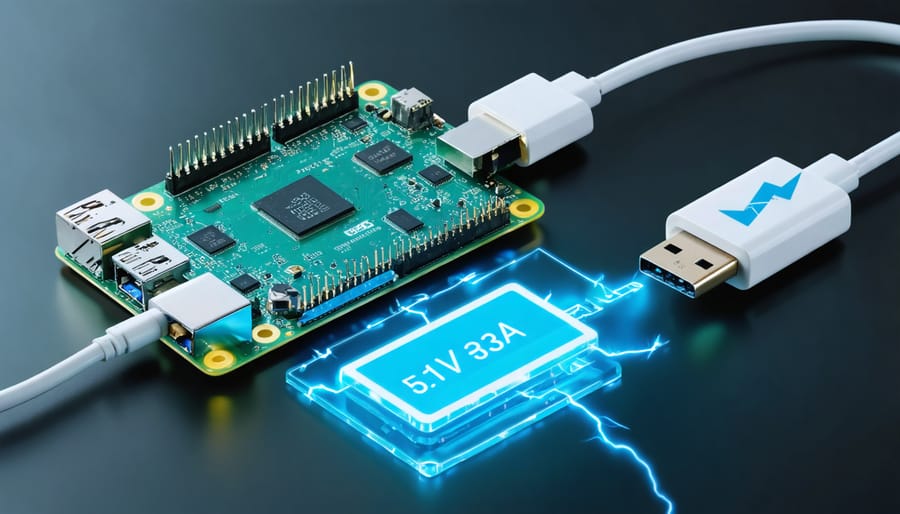
Power your Raspberry Pi 4 Model B correctly or risk unstable performance and potential system damage. The latest model demands significantly more power than its predecessors, requiring a 5.1V/3.0A USB-C power supply to operate reliably. Desktop performance, multiple USB peripherals, and 4K display output push power consumption up to 15 watts during peak usage, making proper power delivery crucial for stability. Understanding these requirements isn’t just about meeting specifications—it’s about ensuring your Pi performs optimally for everything from basic computing to intensive maker projects. Whether you’re upgrading from an older model or starting fresh, selecting the right power supply will determine your project’s success and protect your investment.
Power Requirements Explained
Voltage and Current Specifications
The Raspberry Pi 4 Model B requires a 5.1V DC power supply, with a recommended current capacity of 3.0A delivered through a USB-C connector. While the actual power consumption varies based on workload and connected peripherals, the Pi 4 typically draws between 600mA to 1.2A during normal operation. Under heavy CPU and GPU loads, power consumption can spike up to 2.5A, especially when using power-hungry USB devices or displays.
It’s crucial to maintain a stable voltage within the 5.1V ±5% range, as voltage drops can trigger the under-voltage warning (indicated by a lightning bolt icon) and cause system instability. The power requirements are significantly higher than previous Pi models due to the more powerful processor, USB 3.0 ports, and dual display capability.
For reliable operation, always use a high-quality power supply that meets these specifications. Budget or non-compliant power supplies may work initially but can lead to random crashes, corruption of SD cards, or unexpected behavior under load.
USB-C Power Delivery
The Raspberry Pi 4 Model B features a USB-C power port that supports USB Power Delivery (USB-PD) specifications, marking a significant upgrade from previous models. This power delivery system can provide up to 27W of power, though the Pi 4 typically requires only 15W for optimal performance. The USB-C port ensures better power stability and faster charging capabilities compared to the micro-USB ports used in earlier versions.
However, early batches of the Raspberry Pi 4 had a design quirk that made them incompatible with some “e-marked” USB-C cables, particularly those used with laptops and higher-powered devices. This issue was resolved in later revisions, but if you’re using an older Pi 4, you might need to use simpler USB-C cables or the official Raspberry Pi power supply to ensure reliable operation.
When selecting a USB-C power supply, look for one that can deliver 5V at 3A (15W) for stable performance. While the Pi can operate with lower power supplies, this might lead to undervoltage warnings and potential performance throttling, especially when using power-hungry USB peripherals or running demanding applications.
Common Power Supply Problems
Under-voltage Warnings
The Raspberry Pi 4 Model B features a built-in voltage monitor that helps users identify power-related issues through a distinctive lightning bolt icon. This icon appears in the top-right corner of your screen when the board isn’t receiving adequate power, typically when voltage drops below 4.63V. The warning serves as an important indicator that your Pi isn’t operating under optimal conditions.
When you see the lightning bolt icon, your Pi automatically enters a low-voltage mode, which can lead to several performance impacts. The processor speed may be throttled, USB ports might become unstable, and the overall system performance can decrease significantly. This protective measure helps prevent system crashes and potential data corruption, but it’s not a long-term solution.
Common causes of under-voltage warnings include using an inadequate power supply, low-quality USB cables that can’t handle the required current, or having too many power-hungry peripherals connected simultaneously. To resolve these warnings, ensure you’re using a high-quality power supply rated at 5.1V/3.0A minimum, along with a properly specified USB-C cable. If the problem persists, try disconnecting unnecessary USB devices and check for any visible damage to your power cable or port.
Heat and Performance Issues
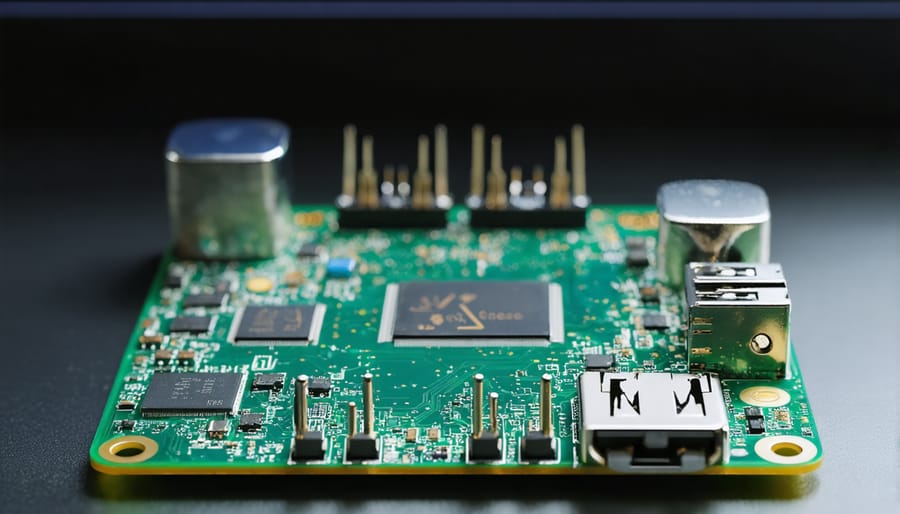
The quality of your power supply directly impacts the performance and stability of your Raspberry Pi 4 Model B, especially during high-performance applications. When the power supply can’t deliver consistent voltage, the Pi may throttle its CPU to prevent damage, resulting in slower performance and potential system instability.
Heat generation is another crucial factor to consider. A stable power supply helps maintain optimal operating temperatures, while an inadequate one can cause the board to run hotter than necessary. The Pi 4’s increased power requirements mean it generates more heat than previous models, making proper power delivery even more critical.
Common signs of power-related performance issues include:
– The lightning bolt symbol appearing in the top-right corner
– Random system freezes or crashes
– Unexpected shutdowns
– SD card corruption
– USB device disconnections
To ensure optimal performance, always use a high-quality power supply that meets or exceeds the recommended specifications. Consider adding a small cooling fan or heatsinks if you’re running demanding tasks, as this will help maintain stable performance even under heavy loads.
Choosing the Right Power Supply
Official vs. Third-party Options
The Raspberry Pi Foundation offers an official 5.1V/3A USB-C power supply specifically designed for the Pi 4 Model B. This power supply provides stable, reliable power and includes built-in protection circuits to safeguard your device. While it comes at a premium price point (typically around $8-12), the official supply ensures full compatibility and optimal performance.
Third-party power supplies are readily available and often cost less, but their quality and reliability can vary significantly. When choosing a third-party option, look for supplies that meet these key specifications: 5.1V output, minimum 3A current capacity, and USB-C connectivity with proper e-marker chips. Popular brands like Anker, RAVPower, and CanaKit offer reliable alternatives that have been tested extensively by the Raspberry Pi community.
Keep in mind that using low-quality power supplies can lead to various issues, including the dreaded “rainbow square” power warning, system instability, and potential damage to your Pi. If you’re using a phone charger or generic power supply, ensure it can deliver consistent 5.1V/3A power. Many standard USB chargers, especially older ones, may not meet these requirements despite advertising “fast charging” capabilities.
For critical projects or continuous operation, investing in the official power supply or a premium third-party alternative is strongly recommended to avoid potential power-related problems.
Power Supply Recommendations
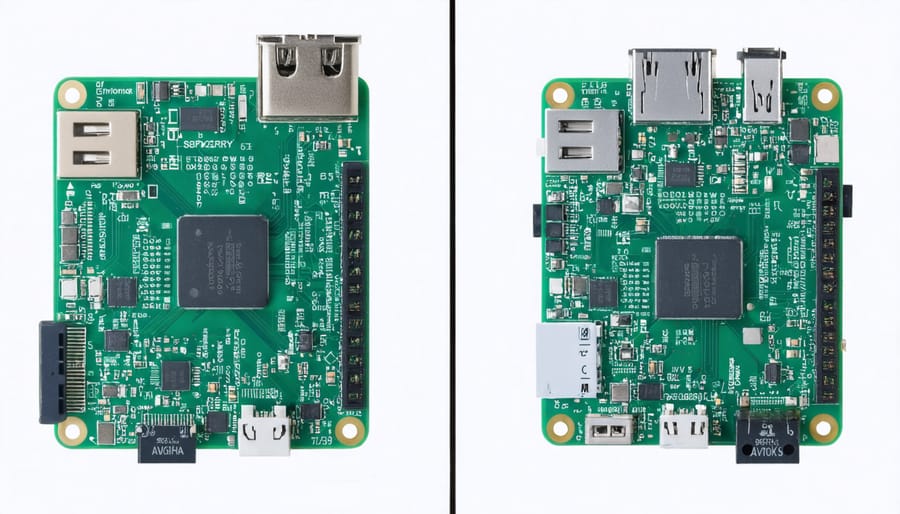
For basic Raspberry Pi 4 usage, such as learning and simple programming tasks, the official Raspberry Pi USB-C power supply rated at 5.1V/3.0A is highly recommended. This supply ensures stable operation and prevents under-voltage warnings that might affect performance.
For projects involving multiple USB peripherals or intensive computing, consider a high-quality 5.1V/3.5A power supply from reputable manufacturers like CanaKit or NETGEAR. These supplies provide additional headroom for power-hungry accessories and help maintain system stability during peak loads.
If you’re planning to use your Pi 4 for media centers or servers that run 24/7, invest in a power supply with built-in protection features against voltage fluctuations and overheating. This becomes particularly important when upgrading to newer models or adding storage devices.
For portable projects, a power bank with Power Delivery (PD) support and at least 18W output capability is essential. Look for models with USB-C output and ensure they can maintain consistent voltage under load. Popular options include Anker and RAVPower power banks that specifically list Raspberry Pi compatibility.
Remember to always use high-quality USB-C cables rated for power delivery to prevent connectivity issues and ensure optimal power transfer to your Pi 4.
Power Monitoring and Management
To effectively monitor and manage your Raspberry Pi 4’s power consumption, several useful tools and techniques are available. The most straightforward method is using a USB power meter, which can be connected between your power supply and the Pi to provide real-time voltage and current readings.
For software-based monitoring, the vcgencmd command is invaluable. By opening a terminal and typing “vcgencmd get_throttled,” you can check if your Pi is experiencing power-related throttling. A return value of 0x0 indicates normal operation, while other values suggest power issues that need attention.
The Raspberry Pi’s LED indicators also serve as basic power monitors. The red power LED should remain steadily lit during normal operation. If it blinks or goes out, this typically indicates insufficient power supply.
For more detailed analysis, consider using tools like PiJuice that provide comprehensive power management features. These solutions can help monitor battery levels, implement safe shutdown procedures, and even schedule power-related tasks.
Temperature monitoring is also crucial as it relates to power consumption. The command “vcgencmd measure_temp” displays the current CPU temperature, helping you identify potential thermal throttling that could affect power requirements.
Remember to regularly check these metrics, especially when adding new USB devices or increasing the CPU load, to ensure your Pi maintains stable power delivery.
Understanding and meeting the power requirements of your Raspberry Pi 4 Model B is crucial for optimal performance and system stability. The recommended power supply specifications include a 5.1V/3.0A USB-C power supply, though a minimum of 2.5A can work for basic setups. Always choose an official power supply or a high-quality third-party option that meets these specifications to avoid undervoltage issues and ensure reliable operation. For projects requiring additional USB peripherals or hardware attachments, opt for the full 3.0A supply to provide adequate power headroom. Remember to monitor for the lightning bolt warning icon, which indicates power problems, and address any issues promptly to protect your Pi and maintain consistent performance. By following these power guidelines, you’ll create a stable foundation for all your Raspberry Pi projects and experiments.