

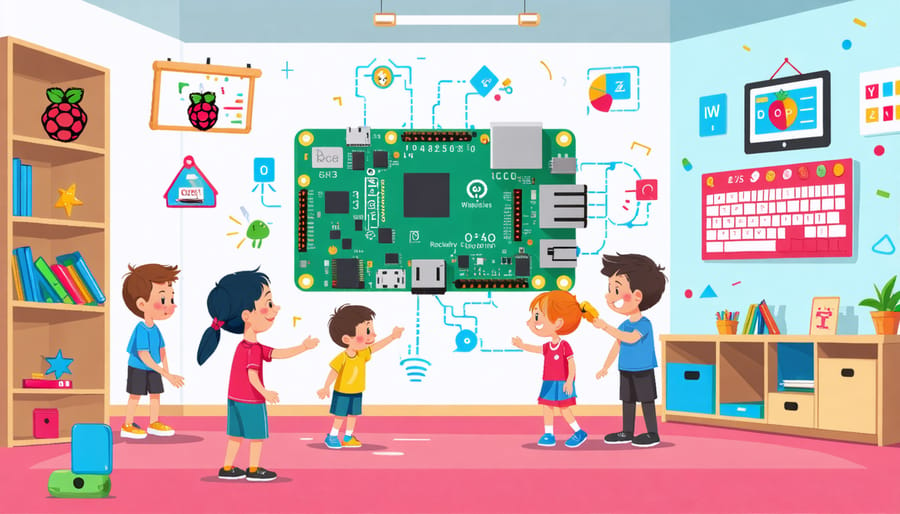
Transform the learning experience for students with autism through customizable assistive technologies that adapt to individual sensory and communication needs. Modern tech solutions, similar to affordable healthcare solutions, now make these tools accessible to every classroom. Raspberry Pi-powered communication boards enable non-verbal students to express themselves effectively, while sensor-based environmental controls help manage sensory overwhelm in real-time. Smart tablets equipped with specialized apps provide visual schedules, social stories, and emotion recognition tools that enhance daily classroom routines and social interactions. These adaptive technologies not only support academic achievement but also foster independence, confidence, and meaningful participation in educational activities.
The latest research demonstrates that implementing assistive technologies can increase classroom engagement by up to 60% for students with autism, while reducing anxiety-related behaviors by 40%. By combining off-the-shelf hardware with custom software solutions, educators can create personalized learning environments that address each student’s unique challenges and strengths, making quality education more accessible and effective for all learners.
Setting Up Your Raspberry Pi for Autism Support
Required Hardware Components
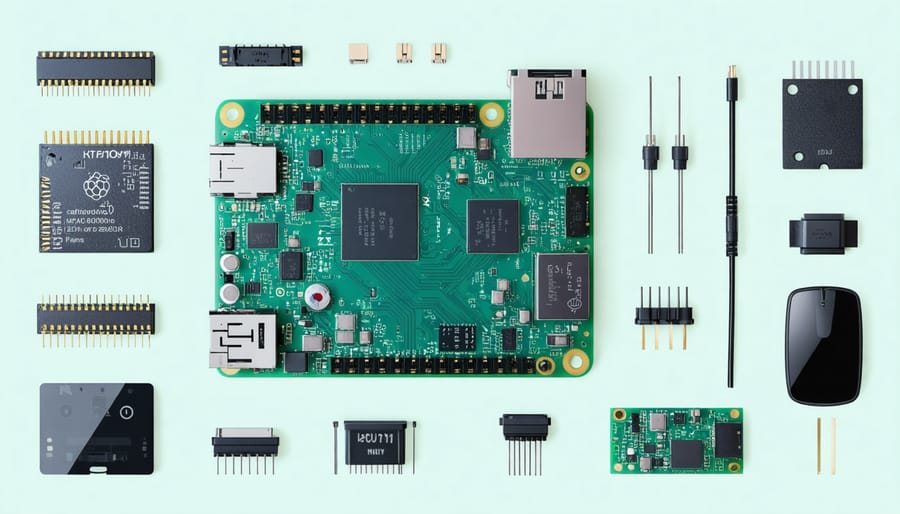
To build an effective assistive technology system for students with autism using a Raspberry Pi, you’ll need several essential components. The core of the system requires a Raspberry Pi 4 Model B (2GB or 4GB RAM version), which offers sufficient processing power and health monitoring capabilities. You’ll also need a microSD card (32GB recommended) for the operating system and applications.
For interaction, include a 7-inch Raspberry Pi official touchscreen display or equivalent, as visual feedback is crucial for autism support applications. A decent quality USB microphone and speakers are necessary for voice recognition and audio feedback features. Consider adding a camera module for visual tracking and recognition tasks.
Additional components include:
– Power supply (5V/3A USB-C)
– Protective case for the Pi and display
– USB keyboard and mouse for initial setup
– HDMI cable
– Basic breadboard and jumper wires for sensor connections
– Optional sensors based on specific needs (light, motion, or pressure sensors)
All components should be readily available from standard electronics suppliers and typically cost under $200 total.
Initial Software Configuration
Begin by installing the latest version of Raspberry Pi OS using the Raspberry Pi Imager. After booting up your system, open the terminal and run ‘sudo apt-get update’ followed by ‘sudo apt-get upgrade’ to ensure all packages are current.
Next, install the essential accessibility packages by entering:
‘sudo apt-get install at-spi2-core speech-dispatcher’
Configure the basic accessibility settings through the Raspberry Pi menu > Preferences > Accessibility. Enable features like screen reader support, high-contrast mode, and keyboard navigation to create a foundation for your assistive technology setup.
Install educational software packages by running:
‘sudo apt-get install gcompris childsplay tuxmath’
Set up automatic login for ease of use:
1. Open ‘sudo raspi-config’
2. Select ‘System Options’
3. Choose ‘Boot / Auto Login’
4. Select ‘Desktop Autologin’
Finally, configure audio settings through the desktop interface to ensure clear sound output for communication tools. Test the system’s response time and adjust display settings to reduce potential sensory overload.
Communication Support Projects
Visual Schedule Creator
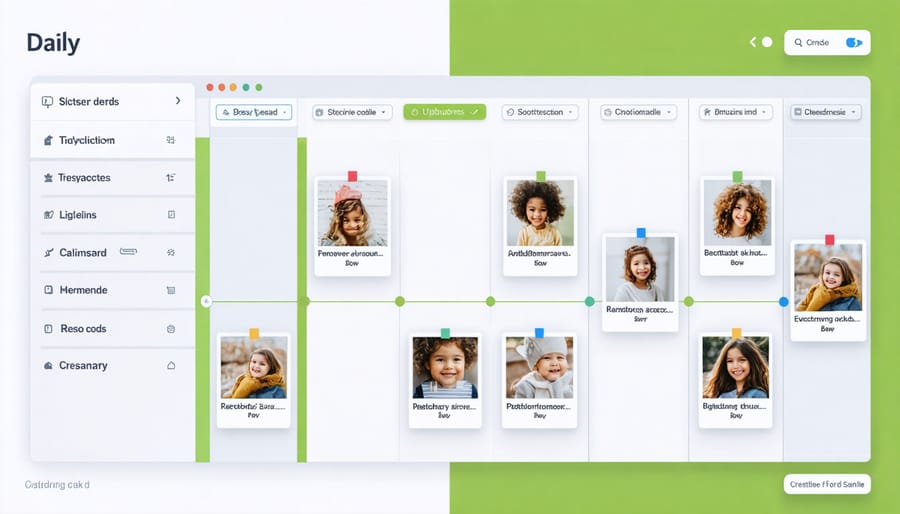
Visual schedules are essential tools for students with autism, helping them understand daily routines and transitions. Using a Raspberry Pi, we can create a dynamic and customizable visual schedule system that’s both cost-effective and user-friendly.
The core of this project uses a touchscreen display connected to the Raspberry Pi, running a Python-based interface. Students can interact with their schedule through simple tap gestures, marking tasks as complete and moving through their day with increased independence.
To build the system, you’ll need a Raspberry Pi 4, a 7-inch touchscreen display, and a microSD card. The interface can be customized using drag-and-drop elements, allowing teachers and caregivers to easily update schedules with new activities, images, and time blocks.
Key features of the visual schedule creator include:
– Customizable picture cards with text labels
– Timer functions for activity duration
– Color-coding options for different types of activities
– Progress tracking and completion rewards
– Audio prompts for transitions
– Multiple schedule templates for different days
The system supports both sequential and choice-based schedules, accommodating different learning styles and needs. Teachers can easily import custom images and create new activity cards through a simple web interface, making last-minute schedule adjustments straightforward.
For enhanced engagement, the system includes optional features like animated transitions, achievement badges, and customizable audio cues. The schedule can also be synchronized across multiple devices, allowing for seamless transitions between classroom and therapy sessions.
Remember to regularly back up schedule templates and student preferences to ensure continuity in case of system updates or hardware changes.
Text-to-Speech Assistant
The Text-to-Speech Assistant project transforms a Raspberry Pi into a powerful communication aid, enabling non-verbal students with autism to express themselves more effectively. This affordable solution uses the Pi’s built-in audio capabilities and a simple interface to convert text input into clear, natural-sounding speech.
To create this assistant, you’ll need a Raspberry Pi (any model with audio output), a display screen, and a USB keyboard or touch screen for input. The project utilizes the Festival text-to-speech engine, which is freely available and supports multiple languages and voices.
Setting up the system involves installing Festival and configuring Python scripts to handle text input and speech output. The interface can be customized with picture-based buttons, commonly used phrases, or a simple keyboard layout, depending on the student’s needs and preferences. For enhanced accessibility, you can add features like word prediction or symbol-based communication.
One significant advantage of this DIY approach is its flexibility. Teachers and caregivers can easily modify the vocabulary, adjust speaking speed, and change voices to match the student’s comfort level. The system can grow with the student, incorporating more advanced features as communication skills develop.
For optimal results, consider adding a quality USB speaker or using the Raspberry Pi’s HDMI audio output for clearer sound. You can also incorporate a portable power bank to make the device mobile, allowing students to communicate effectively throughout their school day.
The entire setup costs significantly less than commercial alternatives while providing comparable functionality. This makes it an excellent option for schools and families seeking cost-effective assistive technology solutions.
Sensory Support Applications
Interactive Light Controller
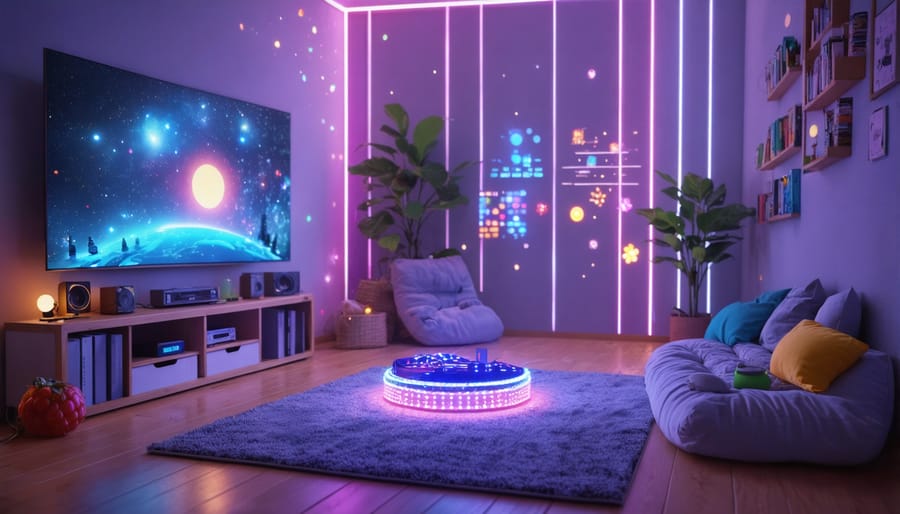
The Interactive Light Controller project harnesses the Raspberry Pi’s versatility to create a customizable lighting system that helps students with autism manage sensory sensitivities. This system allows users to control room lighting intensity, color, and patterns through an intuitive touch interface or programmable schedules.
Using a Raspberry Pi, LED strips, and a touch screen display, students can adjust their environmental lighting to match their comfort levels. The system features preset modes for different activities: a calm blue light for quiet time, warm yellows for social interactions, and gentle fade transitions to prevent sudden changes that might cause distress.
The controller includes options for both manual and automatic operation. Students can independently select their preferred lighting settings, promoting autonomy and self-regulation. For structured environments, teachers or caregivers can program timed transitions that align with daily routines, such as gradually brightening the room before transition periods.
Implementation is straightforward, requiring basic components like LED strips, a power supply, and GPIO connections. The customizable interface can be simplified or expanded based on individual needs, making it adaptable for different age groups and abilities. Color-coded buttons and visual schedules can be incorporated to enhance usability.
This project exemplifies how affordable technology can create responsive environments that support students’ sensory needs while encouraging independence and environmental awareness.
Noise Level Monitor
Environmental noise can significantly impact students with autism, making it difficult to focus and learn effectively. A Raspberry Pi-based noise level monitor offers an innovative solution to this challenge. By combining a USB microphone with the Pi’s processing capabilities, we can create a visual feedback system that helps students and teachers maintain appropriate sound levels in the classroom.
The system uses a simple Python script to continuously measure ambient noise levels through the microphone. When sound levels exceed predetermined thresholds, the system triggers visual alerts through LED lights or a connected display. Green indicates acceptable noise levels, yellow suggests rising volume, and red signals that the environment has become too loud.
To enhance functionality, you can add features like data logging to track noise patterns throughout the day, helping teachers identify particularly challenging times. The system can also send notifications to teachers’ devices when noise levels remain high for extended periods.
Setting up the monitor requires basic components: a Raspberry Pi (any recent model works well), a USB microphone, and optional LED lights for visual feedback. The entire setup typically costs under $50, making it an accessible solution for most classrooms. Additionally, the system can be customized with different sensitivity levels and alert mechanisms to match specific classroom needs and student sensitivities.
This practical tool helps create a more comfortable learning environment while teaching students self-awareness regarding noise levels.
Learning and Skill Development Tools
Custom Learning Games
Custom learning games provide a powerful way to engage students with autism by adapting to their unique learning styles and interests. Using Raspberry Pi, educators can create personalized educational games that target specific skills while maintaining student engagement through familiar themes and appropriate difficulty levels.
The flexibility of Raspberry Pi allows for the development of games that incorporate visual schedules, social stories, and reward systems tailored to each student’s preferences. For example, a math game might feature a student’s favorite cartoon character or use their preferred color scheme to maintain attention and motivation.
These custom games can be designed to address various learning objectives, from basic academic skills to social interaction and communication. Touch-screen interfaces can be implemented for students who struggle with traditional input devices, while text-to-speech capabilities can support those with reading difficulties.
Key features to consider when creating custom games include:
– Adjustable difficulty levels that adapt to student progress
– Clear, consistent visual and audio feedback
– Simple, distraction-free interfaces
– Built-in progress tracking
– Customizable rewards and reinforcement systems
Educators can use Python and Pygame libraries to develop these games, starting with simple templates that can be modified based on individual student needs. The low cost of Raspberry Pi hardware makes it feasible to create multiple game stations, allowing students to practice independently or in small groups while receiving immediate feedback on their progress.
Progress Tracking System
The Progress Tracking System utilizes Raspberry Pi’s versatility to create an engaging and motivating tool for students with autism. Building upon existing progress tracking solutions, this system combines visual feedback with achievement monitoring to create a personalized learning experience.
The system features a user-friendly interface displaying daily tasks, learning objectives, and achievements through colorful icons and simple animations. Students can interact with the interface using touch screens or customizable input methods, marking completed tasks and viewing their progress in real-time.
Key features include customizable achievement badges, progress bars for different skill areas, and a reward system that can be tailored to each student’s interests. The system also generates weekly progress reports, helping educators and parents track improvements across various domains such as communication, social skills, and academic performance.
Using the Raspberry Pi Camera Module, the system can capture and display photos or short videos of successful moments, creating a visual diary of achievements. This feature particularly resonates with visual learners and helps build confidence through concrete evidence of progress.
The data collected can be easily exported for analysis, enabling educators to identify patterns, adjust teaching strategies, and celebrate improvements effectively. This systematic approach to progress monitoring helps maintain motivation while providing valuable insights for educational planning.
The integration of Raspberry Pi technology in supporting students with autism has demonstrated remarkable potential for creating accessible, customizable, and cost-effective solutions. Through custom Raspberry Pi solutions, educators and caregivers can develop tailored learning environments that address individual needs while maintaining affordability. The platform’s versatility allows for continuous adaptation and improvement of assistive tools, ensuring that support strategies can evolve alongside students’ changing requirements.
The success stories and implementations discussed throughout this article highlight how Raspberry Pi-based assistive technologies can significantly enhance communication, social interaction, and learning outcomes for students with autism. The low barrier to entry, both in terms of cost and technical complexity, makes these solutions particularly attractive for schools and families working with limited resources.
Looking ahead, the future of Raspberry Pi in autism support appears increasingly promising. As the maker community continues to grow and share innovations, we can expect to see even more creative applications and refined solutions emerging. The combination of open-source software, affordable hardware, and a supportive community creates an ideal environment for developing the next generation of assistive technologies that will help students with autism thrive in educational settings.