

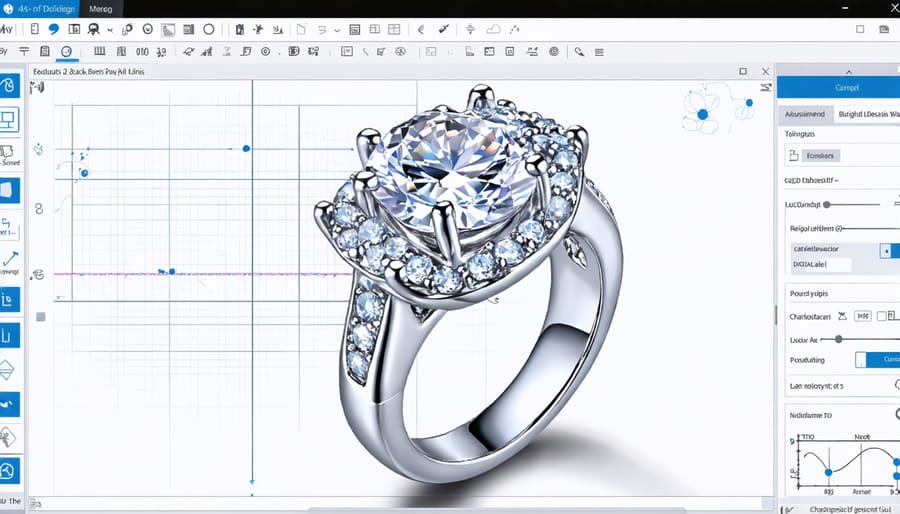
Transform your jewelry design workflow with modern 3D design software, revolutionizing the traditional jewelry prototyping process through precision digital modeling. Today’s specialized CAD programs offer jewelers unprecedented control over intricate details, gemstone settings, and complex geometries while significantly reducing production time and material waste. From rapid prototyping to final manufacturing, these powerful tools enable designers to visualize and refine their creations with photorealistic rendering capabilities, ensuring perfect proportions and structural integrity before moving to production.
Whether you’re an established jewelry house looking to modernize your design process or an independent artist exploring digital fabrication, 3D design software has become an indispensable tool in contemporary jewelry making. The latest generation of jewelry-specific CAD programs combines intuitive interfaces with sophisticated features like parametric modeling, real-time metal weight calculations, and direct-to-casting output capabilities, making the transition from concept to creation more efficient than ever before.
This comprehensive guide explores the leading 3D design solutions tailored specifically for jewelry creation, helping you choose the right software to elevate your craft and streamline your production workflow.
Key Features for Jewelry-Specific 3D Design
Precision Tools and Measurements
In 3D jewelry design software, precision tools and measurement features are crucial for creating pieces that can be accurately manufactured. Most professional-grade software offers measurement capabilities down to 0.001mm, ensuring your designs meet exact specifications. These tools include digital calipers, measurement grids, and snap-to-point functions that help maintain perfect symmetry and proportions.
Key measurement features typically include dimension constraints, which allow you to lock specific measurements for rings, pendants, or stone settings. Advanced software packages offer dynamic measurement tools that update in real-time as you modify your design, helping you maintain proper clearances for stone settings and mechanical components.
For quality control, many programs include analysis tools that check wall thickness, structural integrity, and weight calculations based on material density. These features are essential for ensuring your designs are not only beautiful but also practical to manufacture. Built-in gem measurement tools help you create precise stone settings, while specialized ring-sizing tools ensure your designs meet standard jewelry sizes and can be properly scaled for production.
Gemstone Libraries and Settings
Most modern jewelry design software packages include extensive gemstone libraries featuring thousands of popular cuts and styles. These libraries contain accurate 3D models of common stones like round brilliants, princess cuts, emerald cuts, and fancy shapes, complete with proper faceting and optical properties. Users can easily drag and drop these pre-made gems into their designs while maintaining precise dimensions and proportions.
Advanced programs offer customizable setting options, allowing designers to create prong, bezel, channel, and pavé settings with just a few clicks. The software automatically adjusts the metal framework to securely hold the selected stones while maintaining proper clearances and structural integrity. Some packages even include automated tools for creating graduating stone patterns and complex cluster arrangements.
Many programs also allow users to import custom gem cuts or create their own from scratch using specialized cutting tools. This flexibility enables designers to work with unique stones or experiment with novel cutting patterns. The ability to quickly visualize different stone and setting combinations helps streamline the design process and ensure optimal results before moving to production.
Top Software Solutions for Jewelry Prototyping
Matrix and Rhinoceros
Matrix and Rhinoceros stand as industry titans in professional jewelry design software, each offering unique strengths for different aspects of the creation process. Matrix, developed specifically for jewelers, provides specialized tools for precise stone setting, pavé patterns, and ring sizing. Its intuitive interface includes pre-built components and automated features that streamline the design workflow, making it particularly valuable for traditional jewelry designs.
Rhinoceros (commonly known as Rhino) offers more flexibility with its freeform 3D modeling capabilities. While it wasn’t created exclusively for jewelry, its powerful NURBS-based modeling system allows designers to create complex organic shapes and intricate geometric patterns. When combined with specialized plugins like RhinoGold or Grasshopper, it becomes a comprehensive solution for both traditional and contemporary jewelry design.
Both software packages support high-quality rendering and can export files in formats compatible with 3D printing and CNC machines. Matrix excels in traditional jewelry manufacturing workflows with its industry-specific tools, while Rhino provides more creative freedom for experimental designs. The choice between the two often depends on factors like design style, production methods, and whether the designer needs specialized jewelry tools or more general 3D modeling capabilities.
For professional jewelry workshops, many designers opt to use both programs complementarily, leveraging Matrix’s specialized tools for traditional pieces while utilizing Rhino’s versatility for custom designs.
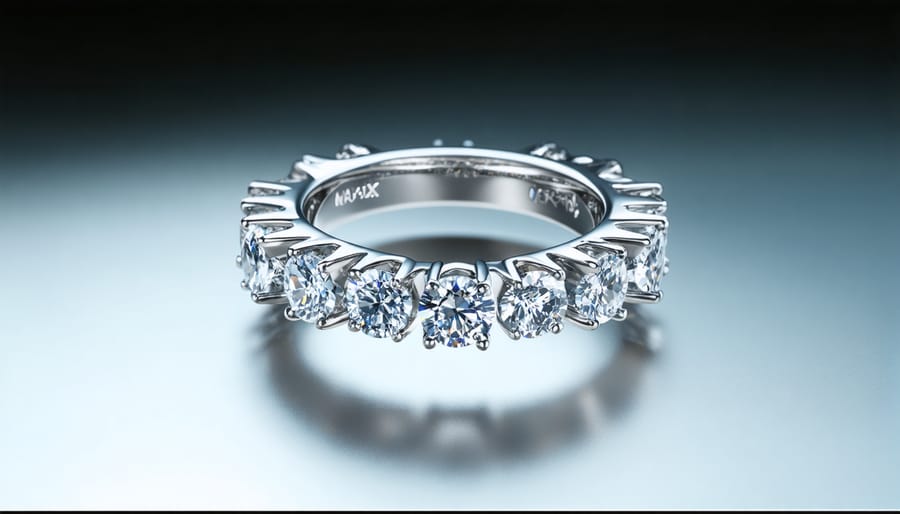
ZBrush for Organic Designs
ZBrush stands out as a powerhouse for creating organic, flowing jewelry designs that capture the natural essence many designers seek to achieve. Its digital sculpting tools allow artists to shape virtual clay with intuitive brush strokes, making it particularly effective for crafting nature-inspired pieces like floral pendants, vine-wrapped rings, and sculptural brooches.
The software’s DynaMesh and ZRemesher features enable designers to maintain smooth, high-quality surfaces while manipulating complex organic forms. This is especially valuable when creating intricate patterns or textures that would be challenging to achieve with traditional CAD tools. ZBrush’s SubTool system allows artists to work on multiple components simultaneously, perfect for designing jewelry sets with consistent organic themes.
One of ZBrush’s strongest advantages is its ability to create highly detailed surface textures. Designers can utilize various brushes and alphas to imprint patterns that mimic natural textures like bark, coral, or leather. The software’s polypainting capabilities also allow for quick visualization of different material finishes.
For jewelry specifically, ZBrush’s precision tools help ensure that organic designs remain manufacturable. Features like ZModeler and Panel Loops assist in creating clean, production-ready models while maintaining the artistic integrity of flowing organic forms. The software’s compatibility with 3D printing workflows makes it an excellent choice for prototyping unique pieces before final production.
Fusion 360 for Technical Precision
Fusion 360’s parametric modeling capabilities make it a powerhouse for technical jewelry design, offering precision-driven features that enable creators to craft intricate pieces with exact specifications. The software’s history timeline feature allows designers to track and modify their designs at any stage, providing unprecedented control over the creative process.
The dimensional constraints system is particularly valuable for jewelry makers, allowing you to establish mathematical relationships between different elements of your design. This means you can create variations of the same piece while maintaining perfect proportions and symmetry. For instance, you can easily adjust the size of a ring while automatically maintaining the proper scaling of its decorative elements.
The software excels in creating complex geometric patterns and repeating elements, essential for modern jewelry design. Its sketch-based modeling approach lets you start with basic 2D profiles and evolve them into sophisticated 3D forms using features like loft, sweep, and revolve commands. These tools are particularly useful when designing pieces with organic curves or precise mechanical components like clasps and settings.
Fusion 360’s built-in rendering capabilities also enable designers to visualize their pieces with realistic materials and finishes, making it easier to communicate designs to clients or workshop technicians. The software’s cloud-based nature facilitates collaboration and version control, essential features for professional jewelry production environments.
Hardware Requirements and Setup
Graphics and Processing Power
For optimal performance with jewelry design software, your 3D design workstation setup should meet specific hardware requirements. At minimum, aim for a modern multi-core processor (Intel i7 or AMD Ryzen 7) and 16GB of RAM. Professional users should consider 32GB RAM for complex designs.
Graphics processing is crucial – a dedicated GPU with at least 6GB VRAM, such as NVIDIA RTX 3060 or better, will ensure smooth rendering and real-time preview capabilities. For storage, combine a 500GB+ SSD for your operating system and active projects with a larger HDD for file archives.
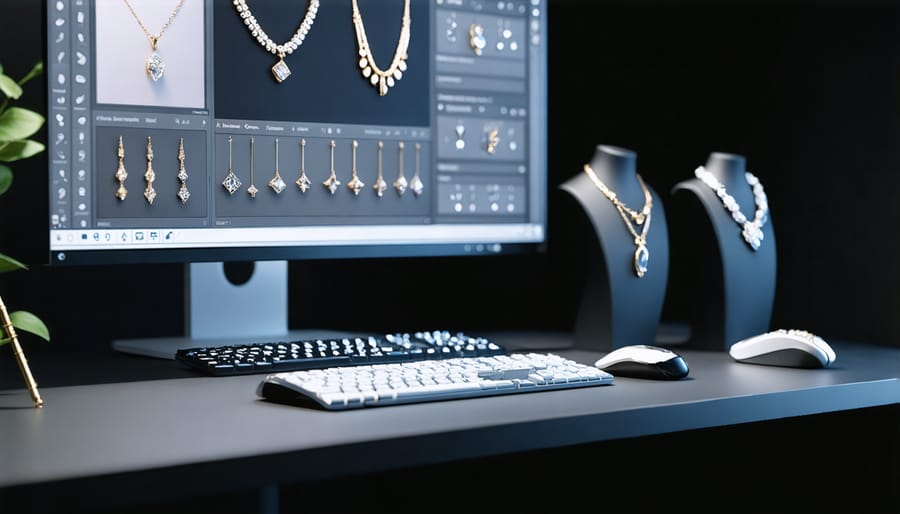
Multi-monitor setups are recommended, with at least one 4K display for detailed work. Consider monitors with high color accuracy and wide color gamut for accurate material and gem visualization. Your system should also include ample USB ports for 3D scanners, tablets, and other peripherals commonly used in jewelry design.
Regular hardware maintenance and updates are essential to maintain optimal performance and prevent workflow interruptions.
3D Input Devices
Specialized input devices play a crucial role in efficient jewelry design, offering precision and control that traditional mice and keyboards can’t match. The most popular device is the 3D mouse, which allows designers to simultaneously pan, zoom, and rotate 3D models with intuitive six-degrees-of-freedom control. Leading models like the 3DConnexion SpaceMouse provide customizable buttons for frequently used commands.
Haptic feedback devices, such as the Geomagic Touch, enable designers to feel virtual objects as they model them, providing a more natural sculpting experience. This tactile feedback is particularly valuable when working on intricate jewelry details and textures.
Graphics tablets and pen displays from manufacturers like Wacom have become essential tools for jewelry designers, offering pressure sensitivity for organic modeling and detailed sketching. The latest pen displays combine the precision of a stylus with a direct-on-screen drawing experience, making them ideal for both initial concept sketching and fine-tuning 3D models.
For those working with scanning and reverse engineering, handheld 3D scanners provide a quick way to digitize existing jewelry pieces or organic forms for modification in CAD software.
Integration with Prototyping Hardware
3D Printing Export Options
When preparing your designs for 3D printing for jewelry, choosing the right export format and settings is crucial for successful prints. The most widely used format is STL (Standard Triangle Language), which is universally supported by 3D printers and slicing software. However, for jewelry-specific applications, other formats like OBJ and 3MF can offer advantages, particularly when dealing with detailed textures and complex geometries.
For optimal results, export your models at the highest resolution settings available. This typically means setting the mesh density to fine or using a tolerance of 0.01mm or lower. Pay special attention to wall thickness parameters – jewelry pieces often require minimum thicknesses of 0.8mm to 1.2mm for structural integrity.
Consider enabling support generation during export if your design includes overhangs or intricate details. Many jewelry-specific slicing programs offer specialized support structures designed to minimize post-processing work while maintaining fine details.
For castable resin printing, ensure your export settings account for shrinkage factors (typically 1-2%) and include any necessary drainage holes for hollow pieces. Export your models in an orientation that minimizes support contact with detailed surfaces and optimizes print quality for your specific printer’s capabilities.
Remember to save both your native design file and the exported print file to maintain editability while ensuring compatibility with your printing workflow.
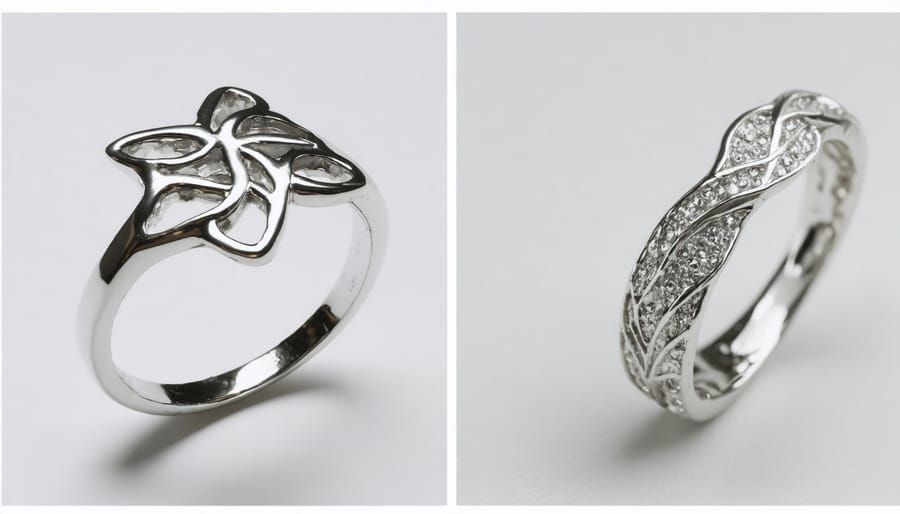
CNC and Casting Integration
Modern 3D design software for jewelry has evolved to seamlessly integrate with traditional jewelry casting methods and CNC machining processes. This integration allows designers to move effortlessly from digital designs to physical pieces while maintaining precise specifications and intricate details.
Leading jewelry design software packages now include specialized tools for preparing models for both CNC milling and casting. These features account for crucial manufacturing considerations such as metal flow patterns, shrinkage compensation, and support structure placement. Designers can analyze their models for potential casting issues and make necessary adjustments before production begins.
The software also generates machine-ready files for CNC systems, automatically calculating tool paths and cutting parameters. This automation reduces production time and minimizes material waste. Many programs offer simulation features that allow designers to preview the manufacturing process, helping identify potential problems before they occur.
For casting applications, these tools can automatically add sprues, vents, and gates to designs, ensuring proper metal flow during the casting process. They also include utilities for creating molds and determining optimal positioning for multiple pieces in a single casting tree, maximizing efficiency in production runs.
This technological bridge between design and manufacturing has significantly streamlined the jewelry production workflow, making it possible to create more complex designs while maintaining consistency and quality in the final pieces.
Choosing the right 3D design software for jewelry making is a crucial decision that can significantly impact your creative workflow and business success. Throughout this guide, we’ve explored various software options that cater to different skill levels and requirements, from beginner-friendly programs to professional-grade solutions.
For those just starting their journey in digital jewelry design, programs like Blender and Fusion 360 offer excellent entry points with their free versions and comprehensive learning resources. These platforms provide essential features while allowing users to grow their skills progressively.
More experienced designers and professional jewelers might find advanced solutions like Rhino with MatrixGold or 3Design CAD more suitable for their needs. These specialized tools offer jewelry-specific features that streamline the design process and ensure manufacturing compatibility.
When selecting your software, consider these key factors:
– Your current skill level and learning curve requirements
– Budget constraints and long-term investment plans
– Specific jewelry design features needed
– Hardware compatibility and system requirements
– Available training resources and community support
– Integration capabilities with existing workflow
Remember that many software providers offer trial versions, allowing you to test their features before making a commitment. It’s worth exploring multiple options to find the perfect fit for your unique needs. As technology continues to evolve, staying informed about software updates and new features will help you maintain a competitive edge in the jewelry design industry.