

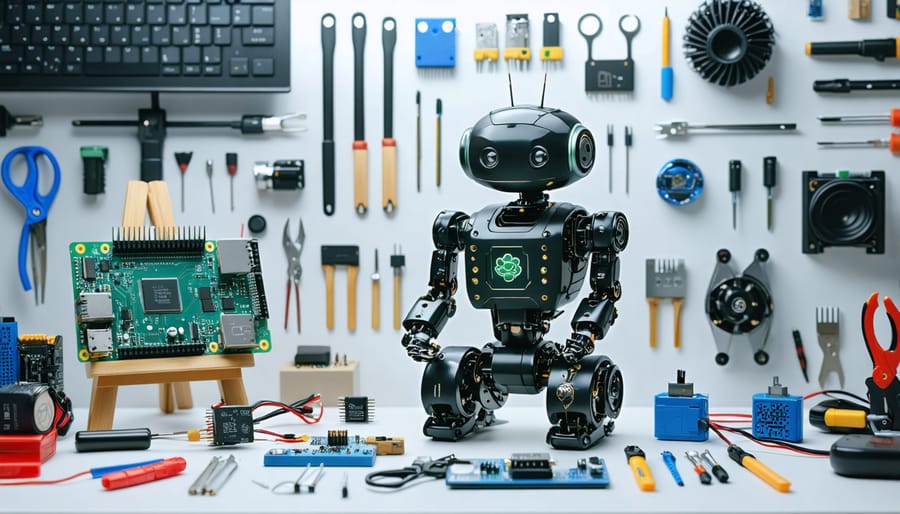
Transform your DIY robotics dreams into reality with Raspberry Pi robotics kits – the perfect fusion of affordable computing and hands-on engineering. Whether you’re mastering Raspberry Pi basics or diving into advanced automation, these versatile kits offer everything needed to build sophisticated robots, from simple wheeled platforms to complex articulated arms.
Modern Pi robotics kits pack powerful features like HD cameras for computer vision, precise servo controls, and comprehensive sensor arrays, all programmable through beginner-friendly interfaces like Python and Scratch. Leading manufacturers now offer pre-configured kits with detailed documentation, eliminating traditional barriers to entry while maintaining unlimited potential for customization and expansion.
For educators, makers, and tech enthusiasts, these kits represent an ideal starting point for exploring robotics, artificial intelligence, and physical computing. Each component serves as a building block in your robotics journey, offering practical experience with real-world engineering challenges while developing valuable programming and electronics skills.
What to Look for in a Raspberry Pi Robotics Kit
Core Components
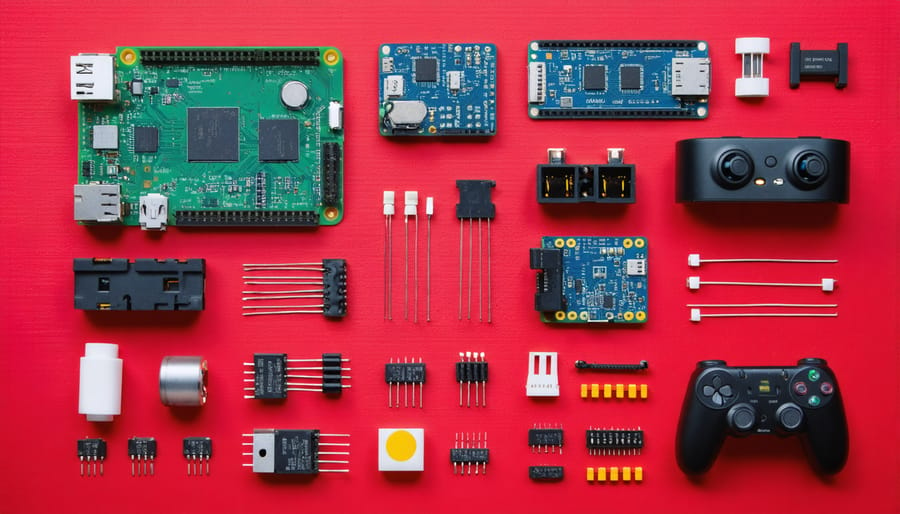
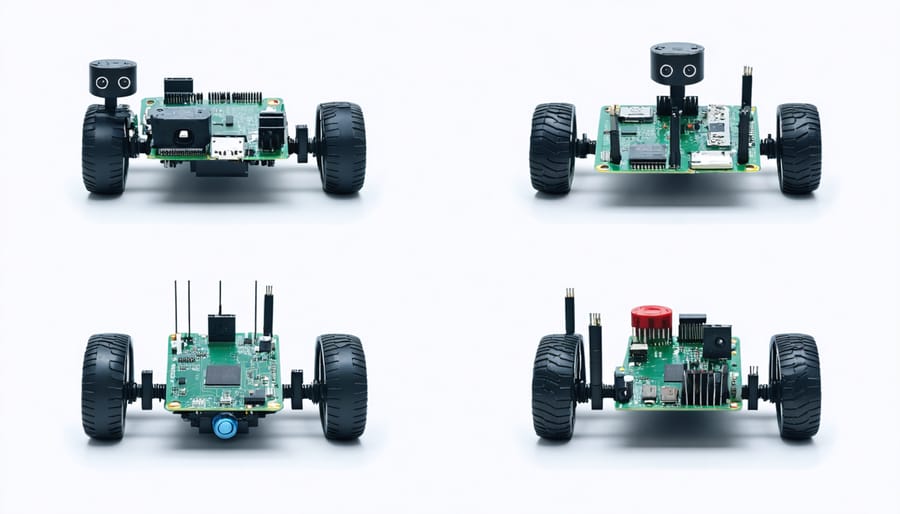
A quality Raspberry Pi robotics kit should include several essential components that form the foundation of any robotics project. The heart of the system is, of course, the Raspberry Pi board itself, which serves as the brain of your robot. To bring your creation to life, you’ll need motors – typically DC motors or servo motors – that enable movement and manipulation.
Motor drivers or motor controller boards are crucial as they act as intermediaries between the Raspberry Pi and the motors, managing power distribution and movement control. A chassis or structural framework provides the physical platform for your robot, while wheels or tracks (depending on your design) enable mobility.
For interaction with the environment, sensors are indispensable. Basic kits should include at least a few fundamental sensors such as ultrasonic distance sensors, line followers, or IR sensors. A reliable power supply, usually in the form of rechargeable batteries and a battery holder, ensures your robot can operate independently.
Connection components like jumper wires, breadboards, and basic electronic components (resistors, LEDs) round out the essential elements needed to bring your robotic creation to life.
Skill Level Considerations
Selecting the right Raspberry Pi robotics kit based on your skill level is crucial for a rewarding learning experience. Beginners should start with entry-level kits that offer detailed documentation, basic components, and step-by-step assembly guides. These typically include pre-configured software and straightforward programming interfaces, allowing newcomers to focus on fundamental concepts without becoming overwhelmed.
Intermediate users can explore kits that offer more sophisticated sensors, advanced motor controls, and opportunities for custom programming. These kits often require some familiarity with Python programming and basic electronics concepts but provide more flexibility for creative projects.
Advanced makers should look for kits that offer complex functionalities like computer vision, machine learning capabilities, or advanced navigation systems. These kits typically come with minimal hand-holding and expect users to be comfortable with programming, electronics troubleshooting, and independent problem-solving.
Remember that it’s better to master the basics with a simpler kit than to struggle with an advanced one that might lead to frustration. Many manufacturers provide difficulty ratings or recommended experience levels for their kits, which can help guide your choice.
Top Raspberry Pi Robotics Kits for Different Users
Best for Beginners
For those just starting their journey into Raspberry Pi robotics, the CamJam EduKit 3 stands out as an excellent entry point. This affordable kit includes all the essential components needed to build a basic robot, along with comprehensive step-by-step documentation that makes assembly straightforward for beginners.
The Freenove 4WD Car Kit is another beginner-friendly option that comes with detailed tutorials and clear assembly instructions. Its sturdy chassis and pre-cut components minimize the need for complex tools or technical expertise, allowing newcomers to focus on learning basic robotics concepts and programming.
SunFounder’s PiCar-S Kit deserves special mention for its educational approach. The kit features modular components that snap together easily and includes well-structured learning materials that guide users from basic assembly to advanced programming concepts. The included Python code examples help beginners understand how their robot’s movements correspond to actual programming commands.
For absolute beginners seeking maximum guidance, the GoPiGo3 from Dexter Industries offers a nearly perfect starting point. Its robust documentation, active community support, and simple block-based programming options make it ideal for learning. While slightly pricier than other options, the educational value and smooth learning curve make it a worthwhile investment for those serious about getting into robotics.
Remember to start with basic movements and gradually progress to more complex features as you build confidence with your chosen kit.
Advanced Builder Options
For advanced builders seeking more sophisticated robotics projects, several high-end Raspberry Pi kits offer enhanced capabilities and complex programming opportunities. These kits typically include advanced sensors, multiple servo motors, and comprehensive control systems that enable more intricate movements and interactions.
The PiBot Pro series, for instance, features machine learning capabilities, allowing your robot to recognize objects and adapt to its environment. With advanced GPIO pin programming, you can create complex behavioral patterns and autonomous navigation systems.
Many advanced kits incorporate additional components like high-resolution cameras for computer vision projects, LiDAR sensors for precise mapping, and wireless modules for remote control capabilities. The RoboMaster X series stands out with its professional-grade actuators and metal chassis, perfect for building robust mobile platforms or articulated robotic arms.
Programming these advanced kits often involves working with ROS (Robot Operating System), Python libraries for machine learning, or C++ for optimal performance. Some kits include specialized development boards that extend the Pi’s capabilities, offering real-time processing and enhanced motor control.
Consider kits that offer expandability through standardized mounting points and compatible add-on modules. This allows you to gradually enhance your robot’s capabilities as your skills grow, without needing to start from scratch with each new feature you want to implement.
Educational Kits
Educational Raspberry Pi robotics kits offer structured learning experiences perfect for classroom environments and organized study groups. These kits typically come with comprehensive curriculum materials, detailed lesson plans, and student worksheets that align with STEM education standards.
Popular educational kits like the CamJam EduKit and the Raspberry Pi Workshop Kit include step-by-step tutorials that guide students through basic electronics, programming concepts, and robotics principles. These kits often feature durable components designed to withstand repeated use by multiple students and come with backup parts for common wear items.
Most educational kits emphasize collaborative learning and problem-solving skills. They typically include multiple sensor types, motors, and structural components that allow students to experiment with different robot configurations. Many also feature special safety considerations, such as voltage-limited circuits and rounded edges on mechanical parts.
Teachers particularly appreciate kits that come with assessment tools and project-based learning materials. Some advanced educational kits include features like classroom management software, allowing instructors to monitor student progress and provide remote assistance when needed.
For schools on a budget, several manufacturers offer bulk purchasing options and educational discounts. Many kits also include free access to online resources, including video tutorials, coding examples, and community forums where educators can share experiences and lesson plans.
Getting Started with Your Kit
First-Time Setup Tips
Before diving into your robotics kit assembly, proper preparation will save you time and prevent potential frustrations. Start by creating a clean, static-free workspace with good lighting and plenty of room to spread out your components. Keep a small container handy for tiny screws and parts to prevent losing them during assembly.
Install the latest version of Raspberry Pi OS on your microSD card and verify it boots correctly before installing it in your robot. Download and test any required software or libraries mentioned in your kit’s documentation. This ensures you won’t face compatibility issues mid-build.
Organize your components by category (electronics, structural parts, sensors, etc.) and cross-reference them with the kit’s inventory list. Check that all parts are present and undamaged. Charge any included batteries or power banks fully before beginning.
Keep essential tools within reach: a precision screwdriver set, wire strippers, and a multimeter are must-haves. Having a camera or smartphone ready to document your build process can be helpful for troubleshooting or future reference.
Read through the entire instruction manual before starting. Many kits have online resources, forums, or video tutorials – bookmark these for quick access. If your kit requires any calibration tools or specific software, download and familiarize yourself with them beforehand.
Remember to back up any existing Raspberry Pi projects before dedicating it to your robotics kit. This preparation ensures a smooth building experience and sets you up for success in your robotics journey.
Common Pitfalls to Avoid
When starting with Raspberry Pi robotics kits, several common mistakes can hinder your progress. One frequent error is underestimating power requirements. Always ensure you have a reliable power supply that matches your kit’s specifications, as insufficient power can cause erratic behavior and system crashes.
Another pitfall is rushing through the initial setup. Take time to properly organize your workspace and double-check all connections before powering up. Many beginners skip reading the documentation thoroughly, leading to improper assembly or configuration issues. The manual is your best friend – don’t ignore it!
Component handling is critical. Static electricity can damage sensitive electronic parts, so always ground yourself before handling components. Additionally, avoid forcing connectors or applying excessive pressure when assembling parts, as this can result in broken components or bent pins.
Software configuration mishaps are also common. Make sure to backup your SD card after initial setup and regularly save your code. Many beginners forget to update their Raspberry Pi’s operating system and libraries, leading to compatibility issues.
Temperature management is often overlooked. Without proper ventilation or heat sinks, your Raspberry Pi can throttle or shut down unexpectedly. Monitor your system’s temperature during operation, especially when running resource-intensive programs.
Lastly, avoid the temptation to tackle complex projects immediately. Start with basic tutorials and gradually build up to more advanced projects as you gain confidence and experience.
Expanding Your Robot’s Capabilities
Adding Sensors
Adding sensors to your Raspberry Pi robotics kit can dramatically enhance its capabilities and create more interactive projects. When working with Pi sensors, you’ll find several popular options that serve different purposes. Distance sensors, like the HC-SR04 ultrasonic sensor, enable your robot to detect obstacles and navigate autonomously. Light-dependent resistors (LDRs) allow your robot to respond to ambient light levels, while infrared sensors are perfect for line-following applications and obstacle detection.
Temperature and humidity sensors, such as the DHT11 or DHT22, can help your robot monitor environmental conditions. For more advanced projects, consider adding an IMU (Inertial Measurement Unit) that combines accelerometer and gyroscope functionality, enabling precise movement control and balance.
Motion sensors like the PIR (Passive Infrared) sensor can detect movement, making your robot responsive to human presence. Sound sensors and microphones allow for voice control capabilities, while touch sensors create interactive experiences. Most of these sensors are affordable and connect easily to the Raspberry Pi’s GPIO pins, making them excellent choices for expanding your robot’s functionality.
Programming Extensions
Once you’ve mastered the basic functionality of your Raspberry Pi robotics kit, you can enhance its capabilities through programming extensions. Starting with Python programming basics, you can add features like advanced sensor processing, machine learning capabilities, and autonomous navigation systems.
Popular extensions include OpenCV for computer vision, allowing your robot to recognize objects and faces, and TensorFlow Lite for implementing basic AI functionality. By incorporating these libraries, your robot can make intelligent decisions based on its environment.
For enhanced motion control, consider implementing ROS (Robot Operating System) packages, which offer pre-built solutions for path planning and obstacle avoidance. The GPIO Zero library can help simplify hardware interactions, while the PiCamera library enables advanced camera functions for visual navigation.
You can also create custom web interfaces using Flask or Django frameworks, allowing you to control your robot remotely through a browser. For real-time operations, adding WebSocket support enables smooth video streaming and immediate response to commands.
Remember to maintain proper error handling and implement safety checks when adding new features to prevent damage to your robot or its surroundings.
Embarking on your Raspberry Pi robotics journey is an exciting step into the world of DIY technology and automation. Whether you’re a complete beginner or an experienced maker, these versatile kits offer endless possibilities for learning and creation. From basic wheeled robots to advanced AI-powered projects, the skills you’ll develop are invaluable in today’s tech-driven world.
Remember that the best kit for you depends on your experience level, budget, and project goals. Start with a kit that matches your current skills, but don’t be afraid to challenge yourself as you progress. The modular nature of these kits means you can always expand and upgrade your projects as your expertise grows.
The Raspberry Pi community is incredibly supportive, offering countless resources, tutorials, and forums where you can share experiences and seek help. Don’t let initial challenges discourage you – every maker started somewhere, and the learning process is part of the adventure.
Take that first step today. Choose a kit that speaks to your interests, follow the guides, and start building. Your journey into Raspberry Pi robotics awaits!