


Generative AI design is revolutionizing digital fabrication by automating complex design processes and enabling unprecedented creative possibilities. By harnessing machine learning algorithms, designers and makers can now generate countless design variations, optimize structural elements, and solve complex engineering challenges in minutes rather than weeks. This transformative technology bridges the gap between human creativity and computational power, allowing creators to explore design spaces previously impossible to navigate manually.
The integration of generative AI with digital fabrication tools has sparked a new era of manufacturing innovation. From optimizing topology in 3D-printed parts to creating organic architectural forms, AI-powered design tools are reshaping how we approach product development and creative problem-solving. Whether you’re a maker working with a Raspberry Pi to control your 3D printer or an industrial designer streamlining production processes, generative AI offers powerful solutions that combine efficiency with unprecedented creative freedom.
For hobbyists and professionals alike, understanding generative AI design isn’t just about keeping pace with technology – it’s about unlocking new possibilities in digital fabrication that were previously unimaginable. As these tools become more accessible and user-friendly, they’re democratizing advanced design capabilities and empowering a new generation of creators to push the boundaries of what’s possible in digital manufacturing.
How Generative AI is Revolutionizing Digital Design
Machine Learning vs. Traditional CAD
While traditional CAD software relies on precise manual input and predefined parameters, machine learning approaches design challenges from a completely different angle. Instead of starting with exact measurements and specifications, AI-powered design tools learn from vast datasets of successful designs and can generate multiple iterations based on specified requirements and constraints.
The AI approach excels at exploring innovative solutions that human designers might not consider, often discovering unexpected yet effective design possibilities. It can rapidly generate and evaluate thousands of design variations in the time it would take a human designer to create just a few alternatives. This is particularly valuable when dealing with complex optimization problems or when multiple competing factors need to be balanced.
However, AI doesn’t replace human creativity – it enhances it. While the AI can generate numerous options, designers still need to evaluate these suggestions, refine them, and ensure they meet practical requirements. This hybrid approach combines the computational power of AI with human expertise to create more efficient and innovative designs.
Real-time Design Optimization
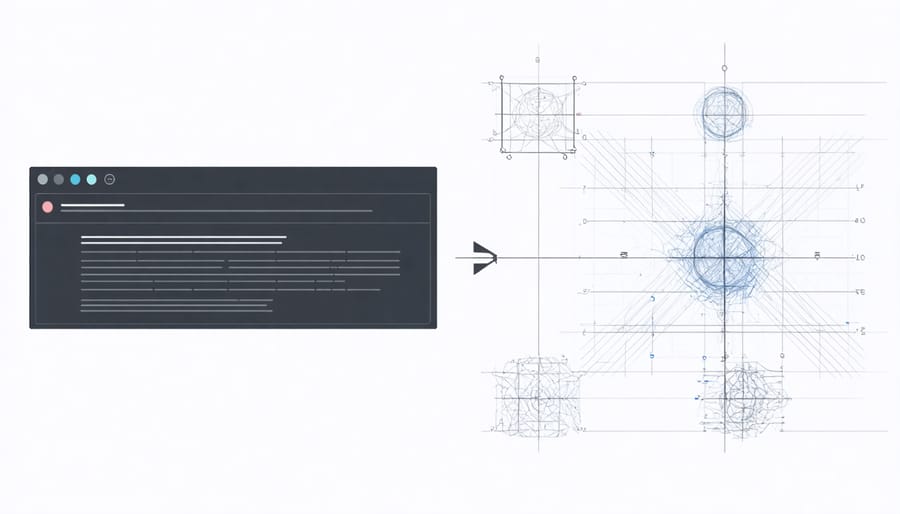
Real-time design optimization represents one of the most powerful features of generative AI in digital fabrication. As designs are created or modified, AI algorithms continuously analyze and suggest improvements based on multiple parameters such as structural integrity, material efficiency, and manufacturing constraints. Think of it as having a highly skilled design assistant that works at lightning speed, offering instant feedback and refinements.
The system learns from each iteration, building upon successful design elements while identifying and correcting potential weaknesses. For instance, when designing a 3D-printable bracket, the AI might automatically adjust wall thickness in high-stress areas or optimize support structures for better print quality. This dynamic optimization process happens in milliseconds, allowing designers to explore multiple variations quickly.
What makes this particularly valuable is its ability to balance competing factors. While a human designer might focus on one aspect at a time, AI simultaneously considers material costs, manufacturing time, structural requirements, and aesthetic preferences. This holistic approach leads to more efficient, practical, and innovative designs that might not be immediately obvious to human designers.
Implementing AI Design Tools with Raspberry Pi
Required Hardware Setup
To get started with generative AI design projects, you’ll need a reliable hardware foundation. At the core of your setup should be a Raspberry Pi 4 Model B with at least 4GB RAM – though 8GB is recommended for more complex generations. If you’re new to this platform, check out our guide on Raspberry Pi setup basics before proceeding.
Essential components include:
– A microSD card (32GB minimum, Class 10 or higher)
– 5V/3A USB-C power supply
– Active cooling solution (fan or heatsink)
– Display with HDMI input
– USB keyboard and mouse
– Ethernet connection or Wi-Fi adapter
For optimal performance, consider adding:
– GPU accelerator (like Google Coral or Intel Neural Compute Stick)
– External SSD for faster storage
– Dedicated camera module for visual input
– Quality case with proper ventilation
Your power supply must be stable and reliable, as generative AI processes can be resource-intensive. While basic models can run on standard equipment, more advanced projects may require additional computational power. Remember to maintain proper cooling, as these applications can push your hardware to its limits.

Software Integration Steps
To get started with generative AI design tools on your Raspberry Pi, you’ll need to follow a systematic installation process. Begin by ensuring your Pi is running the latest version of Raspberry Pi OS and has at least 4GB of available storage space.
First, open the terminal and update your system:
“`
sudo apt update && sudo apt upgrade -y
“`
Next, install the required dependencies:
“`
sudo apt install python3-pip python3-venv
“`
Create a new virtual environment for your generative AI projects:
“`
python3 -m venv genai-env
source genai-env/bin/activate
“`
Install the necessary Python libraries:
“`
pip install tensorflow torch stable-diffusion-sd
“`
For the web interface setup, install the frontend components:
“`
pip install gradio
“`
Configure your environment variables by creating a .env file:
“`
touch .env
nano .env
“`
Add your API keys and paths:
“`
MODEL_PATH=/path/to/models
API_KEY=your_key_here
“`
Finally, test your installation by running a simple generation script:
“`
python3 test_generation.py
“`
Remember to monitor your Pi’s temperature and CPU usage during initial setup, as some models can be resource-intensive. Consider using a cooling solution if you plan to run extended generation sessions.
Performance Optimization Tips
To maximize your Raspberry Pi’s performance for generative AI design tasks, start by implementing effective cooling system optimization to prevent thermal throttling. Overheating can significantly impact your AI processing capabilities, so consider adding heat sinks and active cooling solutions.
Optimize your system resources by closing unnecessary background processes and services. Use lightweight desktop environments like LXDE or disable the GUI entirely when running headless AI applications. Configure your GPU memory split appropriately; for AI tasks, allocate more memory to the GPU (typically 128-256MB) through raspi-config.
Storage optimization is crucial. Use a high-quality Class 10 microSD card or consider booting from USB SSD for better performance. Implement swap space management by either disabling swap for SD card longevity or moving it to a separate USB drive for better performance.
Take advantage of hardware acceleration when available. Many modern AI frameworks support ARM-specific optimizations. Use TensorFlow Lite or other optimized libraries designed specifically for edge devices. Consider using model quantization to reduce computational overhead while maintaining acceptable accuracy.
Monitor system performance using tools like htop or GPIO-based temperature sensors. This helps identify bottlenecks and optimize your workflow accordingly. Remember to regularly update your system and AI frameworks to benefit from the latest performance improvements and bug fixes.
Practical Applications and Project Ideas
3D Printing Optimization
Generative AI is revolutionizing 3D printing fundamentals by introducing smart optimization techniques that significantly improve print quality and efficiency. These AI-powered systems analyze model geometry, material properties, and printing parameters to make real-time adjustments during the printing process.
Machine learning algorithms can now predict and prevent common printing issues like warping, stringing, and layer separation before they occur. By analyzing thousands of successful and failed prints, these systems learn to identify optimal print settings for specific models and materials, reducing waste and saving time for makers.
The integration of computer vision and AI enables real-time print monitoring, automatically detecting defects and making necessary adjustments to speed, temperature, and flow rate. This smart monitoring system can pause prints when issues are detected, notify users of problems, and even suggest corrections for future prints.
For Raspberry Pi enthusiasts, implementing AI optimization tools can be particularly rewarding. Simple neural networks running on a Pi can monitor print progress through a connected camera, while machine learning models can analyze G-code to suggest improvements before printing begins. These optimizations not only enhance print quality but also extend the lifespan of your printer by ensuring optimal operating conditions.
Custom Part Generation
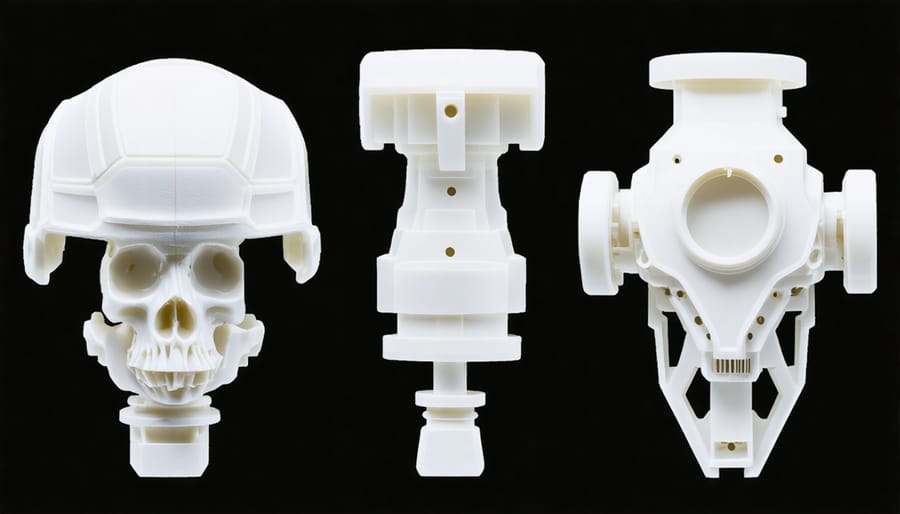
Custom part generation through generative AI has revolutionized the way makers and designers approach parametric design. Instead of manually creating variations of parts, AI algorithms can now automatically generate multiple design options based on specified parameters and constraints. This process saves countless hours of design time while exploring innovative solutions that humans might not have considered.
The system works by taking basic parameters like dimensions, material properties, and functional requirements as input. These parameters are then processed through machine learning models that understand design principles and engineering constraints. The AI can generate dozens or even hundreds of viable design variations in minutes, each meeting the specified requirements while optimizing for factors like weight, strength, or material usage.
For makers using Raspberry Pi, several open-source tools now enable custom part generation right from their workbench. These tools can interface with common CAD software and 3D printers, creating a seamless workflow from design to fabrication. The generated designs can be fine-tuned using sliders and controls, allowing makers to adjust parameters in real-time and see how changes affect the final design.
The real power lies in combining this technology with simulation tools. Designs can be automatically tested for structural integrity, heat distribution, or aerodynamics before being produced, significantly reducing prototyping costs and iteration time. This approach is particularly valuable for creating custom brackets, enclosures, and mechanical components that need to meet specific requirements while maintaining optimal performance characteristics.
Future Developments and Opportunities
The future of generative AI design holds exciting possibilities, particularly in the realm of digital fabrication and maker projects. As computational power continues to increase and algorithms become more sophisticated, we can expect to see more accessible and powerful design tools emerging for hobbyists and educators.
One significant trend is the development of more intuitive user interfaces that combine AI assistance with traditional design workflows. These hybrid systems will allow makers to quickly iterate through designs while maintaining creative control, making complex projects more approachable for beginners while offering advanced capabilities for experienced users.
Machine learning models are becoming increasingly capable of understanding context and design constraints, leading to more practical and feasible output. Future developments will likely include AI systems that can automatically adjust designs based on available materials, manufacturing capabilities, and specific project requirements. This could revolutionize how makers approach custom parts and modifications for their Raspberry Pi projects.
Another promising area is the integration of generative AI with real-time feedback systems. Imagine a design tool that can analyze your project’s performance data and automatically suggest improvements to your 3D-printed components or circuit board layouts. This kind of adaptive design capability could significantly reduce the trial-and-error phase of project development.
The maker community can also look forward to more collaborative AI tools that can learn from and share design knowledge across projects. These systems could help identify common patterns and solutions, making it easier for newcomers to build upon existing successful designs while maintaining originality.
Looking ahead, we may see the emergence of specialized AI design assistants tailored specifically for maker projects, capable of understanding both the technical requirements and aesthetic preferences of individual users. This personalization could lead to more efficient and enjoyable project development experiences for makers at all skill levels.
Generative AI design represents a transformative force in digital fabrication, offering makers and tech enthusiasts unprecedented opportunities to create, innovate, and solve complex design challenges. Throughout this exploration, we’ve seen how these tools can enhance creativity while streamlining the design process, particularly when integrated with platforms like Raspberry Pi.
The key takeaway is that generative AI isn’t replacing human creativity – it’s augmenting it. By combining traditional design principles with AI-powered tools, makers can push the boundaries of what’s possible in their projects. The ability to rapidly prototype, iterate, and optimize designs has never been more accessible to hobbyists and educators alike.
Looking ahead, the next steps for getting started with generative AI design are clear: begin with simple projects to understand the basics, gradually incorporate more complex AI models as your confidence grows, and always keep the end-user experience in mind. Whether you’re creating custom enclosures, optimizing component layouts, or designing interactive installations, the possibilities are limitless.
Remember to stay current with emerging tools and techniques in this rapidly evolving field. Join online communities, participate in forums, and share your experiences with fellow makers. As generative AI technology continues to advance, we can expect even more exciting developments that will further democratize design and innovation in the maker community.